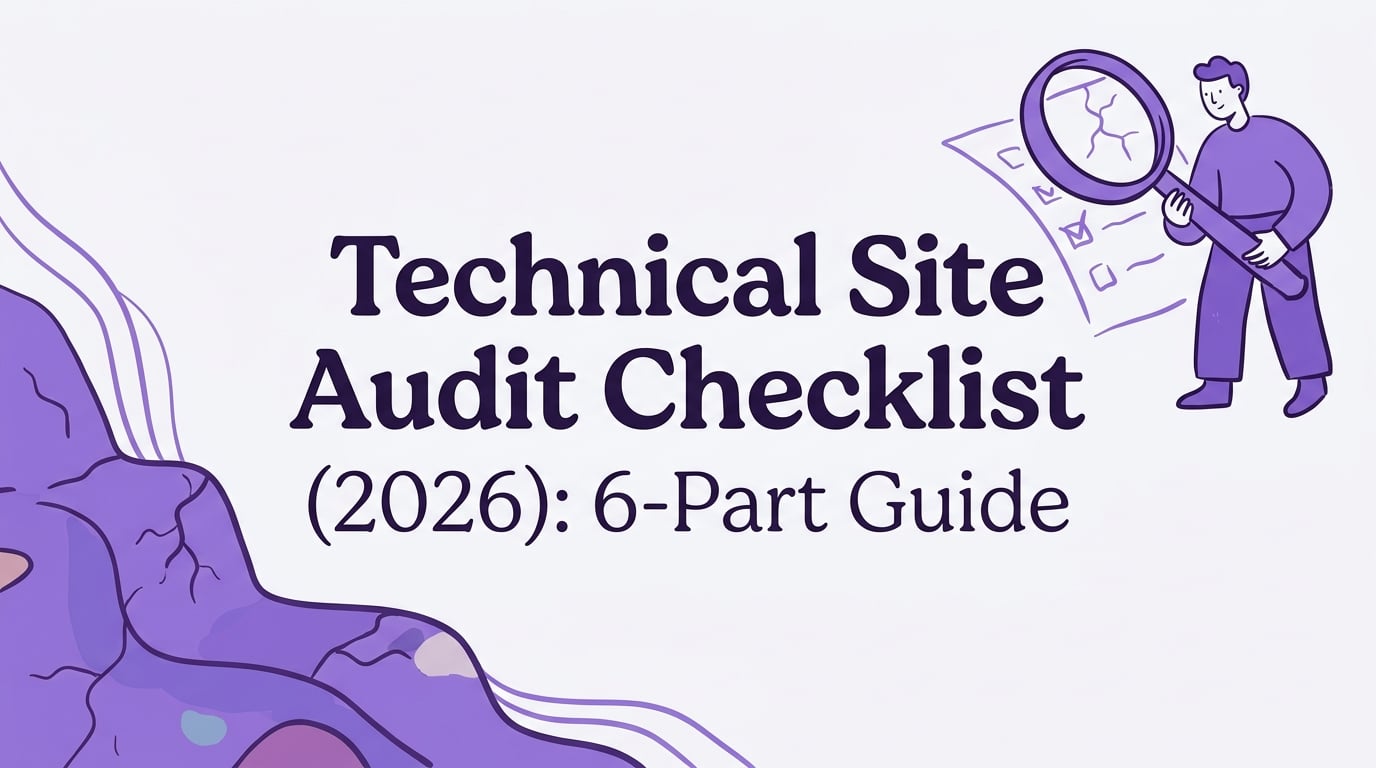
Think of your website’s technical health as the foundation of a house. If the foundation has cracks, it doesn’t matter how great the furniture looks inside, you’ve got a problem. The same goes for SEO. You can have amazing content, but if search engines can’t find, crawl, or understand your site properly, you’re building on shaky ground.
This is where a technical site audit checklist comes in. It’s a systematic process for checking the health of your website’s foundation to ensure search engines can reward you with higher rankings. Whether you’re a DIY pro or just want to understand what the experts do, this guide will walk you through every critical step.
Part 1: Crawling and Indexing Foundations
This first part of our technical site audit checklist is all about accessibility. Can search engines even see your content? Let’s find out.
1. Crawlability Check
A crawlability check confirms that search engine bots, like Googlebot, can easily discover and access the pages on your website. If a page isn’t crawlable, it can’t be indexed, which means it won’t show up in search results. Common issues include accidentally blocked pages, server errors, or orphan pages with no internal links pointing to them.
2. Robots.txt Review
Your robots.txt file is a simple text file that acts as a bouncer for your website, telling search engine crawlers which areas they can and cannot enter. A review ensures you aren’t unintentionally blocking important pages. A single misplaced line, like “Disallow: /”, can make your entire site invisible to Google. If a page is blocked by robots.txt, it usually won’t appear in Google Search results.
3. XML Sitemap Audit
An XML sitemap is a roadmap of your website that you hand directly to search engines. It lists all the important URLs you want them to crawl and index. An audit checks that this map is accurate, up to date, and free of errors like broken links or pages you don’t want to be indexed. A clean, accurate sitemap can speed up the discovery and indexing of your content.
4. Crawl Budget Optimization
Search engines have a finite amount of resources, so they allocate a “crawl budget” for every site. For massive websites, like ecommerce stores with millions of pages, optimizing this budget is crucial. This means guiding Googlebot to spend its time on your most valuable pages instead of getting lost in low value URLs like filtered navigation or session IDs. If you’re scaling content with programmatic SEO, pay extra attention to parameter handling, templated pages, and indexation controls to avoid wasting crawl budget.
Part 2: Site Structure and Navigation
How your site is organized affects both users and search engines. This part of the technical site audit checklist ensures your site has a logical structure that helps distribute ranking power and makes your content easy to find.
1. Site Architecture and Navigation Audit
This audit examines how your pages are structured and linked. A good architecture is often shallow, meaning your most important pages are reachable within just a few clicks from the homepage. The audit looks for buried content, confusing navigation, and broken links in your menus. Planning your site around keyword clusters can reinforce topical relationships and make internal linking easier.
2. Internal Link Audit
Internal links are the threads connecting your pages, distributing authority and guiding users to related content. This audit checks for orphan pages (pages with no internal links), evaluates the use of descriptive anchor text, and ensures your most important pages receive enough link love from other parts of your site. It’s surprisingly common for sites to have nearly orphan pages; one study found over 66% of websites had pages with only a single internal link pointing to them. Not sure what’s too little or too much? Use this guide on how many internal links per page to set practical targets.
3. URL Structure Review
A URL structure review evaluates your URLs for simplicity, clarity, and SEO friendliness. A good URL is short, descriptive, and uses hyphens to separate words. For example, yoursite.com/services/seo-audit is much better than yoursite.com/cat?id=123. Clean URLs are easier for humans to read and provide a small relevancy signal to search engines.
4. Duplicate Content Check
Duplicate content occurs when the same or very similar content appears on multiple URLs. This confuses search engines and dilutes your ranking signals, as they don’t know which version to prioritize. A study of 100,000 websites found duplicate content on 50% of the sites analyzed. This check identifies these duplicates so you can consolidate them.
5. Canonical Tag Review
The canonical tag (rel="canonical") is your tool for dealing with duplicate content. It tells search engines which URL is the master version of a page. A review ensures these tags are used correctly. A misapplied canonical tag can be disastrous, potentially telling Google to deindex important pages from search results.
Part 3: Performance and User Experience
Speed and usability are no longer optional. A slow, clunky website will frustrate users and hurt your rankings. This section of the technical site audit checklist focuses on making your site fast and user friendly.
1. Page Speed and Performance Audit
This audit measures how quickly your pages load and identifies bottlenecks. A slow site leads to higher bounce rates; Google found that as page load time goes from 1 to 5 seconds, the probability of a user leaving increases by 90%. The audit looks at image sizes, bloated scripts, and server response times to provide a roadmap for a faster experience.
2. Core Web Vitals Assessment
Core Web Vitals (CWV) are specific metrics Google uses to measure real world user experience. They consist of:
- Largest Contentful Paint (LCP): Loading performance.
- First Input Delay (FID): Interactivity.
- Cumulative Layout Shift (CLS): Visual stability.
Passing the CWV assessment is a direct, albeit lightweight, ranking factor and a strong indicator of a positive user experience.
3. Mobile Optimization Audit
With Google’s mobile first indexing, the mobile version of your site is what matters most for ranking. This audit checks if your site has a responsive design, is easy to navigate on a small screen, and loads quickly on mobile networks. Since Mobile phones accounted for 59.14% of global web traffic in August 2025, a poor mobile experience can alienate the majority of your audience.
Part 4: On Page and Content Elements
These checks dive into the specific HTML elements on your pages that provide important signals to search engines. For a field‑ready refresher as you work through this section, keep our on‑page SEO checklist handy.
1. Page Title and Heading Audit
The <title> tag is one of the strongest on page ranking factors, while the <h1> heading tells users what the page is about. This audit checks that every page has a unique, descriptive title and a single, relevant H1. A surprising 59.5% of sites have a missing or empty H1 tag on some pages, which is a missed opportunity for clarity and SEO.
2. Image and Media Optimization
Large images are often the biggest cause of slow page speeds. This check looks for uncompressed images, missing descriptive alt text, and opportunities to use modern, efficient formats like WebP. Missing alt attributes are incredibly common, with about 80.4% of websites having this issue. This not only hurts SEO but also accessibility.
3. Technical On Page Element Assessment
This is a catch all review for other important HTML elements. It includes:
- Meta Descriptions: Checking for unique, compelling descriptions to improve click through rates.
- Meta Robots Tags: Ensuring you aren’t accidentally telling Google
noindexon pages you want to rank. - Structured Data (Schema): Verifying your schema markup is error free to help you earn rich snippets in search results.
For blogs and thought‑leadership content, ensure your Author schema is implemented correctly to reinforce E‑E‑A‑T and eligibility for rich results.
4. Outbound Link Review
This audit checks the links pointing from your site to external sites. It identifies broken outbound links, which create a poor user experience, and ensures you aren’t linking to spammy or low quality websites. It also verifies that paid or user generated links use the correct attributes, like rel="sponsored" or rel="nofollow".
Part 5: Security and Server Health
A secure and reliable website is essential for building trust with users and search engines.
1. Security and HTTPS Implementation
Google uses HTTPS as a ranking signal, and modern browsers flag non HTTPS sites as “Not Secure”. This audit confirms your site uses HTTPS correctly everywhere, fixes any “mixed content” warnings (where an HTTPS page loads insecure HTTP resources), and ensures your SSL certificate is valid.
2. Status Code, Error, and Redirect Audit
This is a health check for your server’s responses. It finds broken internal links (404 errors), server errors (5xx errors), and inefficient redirect chains. By default, Google’s crawlers follow up to 10 redirect hops, but anything more can cause issues and slow down the user experience. A thorough technical site audit checklist will prioritize fixing these errors.
Part 6: Advanced and Platform Specific Checks
For more complex sites, the audit needs to go a level deeper.
1. International SEO Review
If your website targets multiple countries or languages, this review is essential. It checks that you’re using the correct signals, like hreflang tags and URL structures, to serve the right version of your site to the right audience.
2. Hreflang Implementation
Hreflang tags are specific code snippets that tell Google about the different language and regional versions of a page. This audit is a deep dive into your hreflang setup, as mistakes are very common. It confirms that the tags are reciprocal, use correct codes, and point to indexable pages.
3. Geotargeting
Geotargeting is the process of indicating which country your site or a section of your site is for. This can be done with a country code top level domain (like .ca for Canada) or by setting targets in Google Search Console for subfolders (like yoursite.com/ca/).
4. WordPress Specific Check
With WordPress powering 42.5% of all websites, it deserves its own check. This involves verifying WordPress specific settings, such as:
- Visibility Settings: Ensuring the “Discourage search engines from indexing this site” box is unchecked.
- Permalink Structure: Using an SEO friendly URL format.
- Plugin Configuration: Making sure SEO plugins like Yoast or Rank Math are set up correctly.
5. Audit Tool Selection
A successful audit relies on the right tools. This final step involves choosing the best software for the job. Key tools include:
- Google Search Console: Essential for monitoring your site’s health directly from Google.
- A Crawler: Screaming Frog or Sitebulb are excellent for finding on site issues.
- Performance Testers: Google PageSpeed Insights provides Core Web Vitals data and speed recommendations.
- Rankai SEO Tools Directory: a curated set of free utilities you can use during audits.
Bringing It All Together
Going through a complete technical site audit checklist can feel overwhelming. It covers dozens of potential issues, from your sitemap to your server security. To turn findings into a prioritized roadmap, use content mapping to organize topics and pages by intent and funnel stage.
Fixing technical issues removes roadblocks that prevent your great content from ranking. If you’d rather have experts manage this process for you, services like Rankai build technical SEO fixes directly into their monthly program, ensuring your site’s foundation is always solid. You can book a demo to see how they integrate these technical fixes with high volume content creation.
Frequently Asked Questions
What is a technical site audit checklist?
A technical site audit checklist is a structured list of items to review to ensure a website is optimized for search engine crawlers. It covers areas like crawlability, site speed, mobile friendliness, and on page elements to identify and fix issues that could hinder search performance.
How often should I perform a technical SEO audit?
A comprehensive audit is recommended at least once a year or after any major website changes (like a redesign or platform migration). However, it’s good practice to conduct mini audits or ongoing monitoring quarterly or monthly to catch new issues before they become serious problems.
Can I do a technical SEO audit myself?
Yes, you can. Using tools like Google Search Console, Google PageSpeed Insights, and a free crawler like Screaming Frog (up to 500 URLs), you can diagnose many common issues. This technical site audit checklist is a great starting point for a DIY audit. For a structured walk‑through, follow our step‑by‑step guide to performing a technical SEO audit.
What are the most common technical SEO issues?
Some of the most frequent problems found during audits include slow page speed, missing alt text on images, duplicate content, broken links (404 errors), and poorly structured page titles or headings.
Is a technical audit important for a small business website?
Absolutely. Technical SEO is crucial for businesses of all sizes. A healthy technical foundation ensures that search engines can find and rank your site, allowing local customers and niche audiences to discover you over competitors. Many issues are one time fixes that can provide long term benefits. For small businesses that need an affordable, hands off solution, a service like Rankai can be a great fit.