

TL;DR: The best technical SEO audit is the one that leads to real fixes, not the one with the highest health score or the longest PDF. For SMBs and startups without an in-house SEO team, a done-for-you service like Rankai handles diagnosis and fixes together at $499/month. Hands-on SEOs should start with Screaming Frog ($279/year) or Sitebulb (from $18/month). All-in-one platforms like Semrush and SE Ranking bundle audits with keyword tools and rank tracking, but someone still has to implement what they find.
Why Most Technical SEO Audits Fail Before They Start
Running a technical SEO audit takes about 15 minutes. Every crawler on the market can surface broken links, slow pages, redirect chains, missing tags, and sitemap gaps. That is the easy part.
The hard part is deciding which problems actually block rankings, who owns the fixes, and how fast those fixes ship. An audit report that sits in a Google Drive folder does nothing for organic traffic. Practitioners on Reddit regularly point out that many audit tools overemphasize low-value warnings (meta description length, for example) while under-prioritizing issues that affect crawlability, indexation, and user experience.
This guide compares the best technical SEO audit options across tools, services, and done-for-you execution models. The goal is to help you pick the right path based on your site size, budget, technical skill level, and whether you need someone to actually fix the problems.
If you already know you want the fixes handled for you, see how Rankai works.
How to Choose the Best Technical SEO Audit Option
Before comparing specific tools, answer four questions. Your answers determine which category of solution fits.
Do You Need a Tool, a Service, or Done-for-You Execution?
This is the most important fork in the road, and most comparison articles ignore it entirely. Here is how to think about it:
| Your situation | Best route | Why |
|---|---|---|
| SMB or founder with no SEO team | Done-for-you provider (Rankai) | Tools create more work when no one interprets or implements findings |
| Hands-on SEO consultant | Screaming Frog + GSC + PageSpeed Insights | Lowest cost for deep crawl data when you know what to inspect |
| Junior marketer learning SEO | Sitebulb or Seobility | Guided explanations and visual reports reduce the learning curve |
| Agency managing client sites | Semrush, Sitebulb, or SE Ranking | Reporting, scheduled audits, client views, and multi-project support matter |
| Large ecommerce site or publisher | JetOctopus or Oncrawl | Log files, crawl budget analysis, and segmented crawls become critical |
Practitioners on Reddit consistently confirm this segmentation. In a 2025 discussion comparing tools, users said Screaming Frog, Sitebulb, and JetOctopus all have a place, but the right choice depends on site size, workflow preferences, and how technical the user is.
How Big Is Your Site?
A 30-page service business and a 500,000-page ecommerce catalog have completely different audit needs. Small sites can get away with Google Search Console and a basic crawler. Large sites need log analysis, crawl budget monitoring, and segmented data just to understand what Google is doing.
Can Your Team Actually Fix the Issues?
This is the question most tool comparison articles skip. If your team cannot translate crawl errors into code changes, CMS fixes, redirects, or content updates, a technical SEO tool will mostly create a backlog nobody owns. For a deeper look at what common technical SEO fixes involve, that guide walks through the practical implementation side.
Will the Audit Tie Fixes to Business Impact?
A noindex tag accidentally applied to a service-page template is critical because it suppresses every commercial page. A missing meta description on a single blog post is cosmetic. The best technical SEO audit approach prioritizes issues by their effect on revenue-generating pages, not by raw error count.
At-a-Glance Comparison Table
| Option | Best for | Type | Starting price | Main strength | Main tradeoff |
|---|---|---|---|---|---|
| Rankai | SMBs wanting audit + fixes done for them | Done-for-you SEO service | $499/month | Technical fixes included with ongoing SEO execution | Not a self-serve crawler |
| Screaming Frog | Technical SEOs and consultants | Desktop crawler | Free (500 URLs); $279/year paid | Deep, flexible crawl data | Requires technical SEO knowledge |
| Sitebulb | Visual audits and client-ready reports | Desktop/cloud crawler | $18/month Lite | Guided hints and visual reporting | No free-forever tier |
| Semrush | Teams wanting all-in-one SEO + audit | SEO suite | $139.94/month Pro | Broad platform with audit, keywords, competitors | Expensive; can overwhelm beginners |
| Ahrefs | Teams caring about backlinks + technical health | SEO suite | $29/month Starter | Backlink intelligence alongside site audit | Audit is not its deepest differentiator |
| SE Ranking | Budget-conscious teams wanting all-in-one SEO | SEO suite | $103.20/month (annual) | Strong value for audits and rank tracking | Add-ons can raise total cost |
| Seobility | Beginners and small sites | SEO suite | $50/month Premium | Plain-language audit categories | Not suited for enterprise technical SEO |
| JetOctopus | Large sites needing crawl + log analysis | Cloud crawler/log analyzer | €379/month Standard | Fast crawls, log-based insights | Too advanced and costly for SMBs |
| Oncrawl | Enterprise crawl/log/data blending | Enterprise platform | Custom (high) | Enterprise-scale technical analysis | Price and UI complexity |
| GSC + PageSpeed Insights | Every site as a free baseline | Free Google tools | Free | Google’s own indexing and CWV signals | Not a full crawler or prioritization system |
The 10 Best Technical SEO Audit Options in 2026
1. Rankai
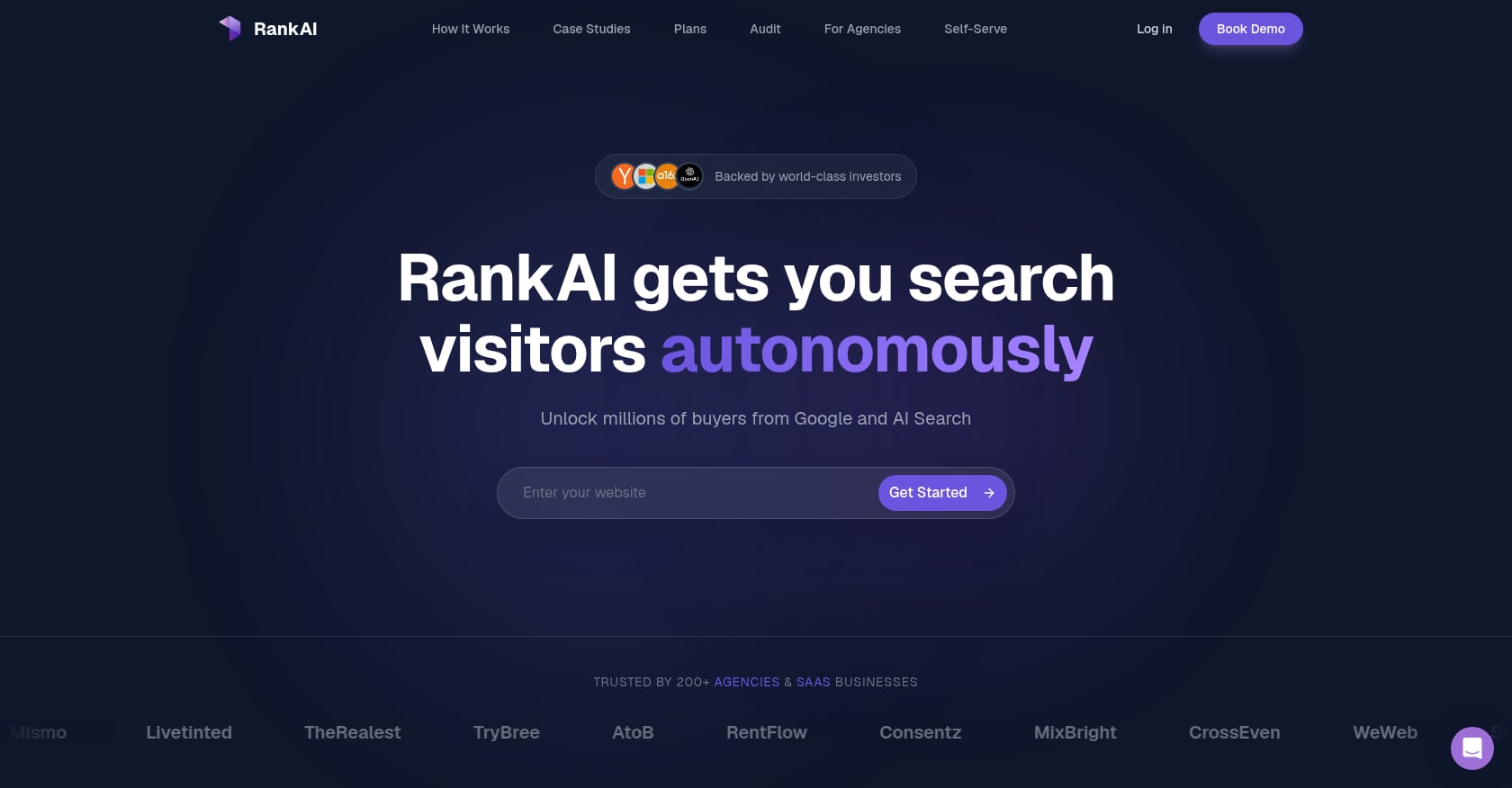
Best for: SMBs, startups, local businesses, and ecommerce teams that want technical SEO issues fixed, not just reported.
Pricing: $499/month flat retainer. Includes 20+ pages/month, continuous rewrites until pages rank, technical SEO fixes, human-expert-vetted keyword selection, and cancel-anytime terms. A 7-day refund window is available after purchase.
What it covers:
- Technical SEO fixes bundled with content production
- Keyword and topic selection vetted by human experts
- Internal links, metadata, visuals, and CTAs in every content workflow
- Continuous performance monitoring with automatic rewrites for underperforming pages
- Weekly reporting focused on rankings, traffic impact, and rewrite status
- CMS compatibility with WordPress, Shopify, Squarespace, Webflow, and Wix
What users say: The Rankai founder documented the company’s evolution on Reddit, describing a pivot from a self-serve automated SEO agent to a done-for-you service model after learning that automation handled about 60% of the tedious work but missed the strategic judgment that makes SEO effective. That transparency is worth noting: the company adjusted its model based on real client feedback rather than sticking with a pure software play.
Where it falls short:
- Not a self-serve crawler for technical SEOs who want raw crawl data
- Off-page authority and link building are not emphasized in its public positioning
- Public case studies use anonymized GSC screenshots rather than named logos
- At 20+ pages/month for $499, skeptical readers may worry about quality, though human vetting and iterative rewrites are built into the process
Bottom line: Choose Rankai if your bottleneck is execution, not diagnosis. It is the strongest fit when you do not have time to run crawls, interpret issues, publish content, and chase down developers for fixes.
Book a demo to see if Rankai fits your site.
2. Screaming Frog SEO Spider
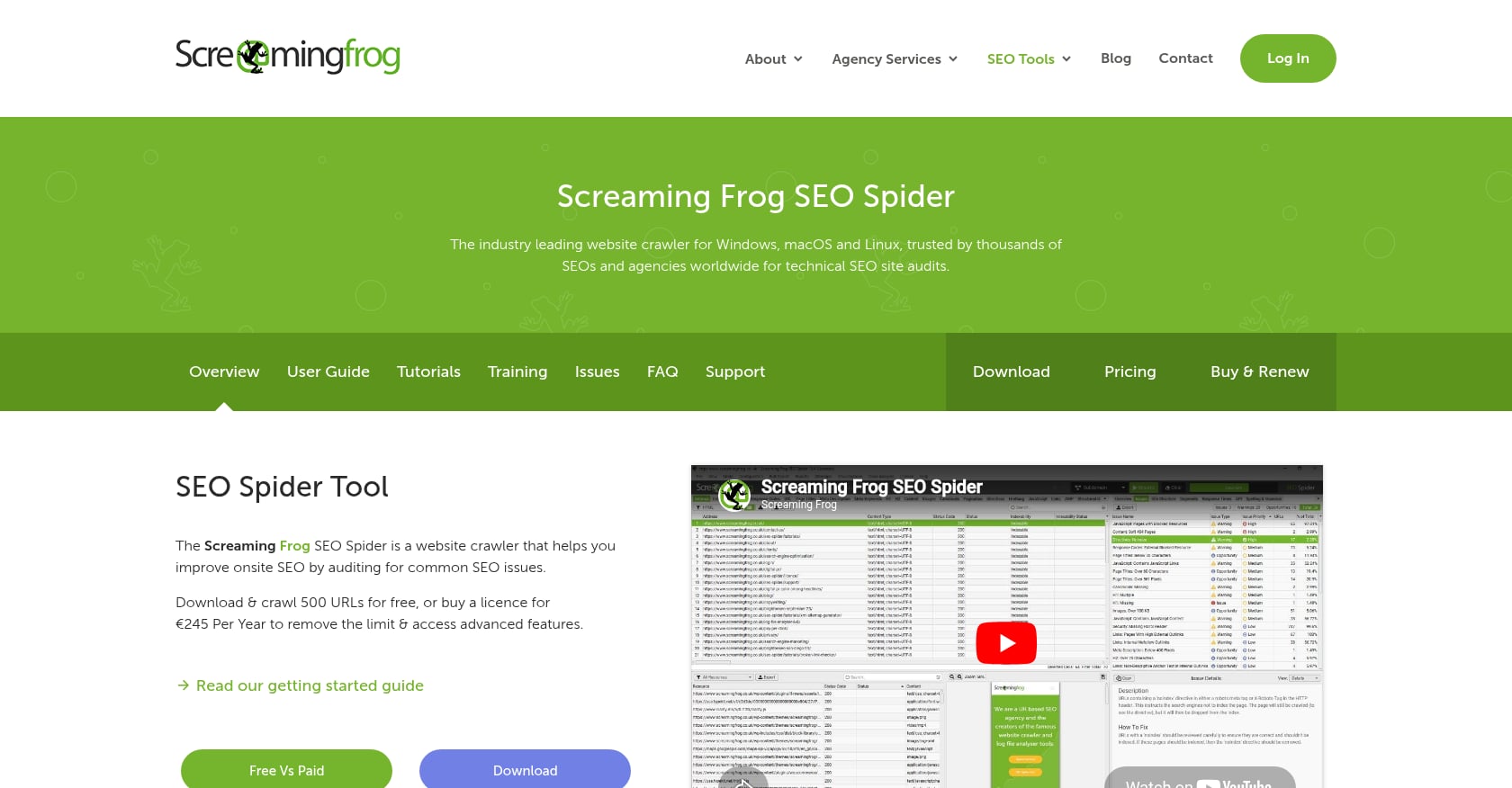
Best for: Technical SEO consultants, agencies, and in-house teams who need maximum crawl control.
Pricing: Free for up to 500 URLs. Paid plan at $279/user/year, with volume discounts for 5+ licenses.
What it covers:
- Crawls websites gathering SEO data like a search engine spider
- Finds broken links, redirects, page titles, metadata, response codes, duplicate content, sitemap issues, and robots/meta directives
- Paid plan adds unlimited URL crawls (subject to system resources), JavaScript rendering, custom extraction, GA/GSC/PageSpeed Insights integrations, spelling checks, and structured data validation
- AMP validation and password-protected site crawling on the paid tier
What users say: Screaming Frog holds a 4.9/5 rating from 133 reviews on Capterra, with reviewers praising ease of use (4.3) and customer service (4.5). Reddit users regularly call it one of the best tools for technical SEO audits, while also cautioning that it is only useful if you know what you are looking at. One practitioner on Reddit noted that Search Console misses architectural mistakes and orphan pages, making a crawler like Screaming Frog essential for a complete picture.
Where it falls short:
- Steep learning curve for anyone who is not already comfortable with technical SEO
- Desktop-based, so local system resources can bottleneck very large crawls
- Produces data, not strategy or prioritized recommendations
- No built-in fix execution; someone still has to implement changes
Bottom line: The gold standard for hands-on technical SEOs. If you know how to interpret crawl data and have the bandwidth to act on it, Screaming Frog offers the most flexibility per dollar.
3. Sitebulb
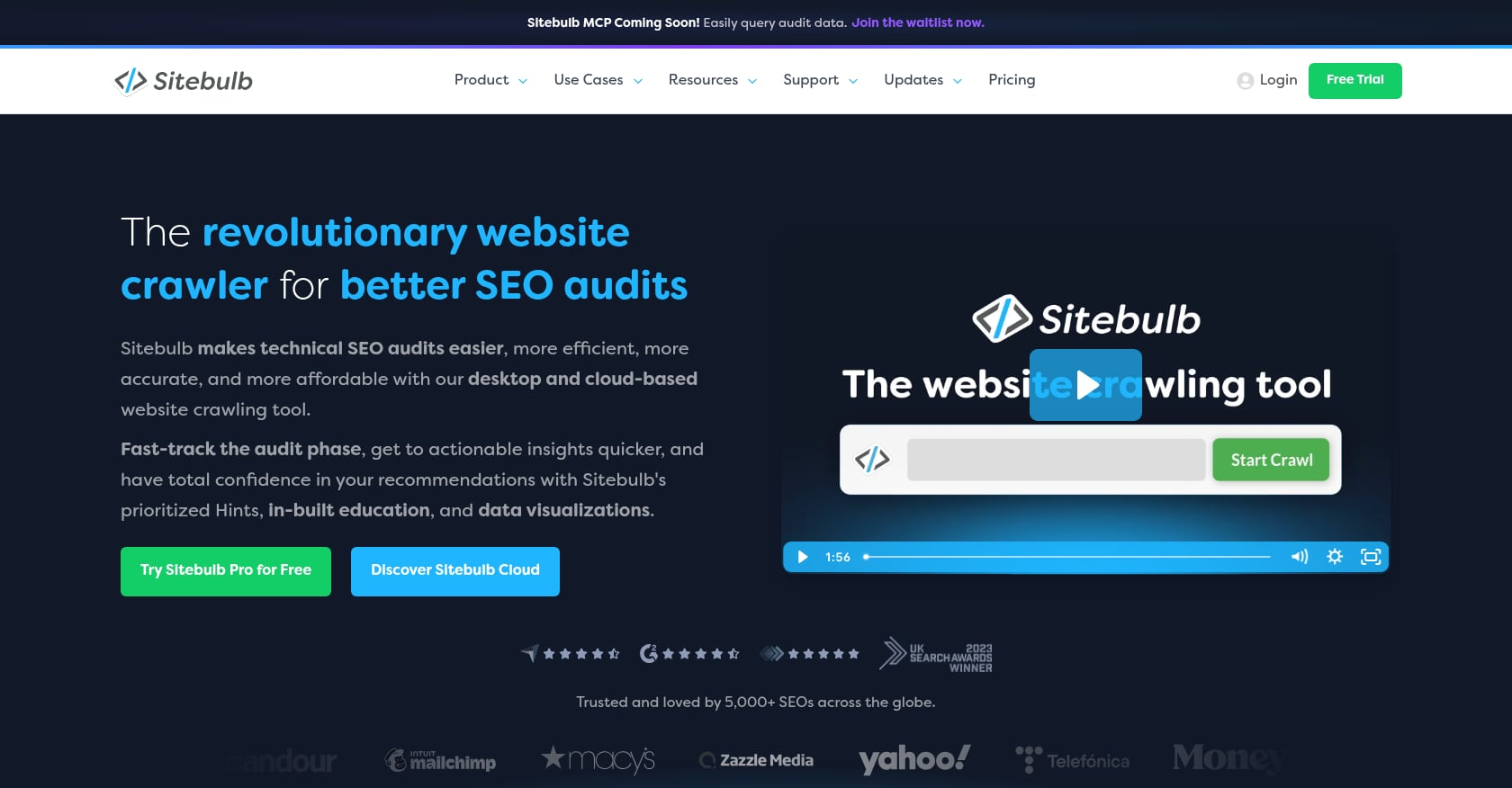
Best for: Junior SEOs, freelancers, and agencies who want visual audit reports with plain-language explanations.
Pricing: Three tiers on G2’s pricing page: Lite at $18/month (1 user, 10,000 URLs per audit), Pro at $42/month (1 user, 500,000 URLs, additional users $11 each), and Cloud at $245/month for remote crawling. Free trial available.
What it covers:
- Desktop and cloud crawling with JavaScript rendering
- “Hints” that explain what each issue means and why it matters
- Crawl maps and visual site structure breakdowns
- Duplicate content detection
- GA/GSC/Google Sheets integrations
- PDF reports, audit comparisons, and scheduled audits on higher plans
What users say: One G2 reviewer noted that Sitebulb helps them “look smart in front of clients” by creating technical data and sitemaps automatically. Reddit practitioners describe Sitebulb as the better option when a user is still learning, while Screaming Frog remains the raw-power tool every serious technical SEO should eventually understand.
Where it falls short:
- No permanent free tier comparable to Screaming Frog’s 500-URL crawl
- Cloud plan ($245/month) is significantly more expensive than desktop options
- Still requires SEO judgment to prioritize issues by business impact
- Advanced SEOs may find the guided interface limiting compared to raw data exports
Bottom line: The best technical SEO audit tool for readable, client-facing reports. If you find Screaming Frog too raw and want explanations alongside the data, Sitebulb is the answer.
4. Semrush Site Audit
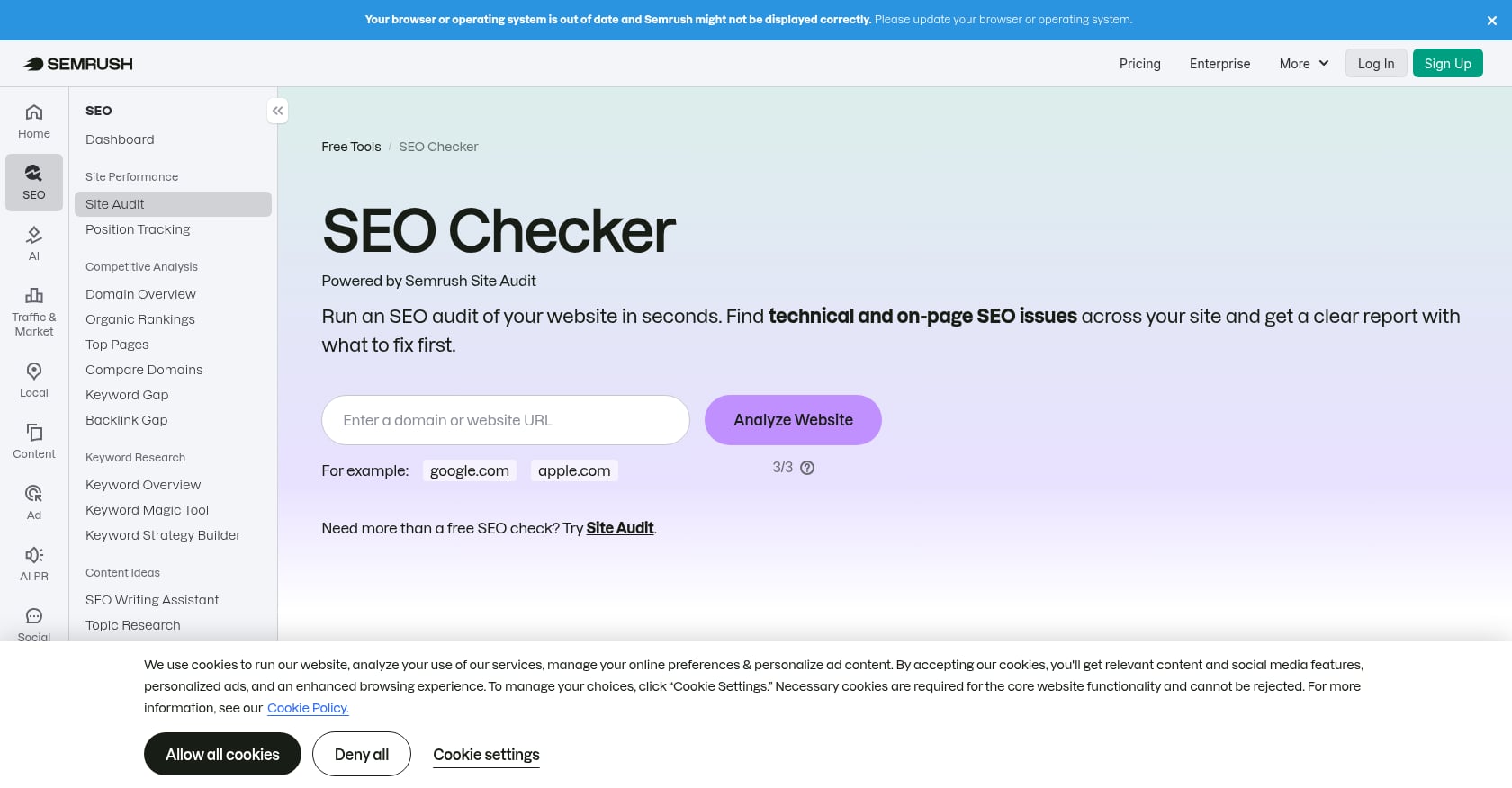
Best for: Marketing teams that want audits, keyword research, competitor analysis, and rank tracking in one platform.
Pricing: Pro plan at $139.94/month on G2, scaling up to $499.95 depending on plan. Pro includes 3 projects, 500 tracked keywords, and 100,000 pages crawled per month.
What it covers:
- Site Audit with technical SEO checks across crawlability, performance, and on-page elements
- Keyword research, competitor analysis, and rank tracking
- Content and PPC tools
- Reporting and integrations
- Fit Small Business rates Semrush’s technical SEO category 5/5
What users say: Semrush holds a 4.5/5 rating from over 3,300 reviews on G2. Reddit discussions praise its breadth but repeatedly flag the cost. One 2026 Reddit thread noted that Semrush can feel expensive when you use it for everything but only part of the time.
Where it falls short:
- More expensive than single-purpose crawlers for teams that only need technical auditing
- Audit scores can generate long issue lists without clear business-impact prioritization
- Can overwhelm beginners with too many features
- Not a replacement for technical SEO expertise or implementation work
Bottom line: The best all-in-one SEO platform with technical auditing built in. Do not buy Semrush if you only need crawling; a cheaper crawler plus GSC would solve that problem at a fraction of the cost. If you want a broader view of your on-page SEO checklist alongside technical health, the breadth is valuable.
5. Ahrefs Site Audit
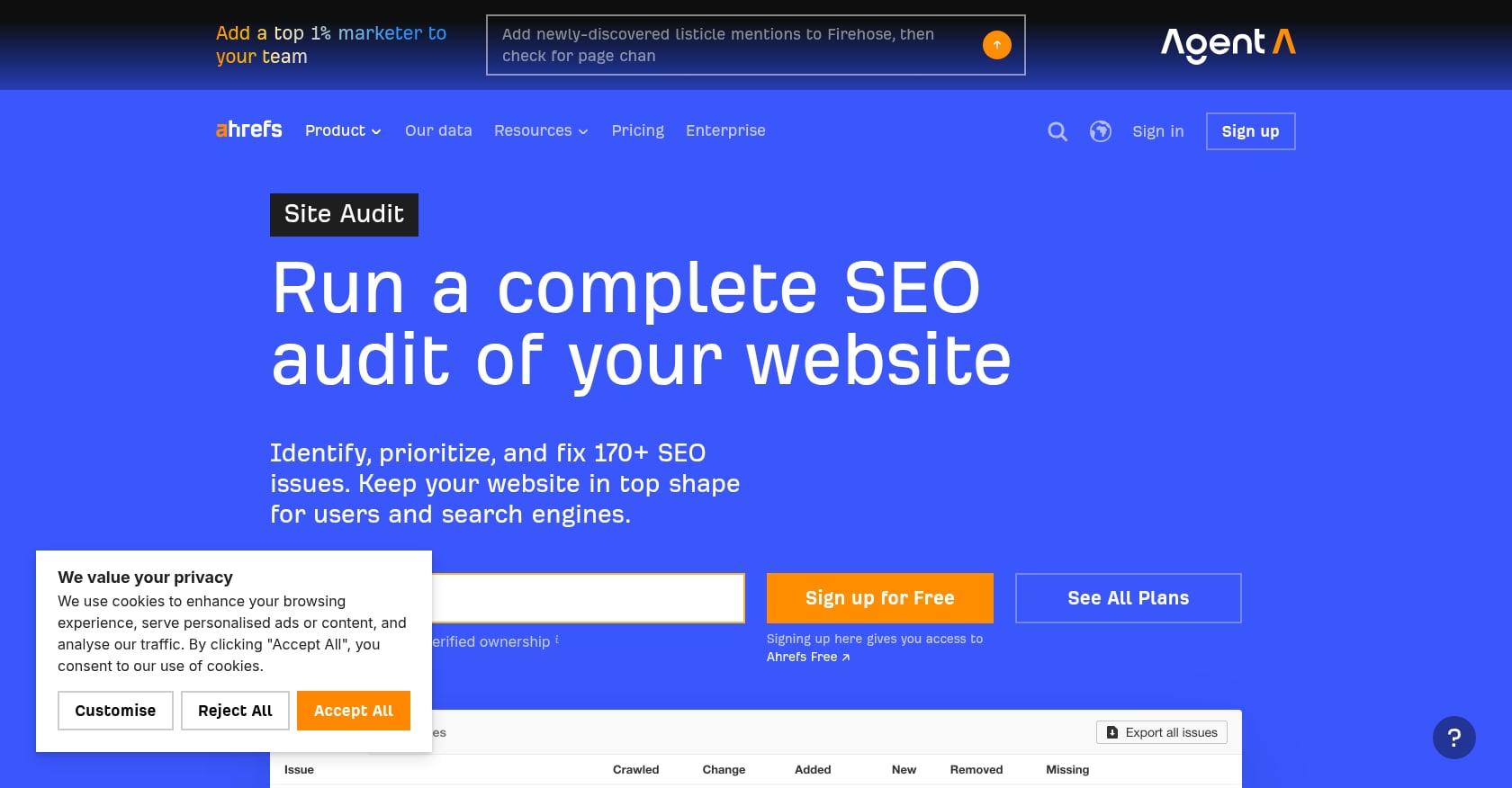
Best for: SEO teams where backlink analysis and authority research matter as much as technical health.
Pricing: TechRadar’s 2026 review lists Starter at $29/month, Lite at $129/month (or $108 annually), Standard at $249/month (or $208 annually), Advanced at $449/month (or $374 annually), and Enterprise at $1,499/month.
What it covers:
- Site Audit for technical crawling
- Site Explorer for backlink and organic traffic analysis
- Keywords Explorer and Content Explorer
- Rank Tracker
- G2 describes Ahrefs as supporting SEO, AI search, PPC, content marketing, website auditing, and competitive research
What users say: Ahrefs holds 4.5/5 from 689 reviews on G2. Review snippets praise its site audit and keyword research for making it easier to prioritize strategy. Reddit practitioners, however, often describe Ahrefs as a backlink tool first and an audit tool second.
Where it falls short:
- Backlink analysis is the core differentiator, not technical crawling depth
- Premium pricing, especially at Standard and above
- Technical SEOs may still pair Ahrefs with Screaming Frog or Sitebulb for deeper crawl work
- Add-ons and plan limits can increase total cost
Bottom line: Pick Ahrefs if technical SEO is one part of a larger workflow centered on link building and competitive intelligence. If crawling alone is your goal, you will find better value elsewhere.
6. SE Ranking
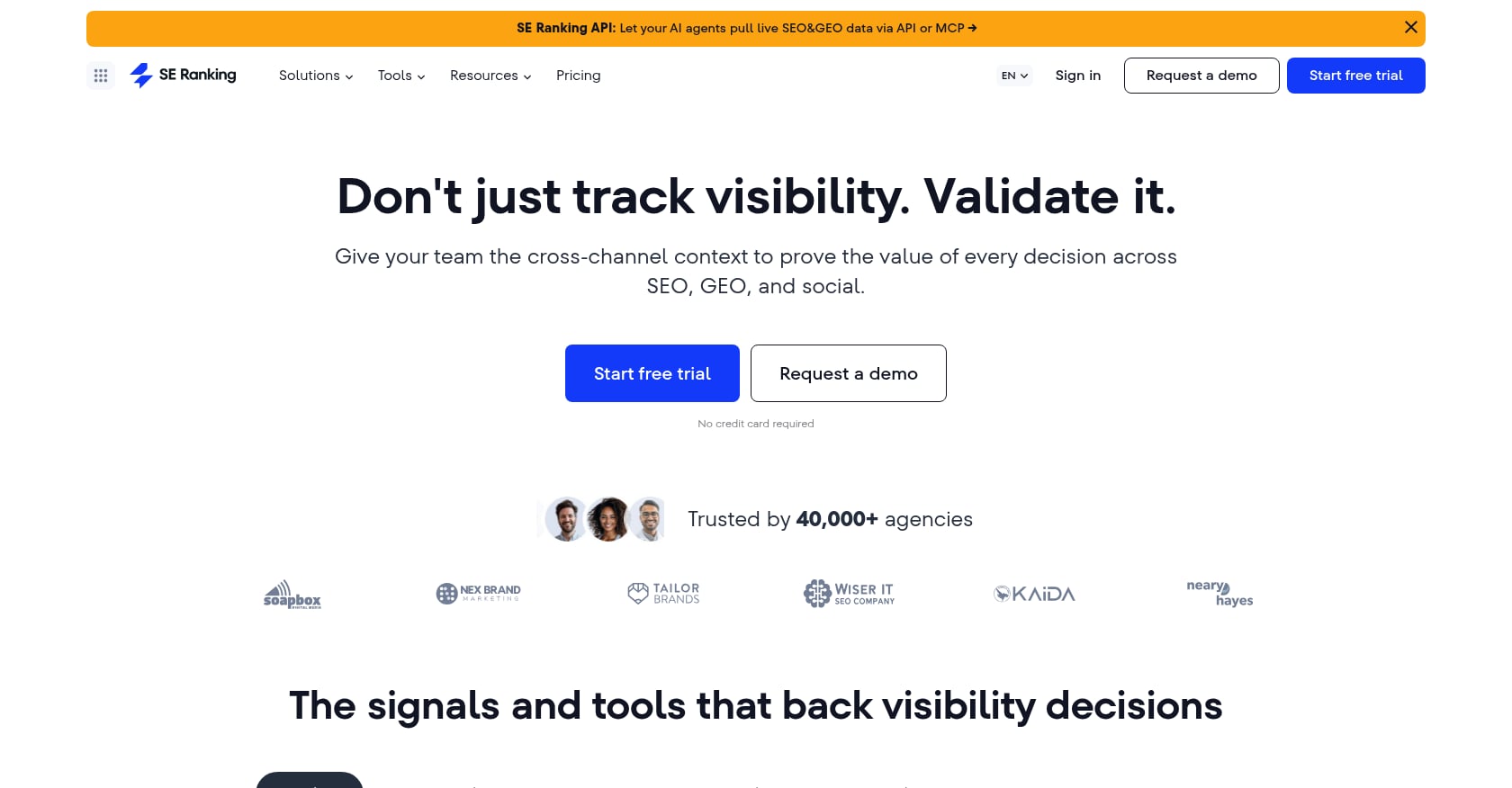
Best for: Budget-conscious agencies, freelancers, and growing businesses that want audits, rank tracking, and competitor research without Semrush-level pricing.
Pricing: TechRadar reports the Core plan at $103.20/month (annual) or $129/month (monthly), Growth at $223.20/month (annual) or $279/month (monthly), and Enterprise at custom pricing. Add-ons include Agency Pack from +$69/month, AI Search from +$71.20/month, and API from +$149/month.
What it covers:
- Website Audit with 120+ metrics
- Daily rank tracking
- Competitor research and backlink analysis
- AI search visibility tools
- Integrations with GA, GSC, Looker Studio, and Matomo
- Core plan includes 10 projects, 2,000 daily tracked keywords, and up to 250,000 pages audited per month
What users say: TechRadar’s verdict states SE Ranking “punches well above its price point.” Reddit users comparing Semrush alternatives often say SE Ranking covers most audit and tracking needs at lower cost, noting that backlink depth is the main thing they miss.
Where it falls short:
- 2026 pricing is higher than older rates, which surprises longtime users
- Backlink database is not as deep as Ahrefs or Majestic
- Add-ons can materially increase the monthly bill
- Not a specialized crawler for deep technical work
Bottom line: The best value all-in-one SEO suite with a solid technical audit. Choose it when you want broad coverage on a tighter budget. If you need a complete breakdown of what technical SEO audits cost, that guide covers the pricing math in detail.
7. Seobility
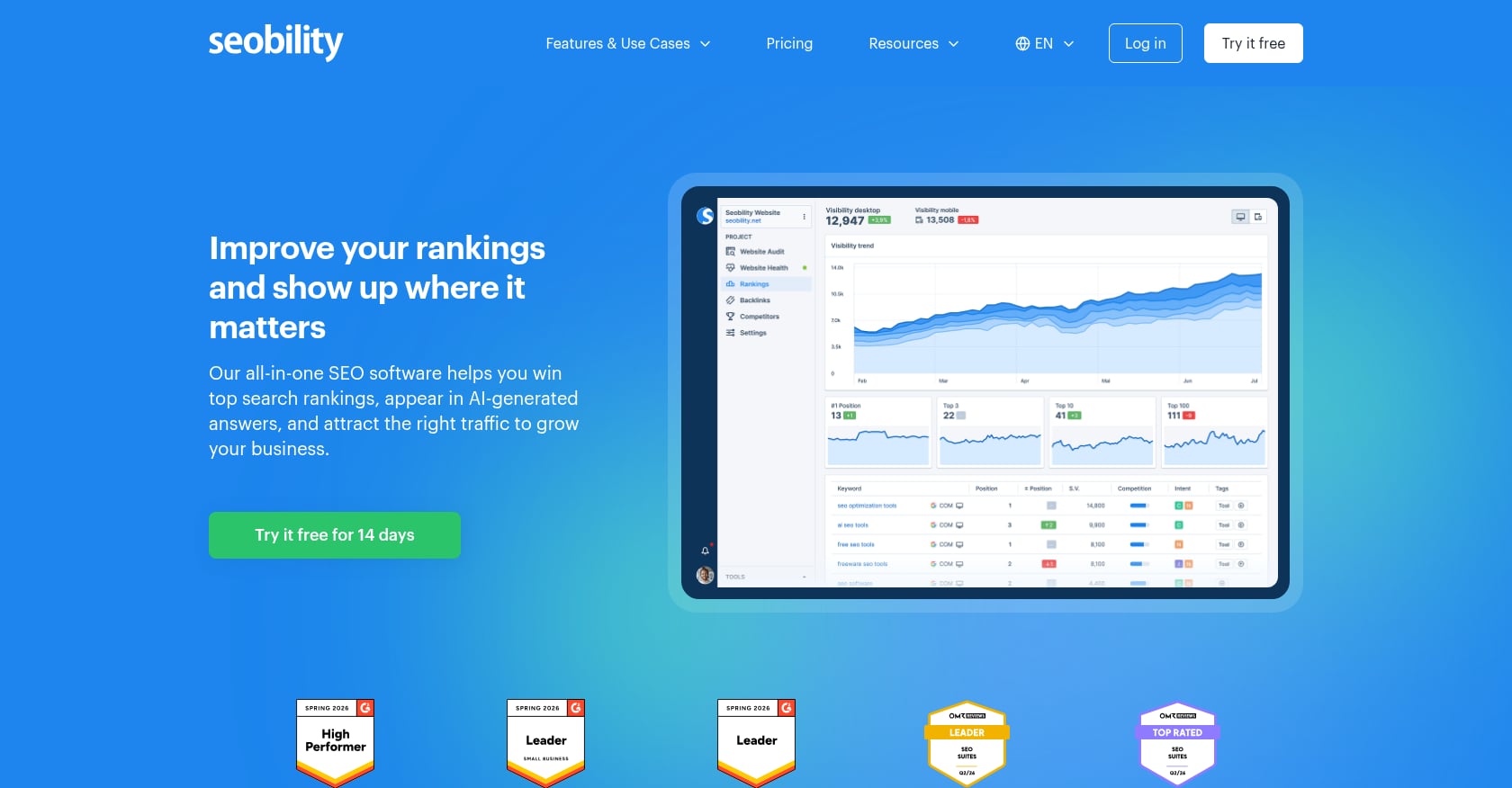
Best for: Beginners and small site owners who want plain-language explanations without a steep learning curve.
Pricing: G2 lists Premium at $50/month. Free tier available with limited features.
What it covers:
- Website audit organized by Tech & Meta, Structure, and Content categories
- 300+ SEO parameters checked per page
- Collects pages with errors, on-page optimization problems, and duplicate content
- Ranking monitoring for desktop and mobile across 180+ Google countries
- Backlink dashboard and uptime monitoring
What users say: Trustpilot reviews include praise for Seobility’s price-to-value ratio. Some users note that backlink data can be limited compared to Google Search Console. Reddit users say Seobility is friendly for newer users but stays surface-level compared to deeper audit approaches.
Where it falls short:
- Good for small sites, not enterprise-scale technical SEO
- Less suitable for JavaScript-heavy audits, log analysis, or crawl budget diagnosis
- Backlink data will not satisfy users who need Ahrefs-level link intelligence
- Outgrown quickly by sites with complex technical needs
Bottom line: An accessible entry point for small business owners who want an understandable audit without committing to enterprise pricing. Outgrow it when your site needs log analysis or complex crawl diagnostics.
8. JetOctopus
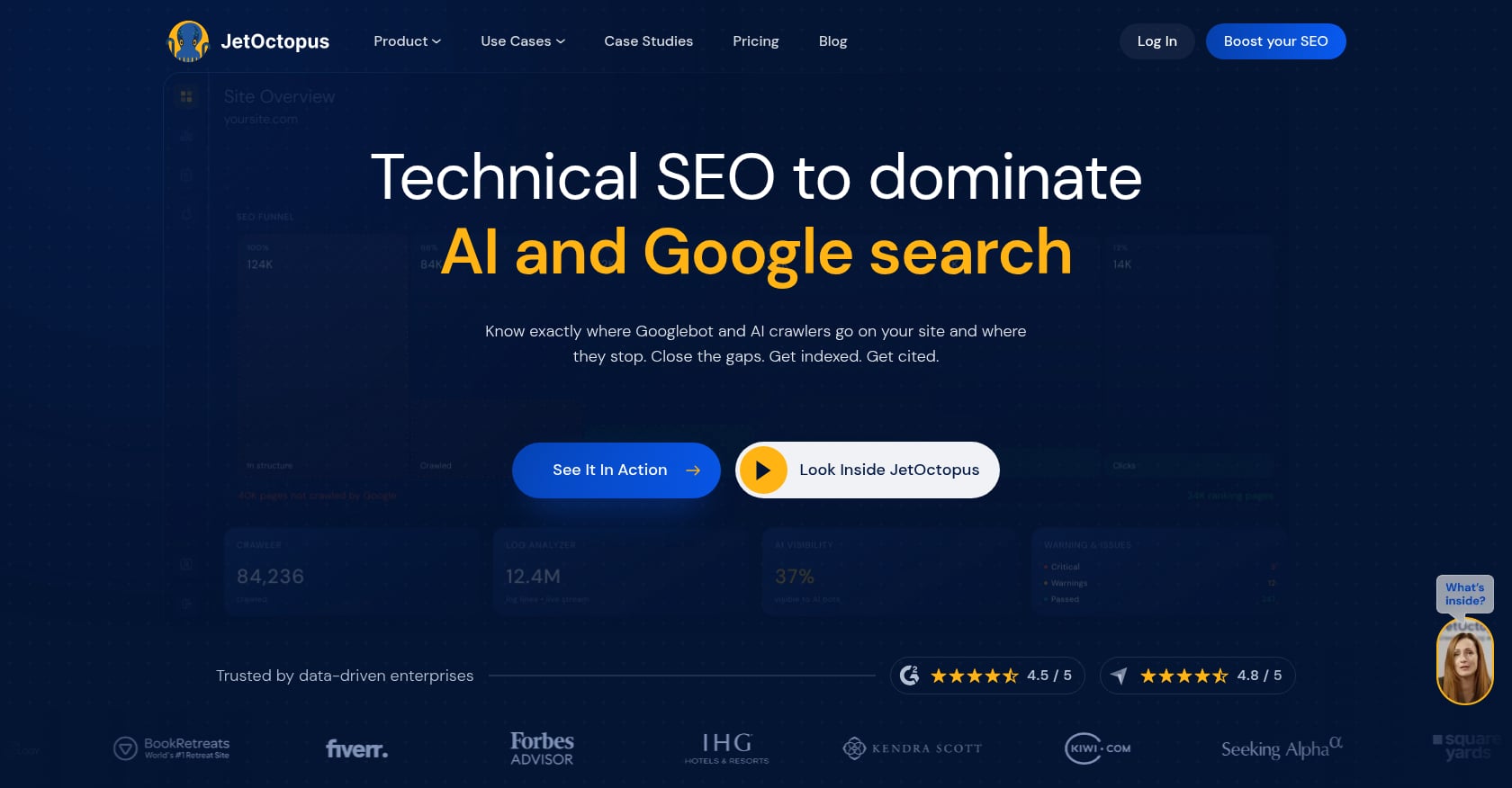
Best for: Large websites, ecommerce catalogs, and enterprise teams that need fast cloud crawls combined with log-file analysis.
Pricing: G2 lists Standard at €379/month for medium-sized websites. Enterprise plan is custom.
What it covers:
- SaaS crawler and log analyzer built for enterprise technical SEO
- Overlaps crawl reports with log insights and Google Search Console data
- Analyzes bot activity, crawl budget waste, response codes, URL patterns, and directory structures
- Designed for merging large datasets from multiple sources
What users say: JetOctopus holds 4.5/5 from 21 G2 reviews. Users praise fast crawling speeds, comprehensive data integrations, and technical analysis depth. One reviewer highlighted how it reveals crawl budget waste and bot behavior. Multiple reviewers mention a steep learning curve and credit constraints as tradeoffs.
Where it falls short:
- Too advanced and expensive for most small businesses
- Requires log-analysis experience to get real value
- Credit and log limits may constrain users at very large scale
- Not an all-in-one keyword, backlink, and content suite
Bottom line: The right choice when your problem is scale. Millions of URLs, complex crawl budget issues, and log-based technical analysis are where JetOctopus earns its price. Do not start here for a small business site.
9. Oncrawl
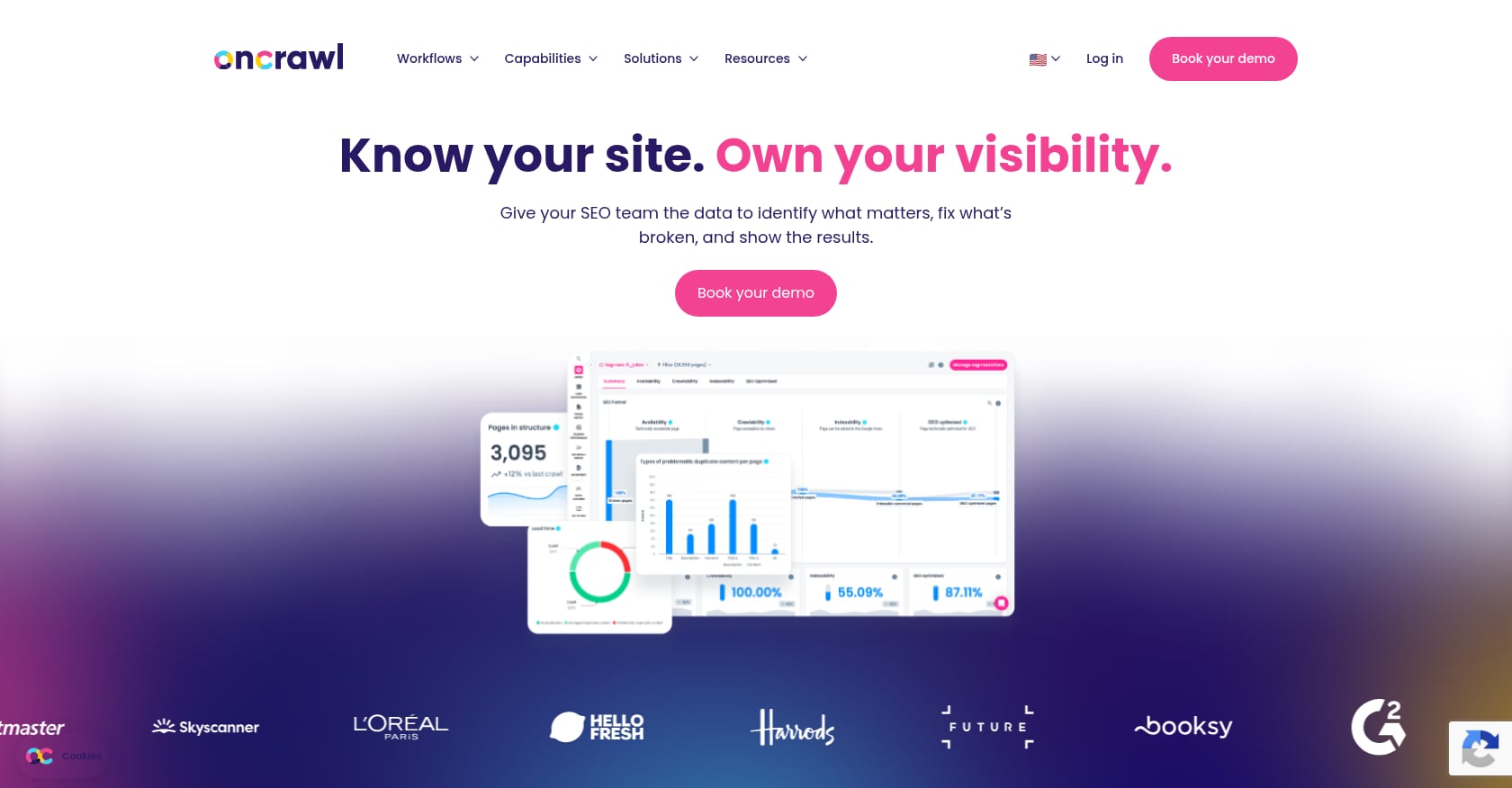
Best for: Enterprise SEO teams that need to blend crawl data, server logs, analytics, and business outcomes into a unified analysis.
Pricing: Exact public pricing is not clearly listed in third-party sources. G2 marks perceived cost at the highest tier ($$$$$). Reviews consistently describe Oncrawl as enterprise-level pricing.
What it covers:
- Technical SEO data platform for large-scale and complex websites
- Combines crawler, server log analysis, GSC, GA4, Adobe Analytics, Majestic, Piano, and custom data sources
- Cross-analysis, segmentation, and performance-to-business-outcome mapping
- Tracks how search engines, AI systems, and human visitors interact with a site
What users say: Oncrawl holds 4.4/5 from 17 G2 reviews. Users praise internal linking reports, log data, and crawl budget insights. Common criticisms include price, an overwhelming interface, and occasional data discrepancies between sources.
Where it falls short:
- Enterprise cost and complexity make it inaccessible for most SMBs
- Requires comfort with technical SEO data science
- Overkill if you only need broken links, metadata checks, and sitemap validation
Bottom line: Oncrawl is for organizations where technical SEO is a data discipline, not a periodic checkup. If you are an SMB trying to fix a 50-page website, start with GSC, Screaming Frog, or Rankai instead.
10. Google Search Console and PageSpeed Insights
Best for: Every website, regardless of budget. The non-negotiable free baseline.
Pricing: Free.
What it covers:
- URL Inspection tool shows Google’s indexed version of a page and whether a live URL might be indexable, including structured data, video, and AMP details
- Core Web Vitals report groups URL performance by status and metric type (LCP, INP, CLS) using real-world usage data
- PageSpeed Insights assesses performance on mobile and desktop with lab and field data
- Index coverage, sitemap submission, and manual action notifications
What users say: Reddit users recommend GSC as the best first stop for small sites (under 1,000 pages) because it shows what Google actually reports as problems. Other practitioners caution that GSC shows only the “tip of the iceberg,” missing architectural mistakes, orphan pages, redirect chains, and bulk template issues.
Where it falls short:
- Not a full crawler, so it cannot map your entire site structure
- Core Web Vitals report only appears for indexed URLs with enough field data, meaning small or low-traffic sites may see incomplete reports
- No business-impact prioritization or fix recommendations
- Does not help with implementation
Bottom line: Use GSC and PageSpeed Insights no matter what else you buy. They show Google’s own signals. But do not mistake them for a complete technical SEO audit.
What a Good Technical SEO Audit Should Cover
The phrase “technical SEO audit” covers several distinct checks. Most tools specialize in only a few. A thorough audit should address all of these areas, though the depth needed depends on your site size and complexity.
Crawlability and status codes. Can search engines reach every important page? Check for 4xx/5xx errors, redirect chains, blocked URLs, and excessive crawl depth. If you want a detailed walkthrough, this technical SEO audit guide covers the step-by-step process.
Indexation. Are the right pages indexed and the wrong ones excluded? Look for accidental noindex tags, canonical conflicts, sitemap gaps, and GSC indexing errors. Google’s documentation notes that submitting a sitemap is a hint, not a guarantee that Google will use it for crawling.
Core Web Vitals and performance. Google uses LCP, INP, and CLS as part of page experience assessment. Your Core Web Vitals guide should cover how to measure and improve these metrics across URL groups.
Mobile usability. Most indexing is mobile-first. Pages that break on mobile are pages that underperform.
JavaScript rendering. If your site relies on client-side JavaScript to load content, search engines may not see what users see. Screaming Frog and Sitebulb both offer JS rendering in their paid plans.
Internal linking and orphan pages. Weak internal link structures leave important pages undiscoverable. Orphan pages (those with no internal links pointing to them) rarely rank well. For guidance on link density, see this resource on internal linking best practices.
Structured data. Invalid or missing schema markup means missed opportunities for rich results. GSC’s enhancements reports flag errors, and tools like Screaming Frog validate schema at scale.
Duplicate and thin content patterns. Template-generated pages, pagination issues, and near-duplicate content waste crawl budget and dilute ranking signals.
Log-file analysis (for large sites). Server logs reveal how Googlebot actually crawls your site, as opposed to how you expect it to crawl. This is where JetOctopus and Oncrawl stand apart from basic crawlers.
Post-fix validation. The audit is not done when issues are found. It is done when fixes are deployed and confirmed working. GSC’s URL Inspection tool is the fastest way to check whether Google can see the corrected version.
How to Prioritize Audit Findings
Most audit tools generate dozens or hundreds of warnings. Fixing them all at once is unrealistic. A simple prioritization formula helps:
Priority = business value x indexation risk x recurrence / implementation effort
- Business value: Does the issue affect commercial pages (product, service, pricing, location pages)?
- Indexation risk: Does it block crawling, rendering, or indexing?
- Recurrence: Is this one URL or a template issue affecting hundreds of pages?
- Implementation effort: Can you fix it in your CMS in 10 minutes, or does it require engineering?
A noindex tag accidentally applied to a service-page template is critical. A missing alt tag on one blog image is not. A LinkedIn practitioner shared a framework for grouping findings into quick wins, strategic fixes, and critical errors, warning against handing over raw error lists without context. Sitebulb’s team echoed this on LinkedIn, saying the goal of a technical SEO audit is not to list problems but to outline the next smart actions grouped by impact and effort.
Tool vs. Service: When to Hire Help
Use a tool when you have SEO expertise and implementation bandwidth. Screaming Frog plus GSC gives a technical SEO everything needed to diagnose issues at low cost.
Use an expert audit service when you need prioritized recommendations, a strategic lens, and perhaps a roadmap. Several agency-focused ranking pages note that many expensive audits are essentially PDFs exported from standard crawling software, so choose services that offer manual review and prioritized, actionable recommendations rather than raw data dumps.
Use a done-for-you execution model when you want fixes shipped, not just diagnosed. This is where the distinction matters most for small businesses. If your team cannot run crawls, assign developer tickets, validate fixes, and then monitor for regressions, a tool alone often creates more backlog than progress.
That is the difference between an audit that sits in a shared folder and an audit that improves search performance. For a broader comparison of professional SEO services, that guide covers what to look for across service models.
Common Technical SEO Audit Mistakes
Treating the site-health score as the goal. A 95% score means nothing if the 5% contains indexation blockers on your most important pages. Reddit practitioners call this “audit-score theater” and warn that many default tool warnings are low-value distractions.
Fixing every warning instead of prioritizing. Not all issues are equal. A redirect chain on an orphan page is less urgent than a canonical conflict on your top-converting category page.
Ignoring Search Console data. GSC shows what Google actually sees. Skipping it means auditing blind.
Relying only on Search Console. GSC does not report orphan pages, redirect chains, crawl depth problems, or template-level code issues. It shows the tip of the iceberg, not the full structure.
Forgetting JavaScript rendering. If your CMS renders content client-side, a standard crawl may not see what Googlebot sees. Test with a JS-enabled crawler.
Auditing once and never monitoring. Technical SEO is not a one-time project. CMS updates, new page templates, plugin changes, and content updates can reintroduce issues at any time.
Sending developers vague SEO tickets. “Fix the SEO issues” is not a ticket. Specify the URL, the problem, the expected behavior, and the priority. Developers fix clear bugs, not ambiguous requests.
Buying enterprise tools for a small site. A 30-page local business does not need JetOctopus or Oncrawl. Start with GSC, Screaming Frog’s free tier, or a done-for-you partner.
Which Technical SEO Audit Option Should You Choose?
The right answer depends on who you are and what you can act on:
- Choose Rankai if you want technical SEO fixes, content production, keyword strategy, and reporting handled in one monthly service.
- Choose Screaming Frog if you are technical and want the most flexible crawler for the price.
- Choose Sitebulb if you want guided reports and visual explanations for yourself or clients.
- Choose Semrush if you need one SEO suite for audits, keywords, competitors, and rank tracking.
- Choose Ahrefs if backlink and authority analysis matter as much as technical health.
- Choose SE Ranking if you want an all-in-one suite at better value than premium platforms.
- Choose Seobility if you are a beginner or small site owner who wants a simple, affordable starting point.
- Choose JetOctopus or Oncrawl if your site is large enough for log analysis and crawl budget optimization.
- Use Google Search Console and PageSpeed Insights regardless of what else you buy.
A one-time audit is useful. An ongoing process that catches, prioritizes, and fixes technical issues month after month is what actually moves rankings.
Get technical SEO fixes and content handled monthly with Rankai.
Frequently Asked Questions
What is the best technical SEO audit tool?
It depends on your expertise. Screaming Frog is the best deep crawler for hands-on SEOs. Sitebulb is the best guided visual option. Semrush is the best all-in-one platform. If you want someone to handle the audit and the fixes, Rankai bundles both into a flat monthly service.
Are free technical SEO audit tools enough?
For a baseline, yes. Google Search Console and PageSpeed Insights show Google’s own signals for indexation and page performance. But they do not replace a full site crawl, and they offer no prioritization or fix recommendations. Most sites need at least one crawler alongside GSC.
How often should I run a technical SEO audit?
Small sites with infrequent changes can audit quarterly. Larger or frequently updated sites should run monthly or even weekly monitoring crawls. Professional audits are generally recommended every 6 to 12 months, with more frequent checks after redesigns, migrations, traffic drops, or algorithm updates.
What is the difference between a technical SEO audit and an SEO audit?
A technical SEO audit focuses on crawlability, indexation, site speed, mobile usability, structured data, sitemaps, canonicals, redirects, and rendering. A broader SEO audit also covers content quality, keyword targeting, backlinks, and competitive positioning. Both matter, but technical issues are often the foundation that must be fixed first.
Can technical SEO tools fix issues automatically?
Mostly no. They identify and report issues. Some platforms help generate reports or export tickets, but implementation usually requires CMS edits, developer work, or an SEO partner who owns execution.
Is Google Search Console enough for a technical SEO audit?
No. It is essential but incomplete. GSC does not map your full site architecture, detect orphan pages, analyze redirect chains, or check JavaScript rendering. Think of it as the starting point, not the finish line.
What should I fix first after a technical SEO audit?
Fix issues that block indexation, crawling, or rendering on your highest-value commercial pages first. Then address template-level problems that affect many URLs at once. Cosmetic warnings like meta description length come last. For a structured approach, this step-by-step audit checklist walks through prioritization in detail.
How much does a technical SEO audit cost?
Free tools like GSC cost nothing. Desktop crawlers range from free (Screaming Frog’s limited version) to $279/year. All-in-one platforms run $50 to $500+/month depending on features and scale. Done-for-you services that include fixes typically start around $499/month. The real cost also includes whoever interprets and implements the findings.
