

TL;DR
Most content calendar templates are built for teams publishing a handful of blog posts per month. They break the moment you try to push 20+ pieces through a real production pipeline. The best templates for high-volume publishing calendars track strategy, workflow, capacity, and post-publication performance, not just dates. This guide compares nine DIY options (from free Google Sheets to full project management platforms) plus one managed execution service, with real pricing, honest tradeoffs, and practitioner feedback from teams who have tested these systems at scale.
The Problem Is Not the Calendar. It Is the Publishing System.
A content calendar that only shows publish dates is a to-do list with formatting. That works fine when you are writing four blog posts a month. It does not work when the goal is 20, 50, or 75+ pieces per month across multiple writers, editors, channels, and campaigns.
High-volume publishing requires a production system. Strategy decisions, writing assignments, editorial reviews, CMS uploads, metadata, internal links, performance monitoring, and rewrites all need a home. When any of those steps lives in someone’s head or a random Slack thread, deadlines slip, quality drops, and content becomes noise instead of growth.
The stakes are higher than missed deadlines. Google’s helpful content guidance explicitly warns against producing large amounts of content primarily to attract search visits rather than serve real users. Google says its systems prioritize helpful, reliable, people-first content. A high-volume calendar that lacks quality controls is not a growth engine. It is a risk.
Only 47% of B2B marketers have a documented content strategy, according to Content Marketing Institute’s 2025 research. The rest are publishing without a map. Templates for high-volume publishing calendars exist to close that gap, but only if they connect strategy to execution and execution to results.
If your bottleneck is not planning but actually getting SEO content published consistently, a managed SEO program may be more realistic than another spreadsheet.
What Makes a Publishing Calendar “High-Volume Ready”?
Not every content calendar can handle volume. A calendar designed for three posts a week will collapse under 20+ pages per month. Before picking a template, evaluate it across six dimensions.
1. Strategy fit. Can it track keyword clusters, search intent, funnel stage, persona, and business priority? If the calendar cannot answer “why are we publishing this?”, the team will produce random content.
2. Production control. Can it handle brief creation, drafting, editing, design, legal review, CMS upload, metadata checks, and publish QA? Content Harmony’s editorial calendar guide warns that calendars become “behemoths” when teams try to cram every production detail into one view, yet production stages still need to live somewhere accessible.
3. Capacity planning. Can managers see workload by writer, editor, and week? Without visibility into who is overloaded, bottlenecks are invisible until they cause a missed deadline.
4. Publishing reliability. Does it reduce missed deadlines through statuses, reminders, dependencies, and approval flows?
5. Performance loop. Does it track the published URL, search console metrics, keyword movement, refresh date, and rewrite status? A publishing calendar that ends at “live” misses half the value. Teams that track content decay and act on it outperform teams that only create new pages.
6. Adoption likelihood. Will the team actually use it? Practitioners on Reddit report that the best calendar is often the one people already understand, not the most feature-rich option. One content marketer shared that they tried Asana, ClickUp, Notion, and Airtable but kept returning to Google Sheets because it was clean and easy to share with clients.
A high-volume publishing calendar fails when it only tracks publish dates. It succeeds when it tracks decisions, dependencies, and post-publication learning.
At-a-Glance Comparison Table
| Option | Starting Cost | Best For | High-Volume Strength | Main Tradeoff |
|---|---|---|---|---|
| Rankai | $499/month | SMBs/startups wanting SEO content executed for them | 20+ pages/month with keyword planning, publishing, technical fixes, rewrites | Less DIY control; managed service, not a template |
| Google Sheets / Excel | Free | Lean teams, freelancers, early-stage SEO | Flexible, shareable, zero friction | Breaks when approvals and reporting get complex |
| Airtable | Free; Team ~$20/seat/month | Agencies, publishers, multi-client ops | Relational database with calendar, Kanban, and form views | Expensive at scale; setup complexity |
| Notion | Free; Plus ~$10/user/month | Solo creators, small teams | Docs + database + calendar in one workspace | Can become messy if over-customized |
| ClickUp | Free; paid ~$7-12/user/month | Feature-heavy project management teams | Many views, custom fields, task workflows | Learning curve; recurring performance complaints |
| monday.com | Free; paid ~$9/user/month | Full marketing teams with visual workflows | Flexible boards, automations, dashboards | Pricing and seat minimums add up |
| Asana | Free; Starter ~$10.99/user/month | Small blog teams and cross-functional marketing | Simple task ownership, calendar/list/board views | Publish dates vs. due dates need careful modeling |
| Smartsheet | Templates free; paid plans vary | Spreadsheet-heavy orgs, PMO-style teams | Familiar grid + workflow, forms, reports | Less friendly for new users |
| CoSchedule | Free calendar; paid ~$19/user/month | Editorial + social scheduling teams | Purpose-built marketing calendar | Paid tiers lock key features; support complaints |
| HubSpot Templates | Free | Beginners, low-volume blog planning | Zero cost, simple structure | Too basic for true high-volume programs |
Pricing for SaaS tools changes frequently. Verify current plans before committing.
The 10 Best Templates and Systems for High-Volume Publishing Calendars
1. Rankai

Best for: SMBs, startups, and ecommerce businesses that want high-volume SEO content planned, published, and improved, not just organized in a spreadsheet.
Pricing:
- Standard Plan: $499/month (Early Bird)
- 20 pages created per month
- Cancel anytime
- Demo available via Calendly
- 7-day refund window after purchase
Key features:
- Human-expert-vetted keyword and topic selection, updated monthly
- 20+ pages/month publishing velocity
- AI-assisted drafting with human SEO strategists and editors
- Internal links, metadata, visuals, and CTAs included
- Technical SEO fixes
- Performance monitoring with rewrite workflow for underperforming pages
- Weekly reporting focused on rankings, traffic, and rewrite status
- CMS compatibility with WordPress, Shopify, Squarespace, Webflow, and Wix
Tradeoffs:
- Not a downloadable template. This is a service-led execution model.
- Off-page authority and link building are not emphasized.
- Client examples are anonymized GSC screenshots rather than named case studies.
- Teams that want full editorial control over every word may prefer DIY.
Why it belongs on this list: Most teams searching for templates for high-volume publishing calendars are really searching for a way to get consistent content out the door. The calendar is a means to an end. Rankai removes the calendar maintenance entirely by handling keyword planning, publishing, technical fixes, and iterative rewrites. Their on-site results include a creative marketing agency at +400% traffic, a SaaS platform reaching six-figure visitors in under a year, and a local business going from zero to 70k visitors.
The company’s founder shared on Reddit that they pivoted from a fully automated SEO agent to a hybrid expert-led service after learning that automation handled the tedious 60% of work but missed the strategic 40%. That pivot is worth noting: the system is not pure AI output.
Learn more about flat-fee SEO programs to see if this model fits your team.
2. Google Sheets / Excel
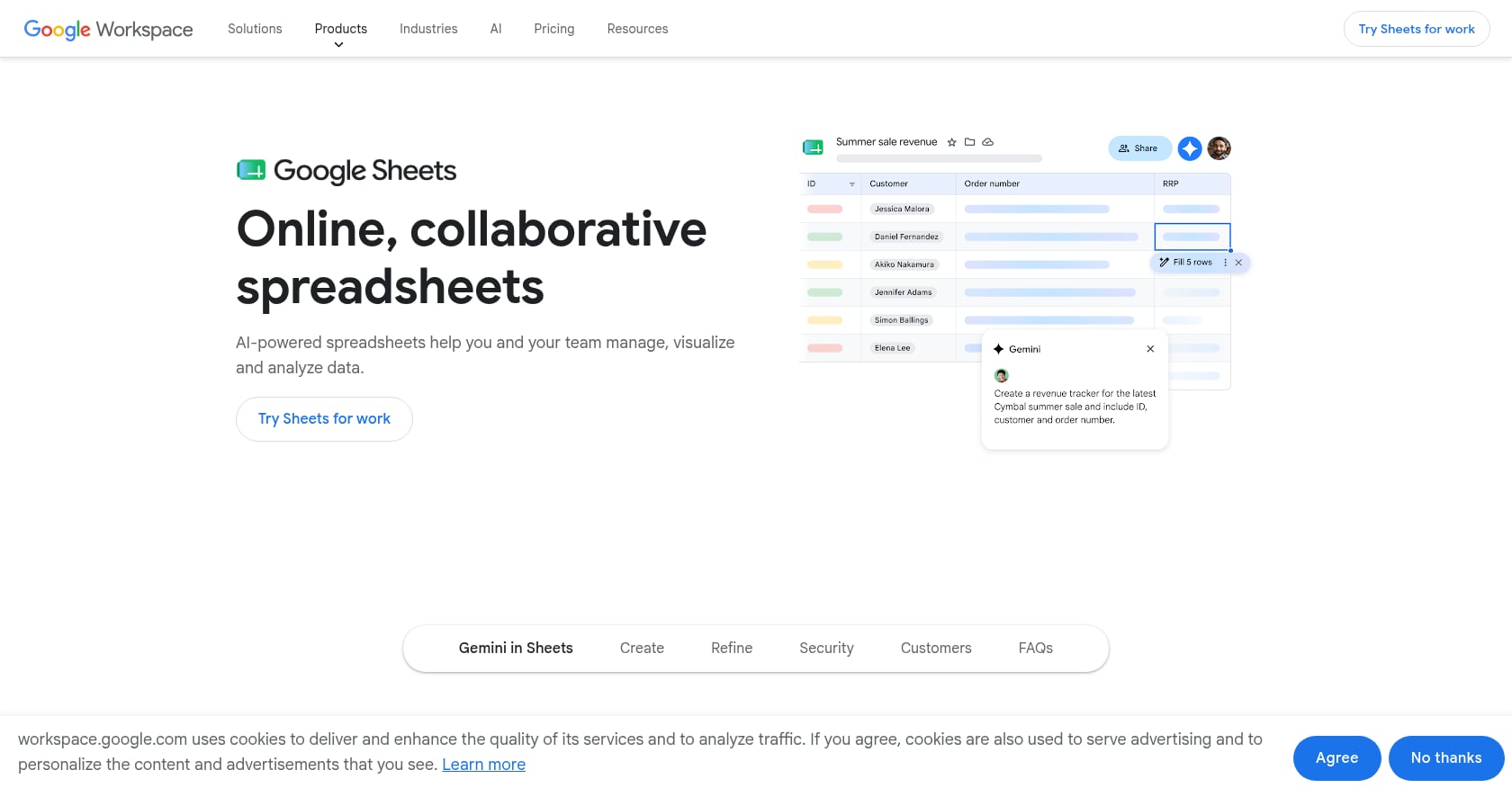
Best for: Lean teams, freelancers, and early-stage SEO programs that need a simple, shareable calendar without paying for software.
Pricing:
- Google Sheets: Free with a Google account
- Google Workspace business plans start around $7/user/month if you need admin controls and storage
- Excel: Included with Microsoft 365 subscriptions
Key features:
- Fully customizable columns for publish date, draft due date, keyword, writer, editor, status, CMS URL, and performance metrics
- Easy to share with clients and stakeholders
- Copy/paste template setup in minutes
- Pairs with APIs or can be uploaded into tools like Asana, Trello, or Google Calendar
Tradeoffs:
- No native approval workflows or task dependencies
- Version control problems multiply with multiple editors
- Performance tracking and reporting are entirely manual
- Can become a “graveyard sheet” if nobody owns updates
- Breaks when you need automations, intake forms, or role-based views
Real user perspective: A practitioner on Reddit said they had tried Asana, ClickUp, Notion, and Airtable but kept returning to Google Sheets for content calendar management. The reason was simple: it was clean, easy to follow, and client-friendly. Another agency-oriented Reddit post argued that the database is not the calendar. They kept the operational database in Airtable while generating client-readable weekly one-pagers, because “the calendar is the artifact people actually read.”
Free templates from Inflow and Smartsheet’s Google Sheets pack both include SEO-oriented fields like keyword, search intent, status, audience profile, and due dates. Either is a solid starting point.
Spreadsheets are not primitive. They are adoption-friendly. For teams publishing up to roughly 15 pieces per month, Google Sheets is often the right call.
3. Airtable
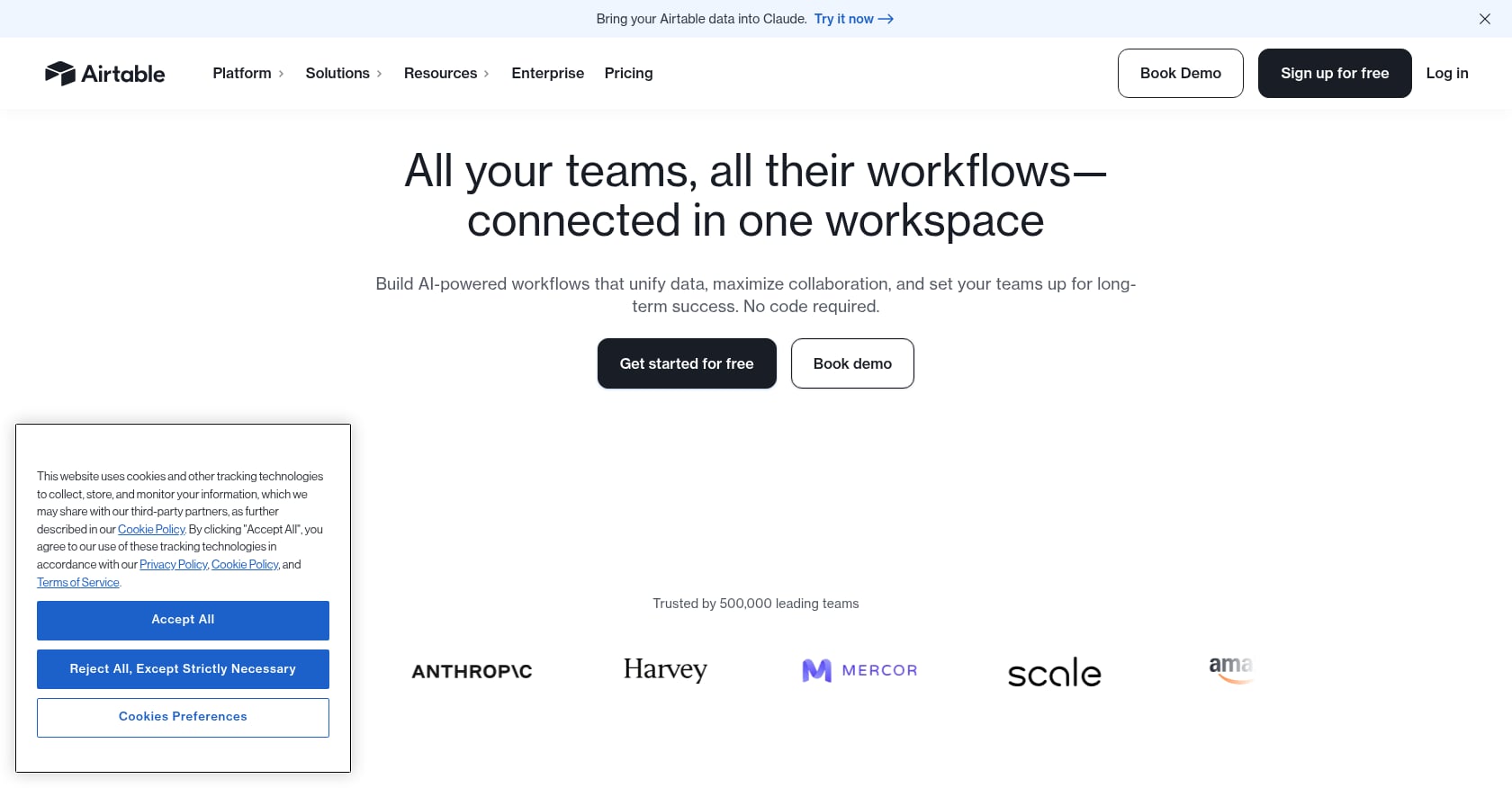
Best for: Agencies, publishers, and multi-client content operations that have outgrown spreadsheets and need relational data, filtered views, and intake forms.
Pricing:
- Free plan available (with record and automation limits)
- Team: ~$20/seat/month (billed annually)
- Business: ~$45/seat/month (billed annually)
Key features:
- Relational database structure connecting campaigns, writers, channels, personas, and assets
- Grid, calendar, Kanban, list, and dashboard views
- Forms for content requests and idea intake
- Custom fields for any workflow stage
- API and integration support for publishing and reporting tools
Tradeoffs:
- More setup time than a spreadsheet
- People unfamiliar with relational databases can misuse linked records
- Pricing scales quickly as seats and records grow
- Performance can lag at higher record counts
- Not an editorial execution service; you still need writers, editors, and QA
Real user perspective: One Reddit user who tracked content, CRM, and dashboards in Airtable praised its flexibility and no-code nature but warned that pricing “gets expensive fast” and performance can degrade with larger bases. G2 reviews surface a similar pattern: strong flexibility, but power users run into scaling and workflow limits.
Airtable’s own editorial calendar guide argues that pipelines get messy when cobbled together across Google Sheets, Google Calendar, and Trello. The fix is centralizing articles, ideas, publication status, verticals, and SEO data in one relational base. That advice holds, especially for agencies managing multiple clients.
Airtable is the best calendar when your content operation has become a database problem.
4. Notion
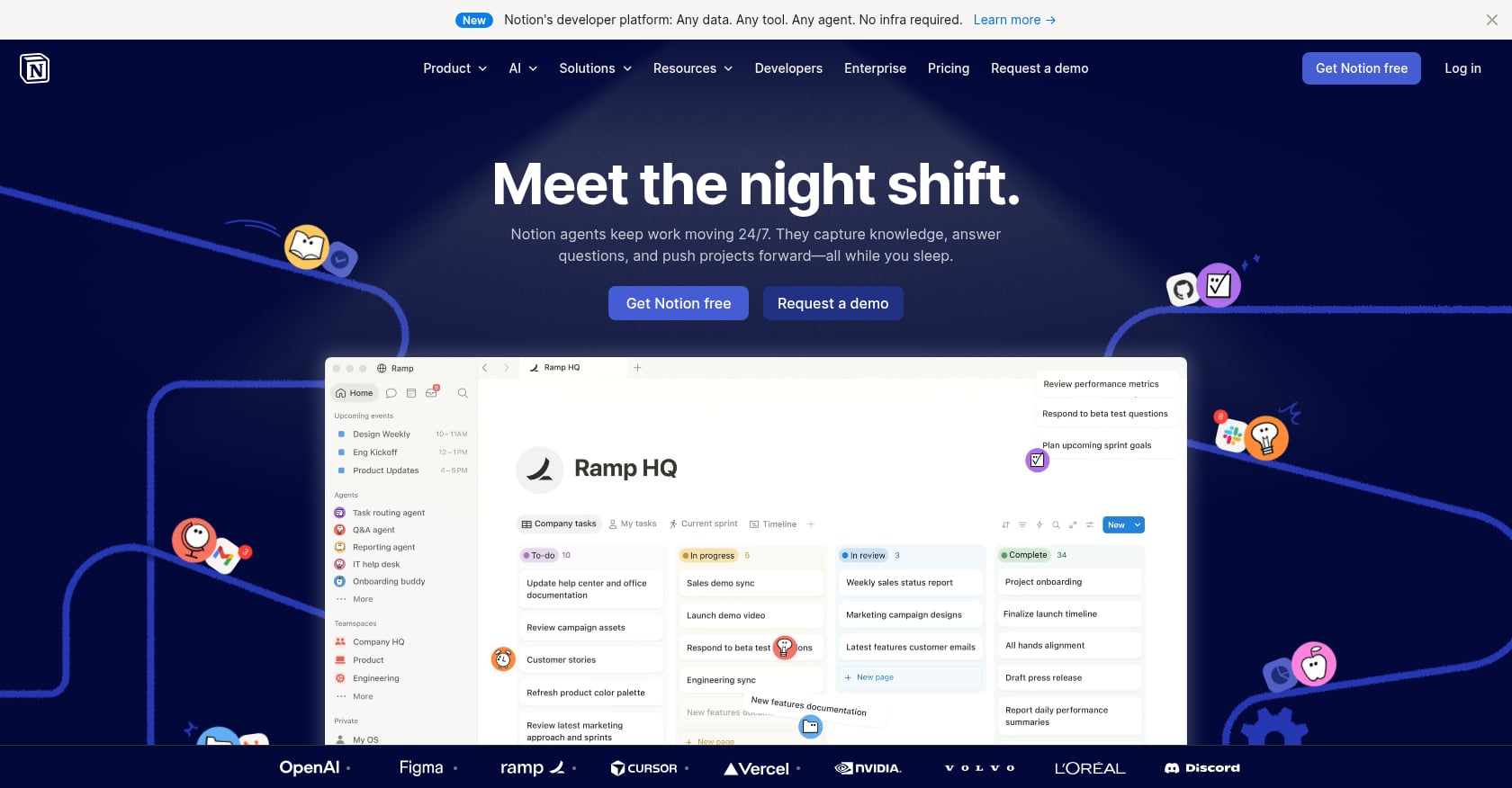
Best for: Solo creators and small content teams that want ideas, briefs, drafts, and a calendar view in one flexible workspace.
Pricing:
- Free plan available
- Plus: ~$10/user/month (billed annually)
- Business: ~$20/user/month (billed annually)
- AI access and automations are increasingly plan-dependent
Key features:
- Database tables with calendar, board, and list views
- Linked pages for content briefs and drafts
- Idea bank with tags for pillar, status, channel, author, and persona
- Built-in docs and wiki structure for SOPs and style guides
- Simple collaboration for small teams
Tradeoffs:
- Not purpose-built for publishing operations
- Easy to over-customize into something nobody maintains
- No native CMS or social publishing without integrations
- Reporting is manual unless connected to external tools
- Larger teams may need stricter permissions than Notion offers
Real user perspective: A LinkedIn creator credited Notion’s free content calendar template with improving their consistency, using pipeline views and Monday planning sessions. The same post warned not to over-customize, because the basic template is enough to start. Separately, a Reddit user who built a 7-database Notion content calendar said the project took a full day because relational formulas were tricky.
Notion is best when your calendar needs to sit next to your ideas, briefs, and content library. It fails when the template becomes a productivity hobby instead of a production tool.
Understanding search intent categories helps you decide which fields belong in your Notion database and which are overkill.
5. ClickUp
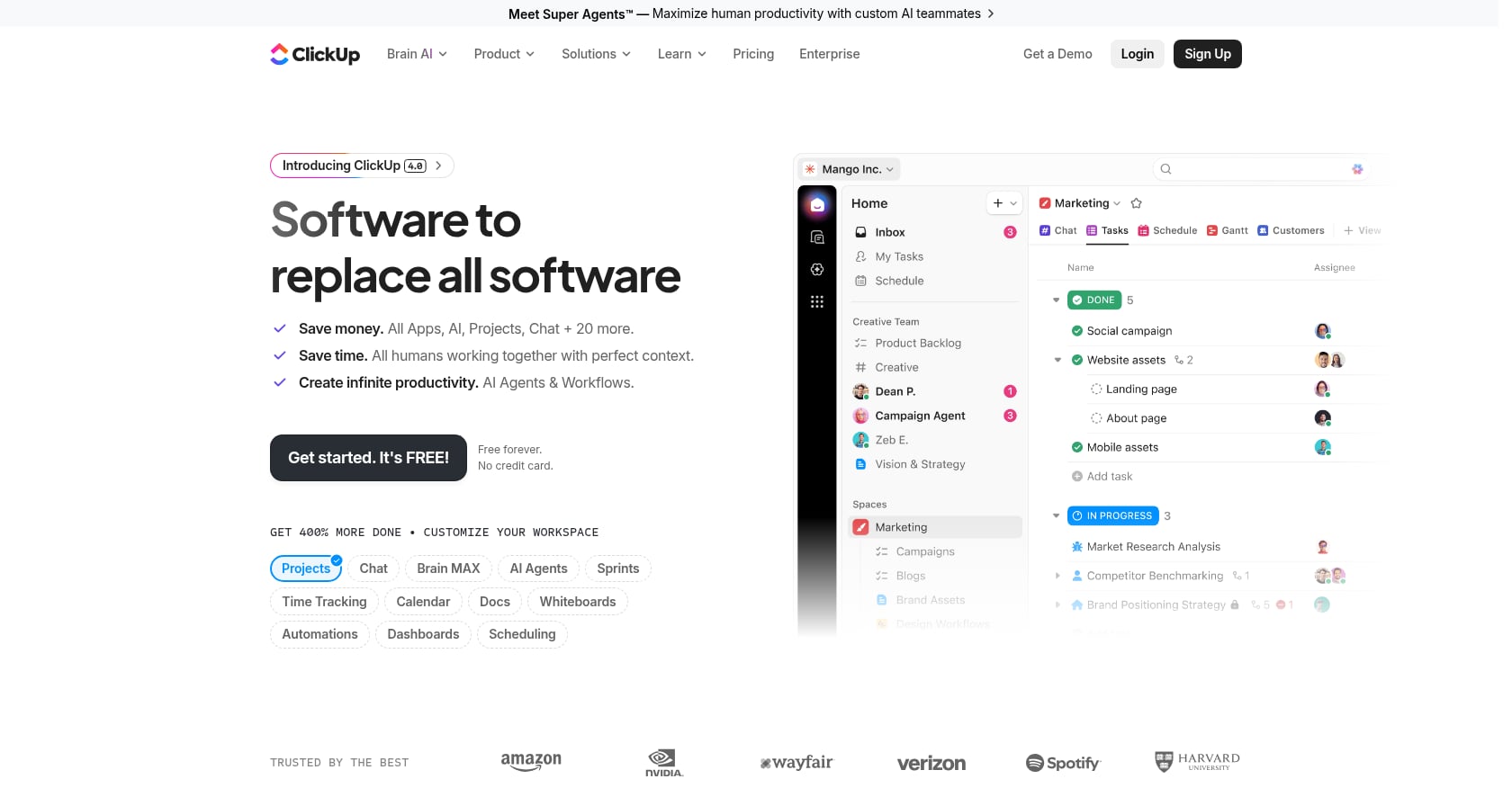
Best for: Teams that want full project management around content production, with task dependencies, Gantt views, and deep customization.
Pricing:
- Free plan available
- Unlimited: ~$7/user/month (billed annually)
- Business: ~$12/user/month (billed annually)
- ClickUp AI/Brain sold separately
Key features:
- Calendar, list, board, table, and Gantt-style views
- Custom fields for channel, publish date, editor, CTA, keyword
- Task assignments with due dates, subtasks, and dependencies
- Automations and dashboards
- Built-in docs and intake forms on paid plans
Tradeoffs:
- Steep learning curve for workspaces, custom fields, and automations
- Recurring user complaints about lag, bugs, and slow Gantt views
- Calendar/planner behavior may not fit every content workflow
- Too many subtasks can make the calendar view confusing
- Setup decisions multiply with the feature count
Real user perspective: G2 reviews consistently mention a recurring complaint pattern: glitches with subtasks, laggy views, and complex workspace setup. Reddit threads echo this, with users specifically calling out calendar limitations and slow performance under heavier workflows.
ClickUp works when your content calendar is really a project management problem. But it may be too much tool for teams that just need visibility into what is publishing and when.
6. monday.com
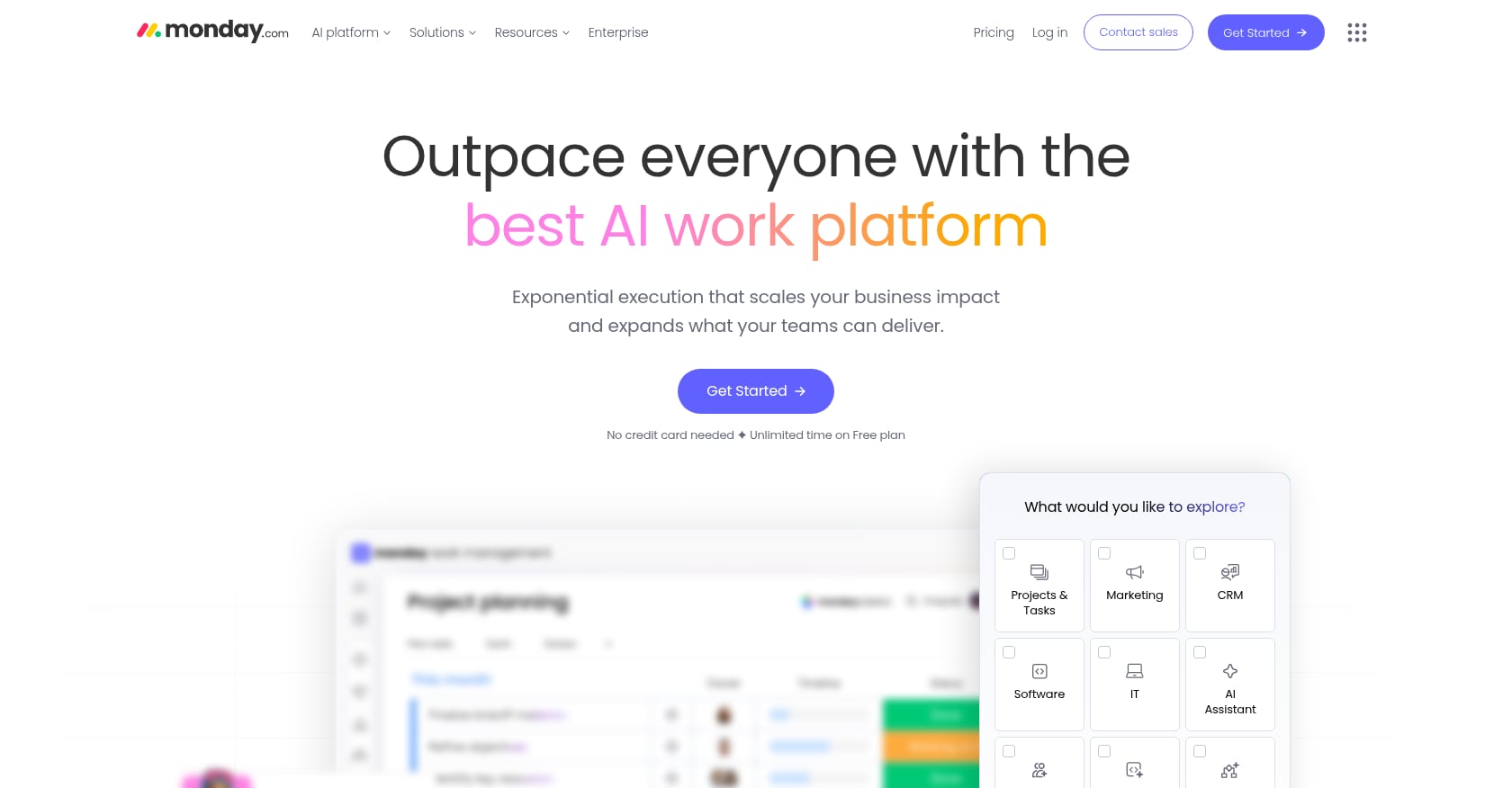
Best for: Full marketing departments that need a visual, customizable content calendar with automations, integrations, and cross-team accountability.
Pricing:
- Free plan available
- Basic: ~$9/user/month (billed annually)
- Standard: ~$12/user/month (billed annually)
- Pro: ~$19/user/month (billed annually)
- Seat minimums apply on paid plans
Key features:
- Boards with custom statuses, colors, and priority labels
- Kanban, table, timeline, and calendar views (some on higher plans)
- Automations and 200+ integrations
- Dashboards for campaign and workload visibility
- Content request forms and team assignments
Tradeoffs:
- Can be expensive as team size grows
- Useful views and automations often require paid tiers
- Seat minimums increase the cost for small teams
- May be overkill for simple blog calendars
- Requires onboarding and process discipline to avoid messy boards
Real user perspective: A 2026 Reddit thread about monday.com pricing captured a common frustration: the platform feels expensive, and teams sometimes need extra tools or workarounds as their needs grow. TechRadar’s review also notes that some subscriptions may not represent the best value for money, especially for larger teams.
monday.com is strongest when the calendar must coordinate people, campaigns, and approvals, not just post dates.
7. Asana
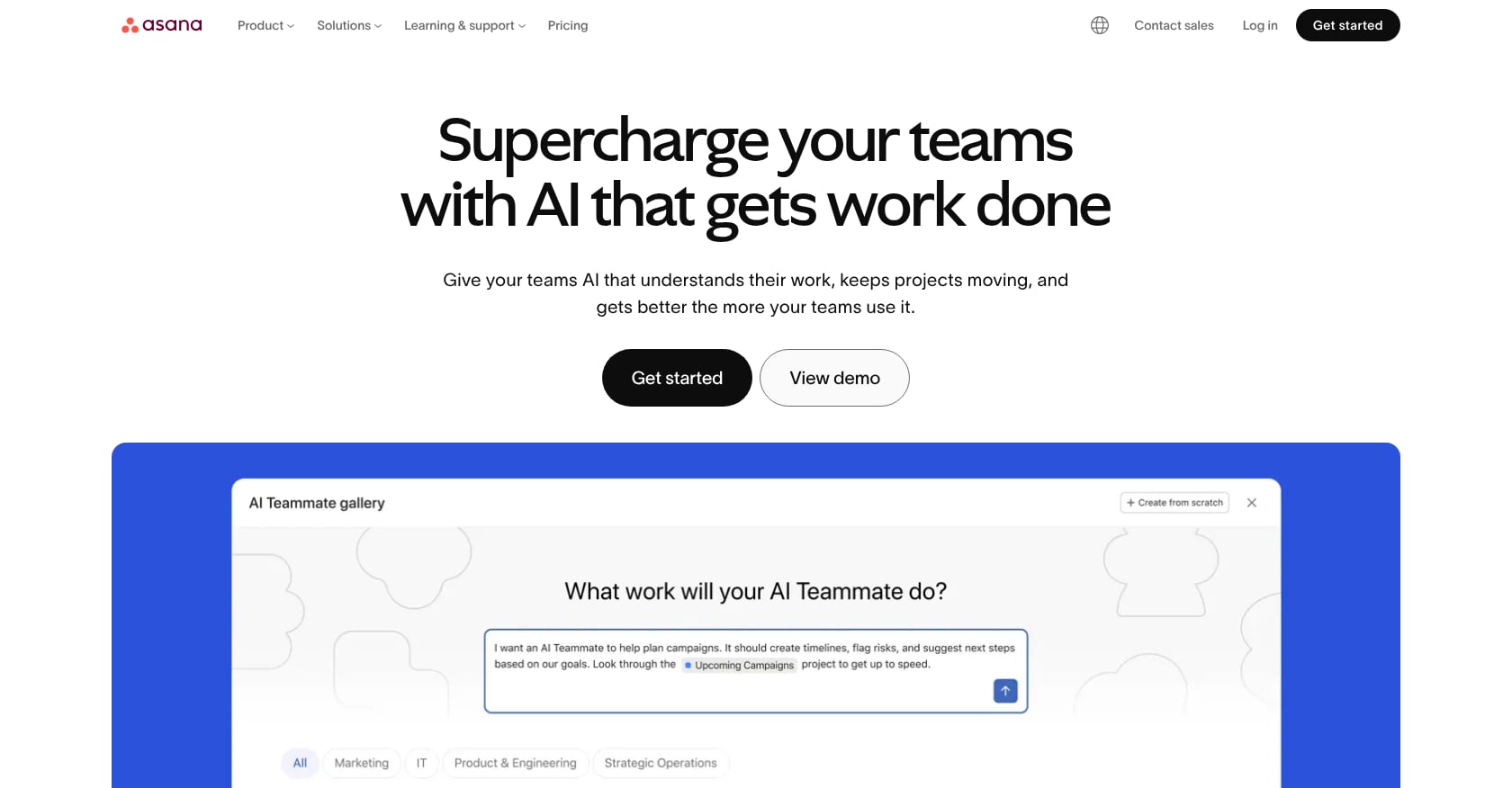
Best for: Small content teams that want approachable task ownership, due dates, and calendar views without the complexity of building a relational database.
Pricing:
- Free personal tier available
- Starter: ~$10.99/user/month (billed annually)
- Advanced: ~$24.99/user/month (billed annually)
- Free plan user limits have been reduced recently; verify before committing
Key features:
- Tasks and subtasks with owners and due dates
- Calendar, list, and board views
- Custom fields on paid tiers
- Rules and automations on paid tiers
- Integration with Slack, Gmail, Google Workspace, and Outlook
Tradeoffs:
- Publish dates and due dates can diverge, creating confusing calendar views
- Subtasks for multi-channel content (video, blog, social) may not appear in calendar views without workarounds
- Advanced reporting and automations require paid plans
- Less flexible than Airtable for relational content databases
Real user perspective: An Asana community forum discussion highlighted a common struggle: when one story produces a video, blog article, LinkedIn post, and Instagram post with different publish dates, the team needs subtask workarounds to make everything visible in a single calendar. A Reddit user added that Asana can serve as a “one source of truth” calendar view, but warned that due-date and publish-date confusion is a real risk.
Before moving your whole team to Asana, test one campaign with multiple assets and publish dates. That test will reveal whether the calendar view works for your workflow.
Asana is best when the calendar needs to keep people accountable more than it needs to act like a content database.
8. Smartsheet
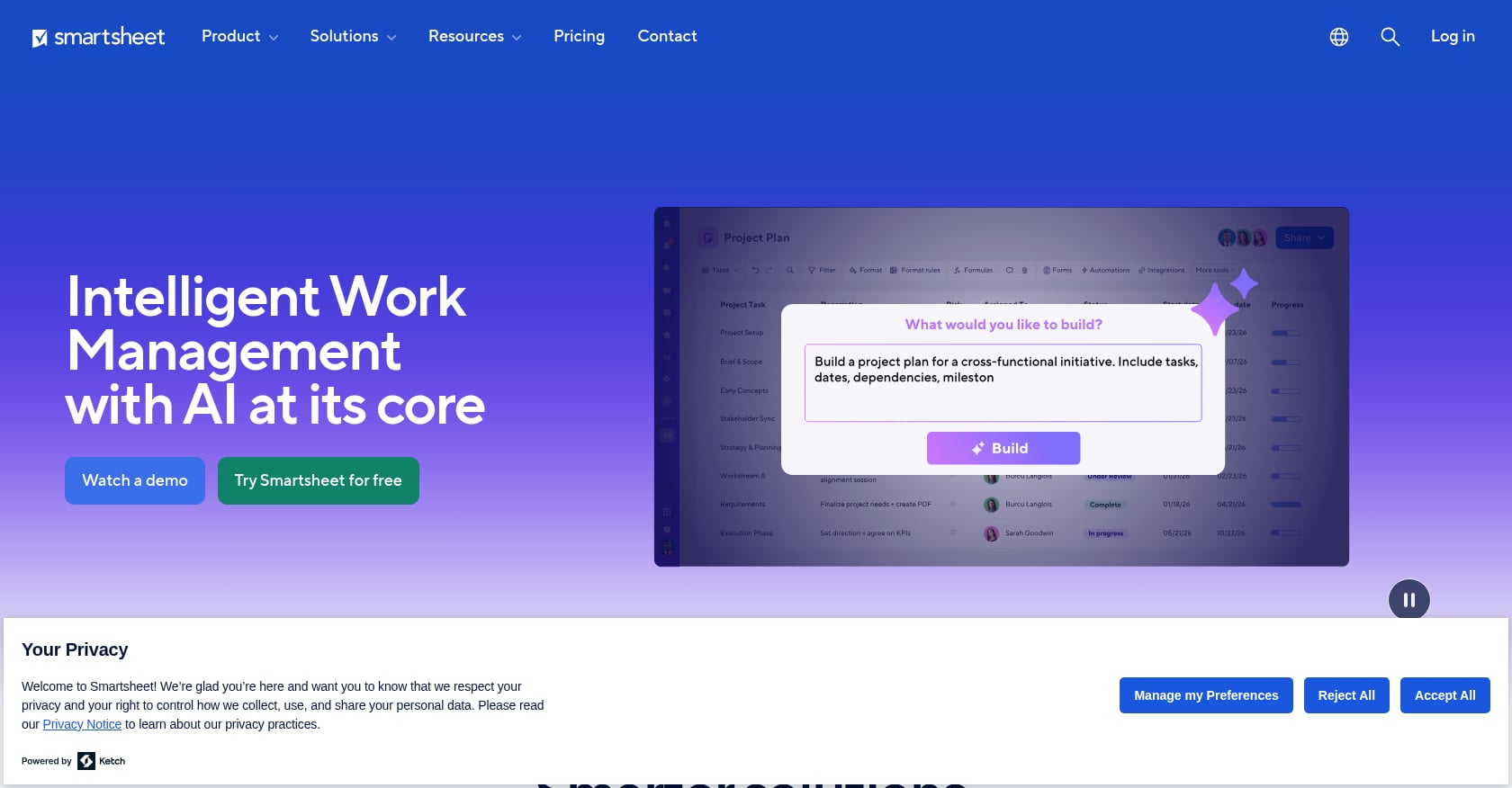
Best for: Operations-minded marketing teams and PMO-style organizations that want spreadsheet familiarity with workflow controls, forms, reports, and governance.
Pricing:
- Templates are free to download (Excel, Google Sheets, PDF formats)
- Smartsheet Pro and Business paid plans vary by billing and features
- No permanent free plan; free trial available
Key features:
- Spreadsheet-style grids with workflow capabilities
- Calendar, Gantt, and timeline views
- Forms for content intake and requests
- Reports and dashboards
- Automation rules
- Template library covering content marketing, social media, email, editorial, campaign, and product launch calendars
Tradeoffs:
- More complex than Google Sheets, with a steeper learning curve
- Can become expensive for resource and calendar features
- Not as content-native as CoSchedule or as flexible as Airtable
- Some users find it less friendly than modern tools
- Adoption can be a challenge for non-spreadsheet-oriented team members
Real user perspective: Reddit discussions about Smartsheet reveal a split: some teams are dedicated users who appreciate the governance features, while others find the tool harder to adopt than expected, with complaints about complexity and pricing.
Smartsheet is the right pick when a spreadsheet is familiar but the workflow now needs governance. Its free template pack, available in multiple formats, is one of the most comprehensive on the web.
9. CoSchedule
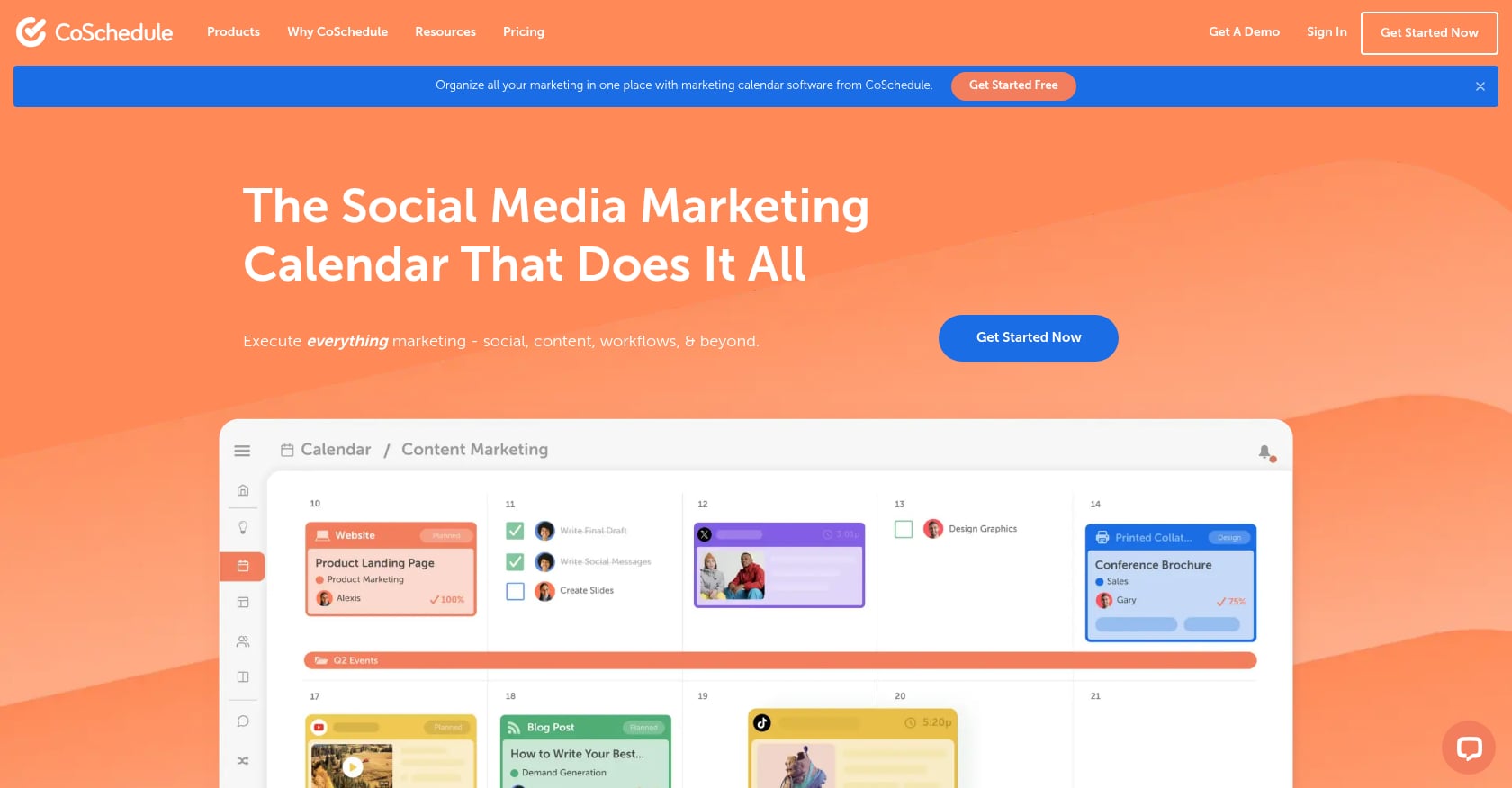
Best for: Editorial and social scheduling teams that want a purpose-built marketing calendar rather than a general project management tool adapted for content.
Pricing:
- Free Calendar plan available
- Social Calendar: ~$19/user/month
- Agency Calendar: ~$49-59/user/month
- Marketing Suite: custom pricing
Key features:
- Marketing calendar with drag-and-drop scheduling
- Social media scheduling and publishing
- Campaign planning and tracking
- Color-coded status and content type labels
- Kanban and table views on higher tiers
- Integration with WordPress and social platforms
Tradeoffs:
- Key features are locked behind paid tiers
- User complaints about customer support and integration reliability
- Social account disconnections can cause failed posts without alerts
- Less flexible as a general database than Airtable or Notion
- Higher tiers add up quickly for larger teams
Real user perspective: G2 reviews for CoSchedule’s Marketing Suite include complaints about social accounts becoming unlinked without notifications, causing published posts to fail silently. Review aggregators note common complaint tags around support, limited features, and subscription costs, though overall ratings sit in the low-to-mid 4s.
CoSchedule is best when publishing and promotion live together. But pricing matters, and teams should verify that the free tier covers enough before building their workflow around it.
10. HubSpot Editorial Calendar Templates
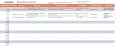
Best for: Beginners and low-volume blog teams that want a simple, free spreadsheet or Google Calendar to start organizing content.
Pricing:
- Completely free (Excel, Google Sheets, and Google Calendar formats)
- No paid tier required to use the templates
Key features:
- Simple spreadsheet structure for brainstorming topics
- Fields for target readers, keywords, CTAs, and blog/social planning
- Google Calendar format for teams that prefer a visual timeline
- Paired with HubSpot’s educational content on blogging and content strategy
Tradeoffs:
- Too basic for true high-volume publishing programs
- No production pipeline, approval workflows, or performance tracking
- Designed for short-term editorial planning, not scaled content operations
- Does not include rewrite tracking, capacity planning, or internal link management
HubSpot’s templates are a reasonable starting point for teams publishing fewer than 10 pieces per month. For anything beyond that, the structure will not hold.
The Fields Your High-Volume Publishing Calendar Actually Needs
Most templates ship with a handful of columns. A high-volume SEO publishing calendar needs more. Here is a copyable schema you can adapt to any tool.
| Field | Purpose |
|---|---|
| Content ID | Unique identifier for high-volume tracking |
| Cluster | Keeps topical authority organized |
| Primary keyword | Main SEO target |
| Secondary keywords | Related queries |
| Search intent | Informational, commercial, transactional, navigational |
| Funnel stage | TOFU, MOFU, BOFU |
| Buyer persona | Who the page serves |
| Content type | Blog, comparison, landing page, collection page, local page |
| Brief URL | Link to working brief |
| Draft URL | Link to draft |
| Writer | Owner of draft |
| Editor | Owner of QA |
| Status | Idea, briefed, writing, editing, approved, scheduled, live, rewrite |
| Draft due date | Production deadline |
| Publish date | Go-live date |
| CMS URL | Final published URL |
| Meta title | SEO title tag |
| Meta description | SERP snippet |
| Internal links in | Pages linking to this URL |
| Internal links out | Pages this URL links to |
| CTA | Conversion path |
| GSC clicks | Post-publish performance |
| GSC impressions | Post-publish performance |
| Average position | Post-publish performance |
| Rewrite trigger | Date or performance threshold |
| Rewrite status | Not needed, queued, rewritten, republished |
The internal links columns are often the first to be dropped, and that is a mistake. Internal linking is one of the highest-impact on-page SEO activities, and it is nearly impossible to manage at volume without tracking it in the calendar.
Inflow’s free SEO content calendar includes many of these fields and is worth downloading as a reference, even if you ultimately build your own.
Common Mistakes With High-Volume Publishing Calendars
Tracking publish dates but not production stages
A calendar that only shows when content goes live fails when drafting, editing, design, and CMS upload each have different owners. If you cannot see that three articles are stuck in editing while the writer has capacity, you are flying blind.
Using due dates as publish dates
This issue appears frequently in Asana and task-based tools. The due date for a draft and the publish date for the final piece are often different. If the system treats them as the same field, the calendar view lies.
Letting the calendar become a 47-tab monster
One agency team on Reddit described replacing their elaborate multi-tab spreadsheet with weekly one-pagers generated from an Airtable database. Their insight: the operational database and the stakeholder-facing calendar are two different artifacts. Trying to make one spreadsheet serve both audiences creates a document nobody reads.
Ignoring the performance loop
A publishing calendar should not end at “live.” The best teams include refresh, rewrite, merge, redirect, and internal link actions as part of the calendar lifecycle. Orbit Media’s 2025 blogging research found that bloggers publishing 2,000+ word posts reported stronger results, but only when those posts were maintained over time.
For a structured approach to post-publication improvement, this content refresh playbook covers how to identify and fix decaying pages.
Scaling content without value
Publishing 50 pages per month means nothing if those pages do not help anyone. Google warns against using AI or automation to generate large numbers of pages without adding user value, calling it potential scaled content abuse. A high-volume publishing calendar template needs a quality gate, not just a velocity target.
Teams using AI-assisted workflows should review their editorial QA checklist before publishing at scale.
How to Choose the Right Template
Use this decision path:
Do you need someone to plan, publish, and improve 20+ SEO pages per month for you? Choose a managed service like Rankai. The bottleneck is not the calendar template. It is execution.
Compare the cost of agency content production to understand where managed programs fit in the budget.
Do you publish fewer than 20 assets per month and need low friction? Start with Google Sheets or Excel. Free, shareable, and fast to set up.
Do you manage many clients, campaigns, or content relationships? Choose Airtable. It handles relational complexity better than any spreadsheet.
Do you want ideas, briefs, and calendar in one workspace? Choose Notion. It is the best lightweight option for small teams that already think in docs.
Do you need assignments, subtasks, dependencies, and dashboards? Choose ClickUp, monday.com, or Asana depending on your preference for feature depth vs. simplicity.
Do you need spreadsheet familiarity plus governance? Choose Smartsheet.
Do you need a marketing-specific calendar with social scheduling? Choose CoSchedule.
The best template is the one your team will actually update. Do not pick the most powerful tool. Pick the most powerful tool your team will use.
For teams ready to scale their content operation beyond what a single template can manage, the jump from calendar to system is where most growth happens.
Bringing It All Together
Templates for high-volume publishing calendars exist on a spectrum. At one end, a free Google Sheet with the right fields can organize a small team’s output for months. At the other end, a managed SEO service removes the calendar problem entirely by handling strategy, production, and performance improvement as a single package.
The gap in the middle is where most teams struggle. They outgrow spreadsheets, adopt a new tool, spend weeks customizing it, and then watch adoption drop because the system is too complex. The fix is matching the tool to the team’s actual capacity, not its aspirations.
Whatever you choose, build the performance loop into your calendar from day one. Track what happens after publication. Rewrite what underperforms. Prune what does not serve anyone. That is the difference between a publishing calendar and a publishing system.
If you want 20+ SEO pages published monthly without managing the calendar yourself, explore Rankai’s publishing velocity model to see what a managed approach looks like.
FAQ
What is a high-volume publishing calendar?
A high-volume publishing calendar is a planning and production system designed for teams publishing roughly 20 or more content assets per month. Unlike a basic editorial calendar that tracks titles and dates, a high-volume calendar includes fields for keyword targeting, search intent, production status, content ownership, approval workflows, internal links, CMS URLs, performance metrics, and rewrite triggers. The goal is to coordinate strategy, execution, and post-publication optimization at scale.
What fields should a high-volume content calendar template include?
At minimum: content ID, topic cluster, primary keyword, search intent, funnel stage, buyer persona, content type, writer, editor, status, draft due date, publish date, CMS URL, meta title, meta description, internal links in and out, CTA, Google Search Console clicks and impressions, average position, and rewrite status. Teams that skip the performance and rewrite columns lose the feedback loop that makes high-volume publishing effective.
Is Google Sheets good enough for a content calendar?
For teams publishing up to about 15 pieces per month, Google Sheets works well. It is free, easy to share, and widely understood. It breaks down when you need approval workflows, task dependencies, filtered stakeholder views, and automated performance tracking. Content Harmony recommends spreadsheet calendars for their simplicity and shareability, but practitioners consistently note that they require discipline to maintain.
When should I move from Google Sheets to Airtable or a project management tool?
Move when you start experiencing version-control issues, when multiple people need different filtered views of the same data, when you need intake forms or approval workflows, or when manual reporting consumes more than an hour per week. Airtable is the natural next step for relational complexity. ClickUp, monday.com, and Asana are better fits when the problem is task coordination and team accountability.
How do I avoid low-quality scaled content?
Google’s guidance is clear: content should be made for people, not to manipulate search rankings. At high volume, this means every page needs a defined audience, a specific keyword target, genuine usefulness, and editorial review before publishing. Include a quality gate in your calendar (a status like “QA approved” before “scheduled”) and build rewrite triggers for pages that underperform after three to four weeks.
What is the difference between an editorial calendar and a content production pipeline?
An editorial calendar is a planning layer: it shows what will be published, when, and on what topic. A content production pipeline tracks the workflow stages each piece moves through, from brief to draft to edit to approval to publish. High-volume teams need both. The calendar provides strategic visibility. The pipeline ensures nothing stalls between idea and publication.
Can AI help manage a high-volume publishing calendar?
AI can assist with drafting, keyword research, and performance analysis, but it does not replace the operational structure of a publishing calendar. The calendar itself still needs human ownership, status updates, quality checks, and strategic decisions about what to publish and what to rewrite. Teams that use AI for content creation should pay extra attention to quality control and Google’s guidance on scaled content.
How far ahead should a high-volume content calendar plan?
Content Harmony recommends planning two to six months ahead. Shorter horizons work for reactive or news-driven teams. Longer horizons work for SEO programs building topical authority, where keyword clusters and content dependencies benefit from strategic sequencing. The key is balancing enough structure for production planning with enough flexibility to adjust based on performance data and shifting priorities.
