
TL;DR
AI content creation tools range from free chatbots to full-service SEO systems. ChatGPT and Claude handle drafting and editing. Jasper and Copy.ai serve marketing and sales teams. Canva, Descript, and Runway cover visuals and video. For businesses that need SEO content planned, published, monitored, and rewritten without managing tools themselves, Rankai offers done-for-you execution starting at $499/month.
AI can produce a blog draft in 30 seconds. That part is easy.
The harder part is figuring out what to create, editing until it reflects genuine expertise, optimizing for search intent, publishing consistently, and rewriting pages that stall. Most AI content creation tools solve only one piece of that puzzle, usually the drafting step. Strategy, editing, SEO, publishing, and iteration still fall on you.
This is not a fringe practice anymore. HubSpot’s 2026 State of Marketing reports that 86.4% of marketing teams use AI in at least a few marketing areas. Separately, Ahrefs found that marketers using AI publish 42% more content than those who don’t.
Volume alone is not the goal, though. More content only helps if it is good content. This guide compares 11 AI content creation tools and services by pricing, use case, real user sentiment, and honest limitations. It also explains whether AI content is safe for SEO, how to choose between a tool and a service, and the workflow that turns AI drafts into pages that actually rank.
Already know you want SEO content handled for you? Explore Rankai’s approach to AI-powered, human-guided content execution.
Quick Comparison: Best AI Content Creation Tools
| Tool | Best For | Starting Price | Key Differentiator | Biggest Tradeoff |
|---|---|---|---|---|
| Rankai | Done-for-you SEO content | $499/mo | Strategy, 20+ pages/mo, technical fixes, rewrites | Not a self-serve writing tool |
| ChatGPT | General drafts and ideation | Free; Plus $20/mo | Broadest general AI assistant | Needs direction, editing, SEO workflow |
| Claude | Long-form writing and editing | Free; Pro $20/mo | Natural prose, large context window | Usage limits; fewer integrations |
| Jasper | Brand marketing campaigns | $59/mo (annual) | Brand voice and campaign workflows | Expensive for small teams |
| Copy.ai | GTM and sales workflows | $29/mo | Multi-model chat, GTM automation | Weak for long-form SEO content |
| Writesonic | AI search visibility + SEO | $79/mo (annual) | AI visibility tracking across ChatGPT, Gemini, AI Overviews | Complex and pricey for simple writing |
| Surfer | SEO content optimization | $99/mo (annual) | SERP-based optimization editor | Doesn’t replace writing or publishing |
| Canva Magic Studio | Social graphics and design | Free; Pro ~$15/mo | Easy templates with AI design features | Not an SEO content system |
| Descript | Video and podcast editing | Free; Hobbyist $16/mo (annual) | Text-based video/audio editing | Media hour and credit limits |
| Runway | AI video generation | Free; Standard $12/mo (annual) | Advanced generative video | Credit limits; short output durations |
| Grammarly | Writing polish and consistency | Free; Pro $12/mo | Works across writing surfaces | Not a strategy or production tool |
If you only need a first draft, ChatGPT or Claude can handle it. If you need SEO content planned, published, optimized, and rewritten over time, Rankai is the place to start.
What Is AI Content Creation?
AI content creation is the use of generative AI tools to plan, draft, edit, design, optimize, or publish content. That includes blog posts, landing pages, social media graphics, emails, videos, and podcasts.
The phrase can be misleading if it suggests one tool handles everything. In practice, content that grows a business requires at least six layers of work:
| Layer | Job to Be Done | Example Tools |
|---|---|---|
| Strategy | Decide what to create and why | SEO research tools, human strategist, Rankai |
| Drafting | Produce first drafts | ChatGPT, Claude, Jasper, Copy.ai |
| Editing | Fix clarity, accuracy, brand voice | Claude, Grammarly, human editor |
| Optimization | Match search intent, improve rankings | Surfer, Writesonic, Rankai |
| Multimedia | Create visuals, clips, videos | Canva, Descript, Runway |
| Publishing and iteration | Publish, monitor, rewrite underperformers | CMS workflows, Rankai, analytics |
Most tools sit in one or two of these layers. No single chatbot or writing app covers the full stack from keyword selection through performance iteration. The best AI content creation workflows recognize this and combine tools (or use a service that handles multiple layers together).
How We Picked These AI Content Creation Tools
Every tool was evaluated across criteria that matter to small businesses making real purchasing decisions:
- Output quality. How good is the raw content, and how much editing does it need?
- Best-fit use case. What specific problem does this tool solve better than the alternatives?
- Pricing transparency. Are costs clear, or are there hidden limits, credit systems, and forced upgrades?
- Human review needs. How much editing, fact-checking, and brand work is required after the AI output?
- SEO usefulness. Does it help content rank, or does it just produce text?
- Workflow depth. Does it fit into how small teams actually work?
- Real user sentiment. What do practitioners on Reddit, G2, and Capterra say about the tool beyond the marketing page?
We also weighed how each tool handles the content quality signals that search engines reward: expertise, originality, accuracy, and helpfulness.
The 11 Best AI Content Creation Tools in 2026
1. Rankai

Best for: Small businesses that want SEO content fully handled, from keyword research to publishing to rewrites.
Pricing:
- Standard Plan: $499/month (early bird pricing)
- 20+ pages created per month
- Continuous rewrites until pages rank
- Technical SEO fixes included
- Human-expert-vetted keyword selection
- Cancel anytime
Key features:
- Human SEO strategists vet keywords and plan content monthly, updating plans as trends shift
- AI content engines draft at scale; human editors review output
- Internal links, metadata, visuals, and CTAs included in every page
- Technical SEO fixes for crawlability, indexation, and metadata issues
- Performance monitoring with auto-flagging of underperforming pages after roughly three weeks
- Full rebuilds and rewrites at no extra cost
- Weekly reporting focused on rankings, traffic impact, and rewrite status
- Compatible with WordPress, Shopify, Squarespace, Webflow, and Wix
- YC S23-backed
Limitations:
- Not a self-serve writing tool. You do not control prompts or drafts directly.
- Off-page link building is not highlighted in the service.
- Case studies use anonymized Google Search Console snapshots, not named client logos.
- At $499/month for 20+ pages, some buyers will reasonably worry about quality and brand voice. The human review layer and rewrite cycle are designed to address this, but the concern is fair.
Why it stands out:
Most tools on this list create assets. Rankai creates an ongoing content operation. It handles keyword selection, content production, technical fixes, reporting, and iterative rewrites. On-site results include a creative agency with 400% traffic growth, a SaaS platform reaching six-figure visitors and seven-figure impressions in under a year, and a local business growing from zero to 70,000 visitors with six million impressions.
The founder has shared on Reddit that Rankai originally launched as a fully automated SEO agent, onboarded over 300 clients, then pivoted to a hybrid model after learning the automated system handled about 60% of the tedious work but missed the 40% that required strategic judgment. That pivot speaks to a core truth about AI content creation: the machine handles scale, but humans still own quality.
Learn more about Rankai as a done-for-you SEO option.
2. ChatGPT
Best for: General brainstorming, first drafts, outlines, and content repurposing.
Pricing:
- Free plan available
- ChatGPT Plus: $20/month
- ChatGPT Business: $25/user/month (monthly) or $20/user/month (annual), 2-seat minimum
Key features:
- Topic brainstorming and angle generation
- Blog outlines, social captions, emails, landing page drafts
- Research summarization and repurposing long content into short-form assets
- File analysis and image generation on paid plans
- Custom GPTs and projects on paid plans
Limitations:
- Does not own content strategy. It generates what you ask for, not what your business needs.
- Can produce confident but wrong statements. Fact-checking is mandatory.
- Output often sounds generic without careful prompting and editing.
- No built-in SEO optimization, publishing, or performance tracking.
What users say:
Practitioners on Reddit report that ChatGPT is typically part of a larger stack rather than a standalone content solution. Agency teams often combine ChatGPT or Claude for drafts, Canva for visuals, Descript or CapCut for video, and Surfer or Frase for SEO optimization. G2 reviews describe ChatGPT as a broad assistant with strong small-business traction, though the consensus is clear: it requires editorial oversight to produce anything publishable.
3. Claude
Best for: Long-form blog drafts, editorial refinement, and tone-sensitive writing.
Pricing:
- Free plan available
- Pro: $20/month
- Max 5x: $100/month
- Max 20x: $200/month
Key features:
- Long-form drafting with a large context window
- Editing and rewriting existing content
- Summarizing documents, transcripts, and research papers
- Handling complex, multi-step instructions
- More natural prose for many writing tasks compared to other models
Limitations:
- A writing assistant, not an SEO service. Does not handle keyword research, CMS publishing, internal linking, or performance tracking.
- Usage limits frustrate heavy users, especially on the Pro plan.
- Fewer marketing workflow integrations than Jasper or Copy.ai.
What users say:
Reddit comparisons frequently describe Claude as stronger than ChatGPT for structured long-form writing and tone matching. Tom’s Guide’s hands-on review called Claude’s writing “warmer, more natural, and less formulaic” for content where tone matters. The tradeoff is that Claude’s usage caps and fewer integrations make it better suited as an editorial partner than a complete content engine.
4. Jasper
Best for: Marketing teams that need brand-controlled campaign copy across channels.
Pricing:
- Pro: $69/month (monthly) or $59/month (annual), per seat
- Business: custom pricing
- 7-day free trial available
Key features:
- Brand Voice training with knowledge assets
- Campaign-oriented content workflows
- Canvas platform for on-brand creation
- Multiple audience profiles
- Business tier adds API access, admin controls, and dedicated support
Limitations:
- Expensive compared to general-purpose assistants. Hard to justify if you don’t need brand governance features.
- Output still needs human editing and fact-checking.
- Better for marketing campaigns than for SEO content execution.
- SEO performance requires separate strategy, optimization, and monitoring tools.
What users say:
Capterra reviews praise Jasper’s ability to maintain brand voice across ads, emails, and website copy. Cost is a recurring complaint, especially for small teams on tight budgets. A practitioner on Reddit who tested 12 AI content tools over six months noted that even trained brand voice systems can drift back toward generic marketing language after a few outputs. Regular calibration matters more than initial setup.
5. Copy.ai
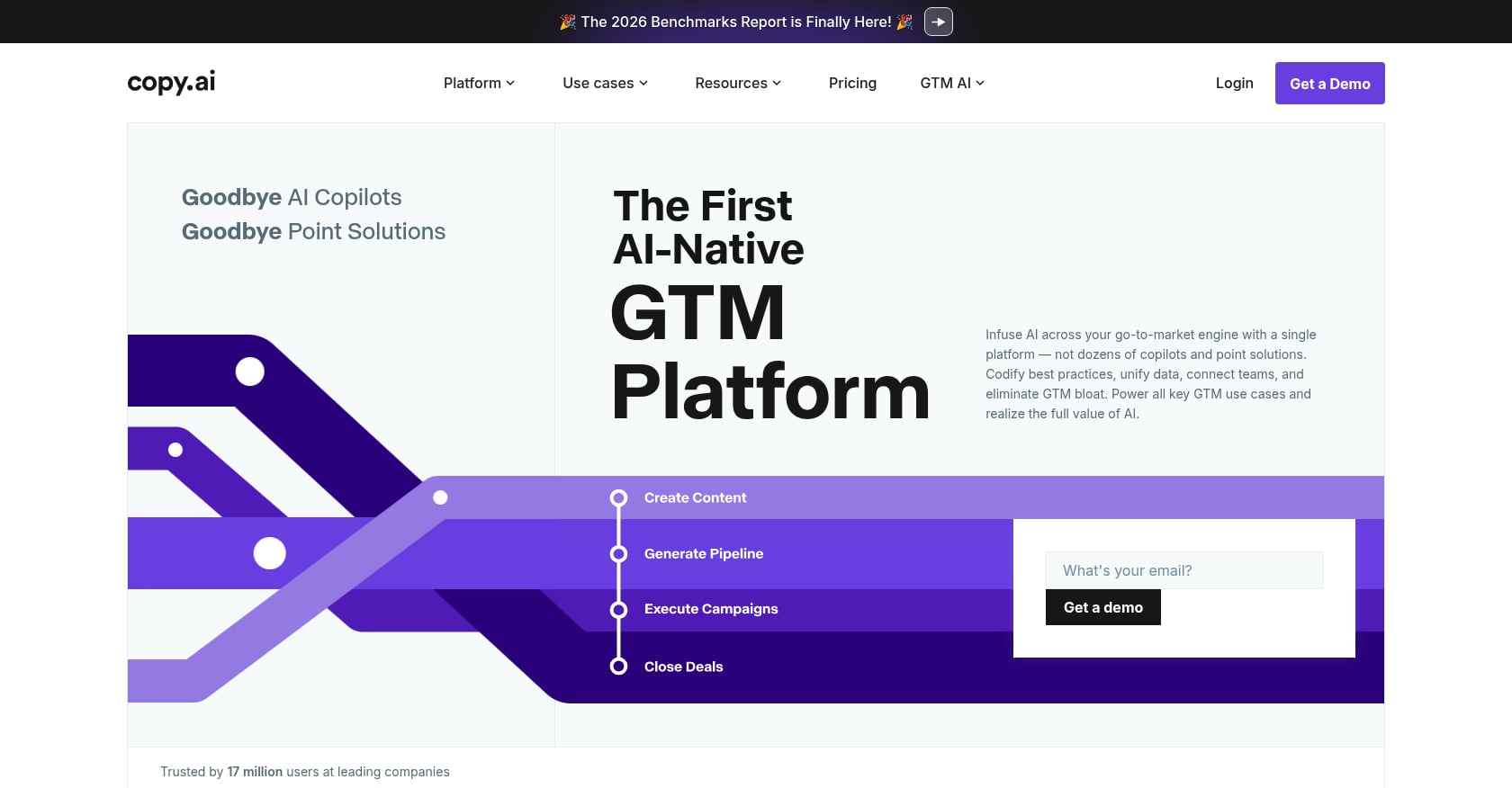
Best for: Sales teams and GTM workflows, including outreach sequences and ad copy.
Pricing:
- Chat plan: $29/month (monthly) or $24/month (annual), includes 5 seats
- Growth: $1,000/month (annual), 75 seats
- Expansion: $2,000/month (annual)
- Scale: $3,000/month (annual)
- Enterprise: custom
Key features:
- AI chat with multi-model access (OpenAI, Anthropic, Gemini)
- GTM workflow automation
- Unlimited words in chat on paid plans
- Workflow credits for automated processes
- Enterprise integrations and API access on higher tiers
Limitations:
- Not the strongest option for long-form SEO articles or research-heavy content.
- Higher-tier pricing now skews toward enterprise teams. Individual creators may feel priced out.
- Third-party reviewers note Copy.ai is weakest for research-heavy long-form content and verified factual accuracy.
What users say:
Capterra reviewers note that Copy.ai can lack the creativity and unique angles a human writer brings, especially for blog posts that need originality. There is a visible split between enterprise teams that value the GTM pivot and smaller users who preferred the older, simpler writing tool. For AI content creation focused on SEO, this is not the strongest pick.
6. Writesonic
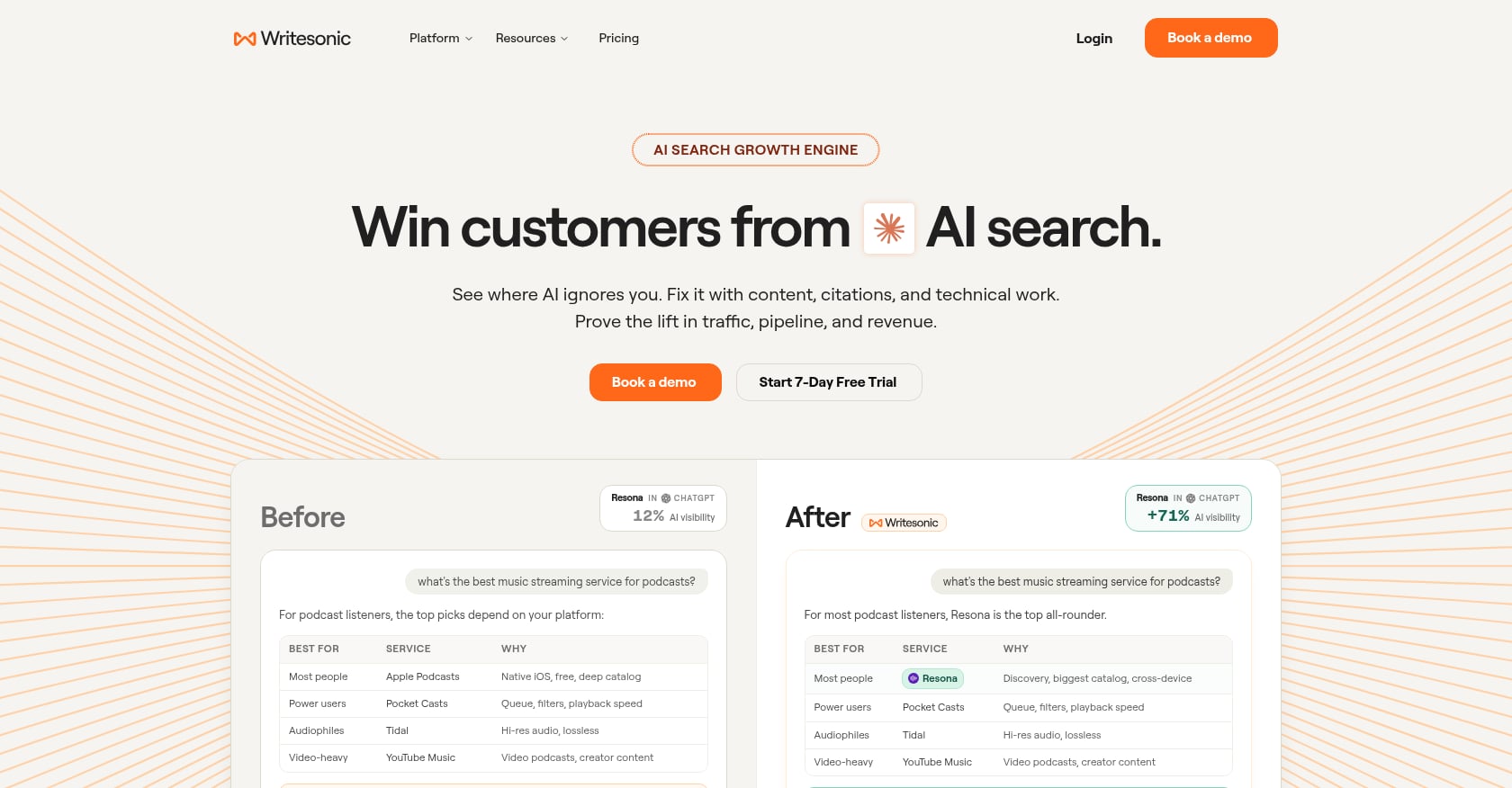
Best for: Teams that want AI search visibility tracking combined with AI-generated SEO content.
Pricing:
- Starter: $79/month (annual)
- Basic: $199/month (annual)
- Growth: $399/month (annual)
- Enterprise: custom
Starter includes ChatGPT-only AI visibility tracking, 50 prompts/answers tracked daily, 15 AI articles/month, and 10 site audits. Basic adds tracking across Gemini and Google AI Overviews with 25 AI articles/month.
Key features:
- AI search visibility tracking (ChatGPT, Gemini, AI Overviews on higher tiers)
- AI article writer with SEO optimization
- Site audits
- Google Search Console and WordPress integrations
- Brand voice and writing style controls
The AI visibility tracking feature deserves context. A 2026 empirical study found that AI Overviews appeared for 51.5% of representative real-user queries and were displayed above organic results.
As AI search reshapes how people discover content, tracking visibility in these answers matters more than ever. For a deeper look at how this works, read our guide to Google AI Overviews.
Limitations:
- More expensive than simple writing tools. The pricing makes less sense if you only want AI visibility tracking without the bundled content writer.
- Product positioning has shifted from a writing tool to an SEO and AEO platform, which can feel complex for small businesses that just want articles published.
- Human review and editing are still required for quality output.
What users say:
One SaaS user on Reddit said Writesonic was the best fit for combining SEO, answer engine optimization, research, and content execution in one platform. Another commenter in the same thread complained about customer service responsiveness and frequent product repositioning.
7. Surfer
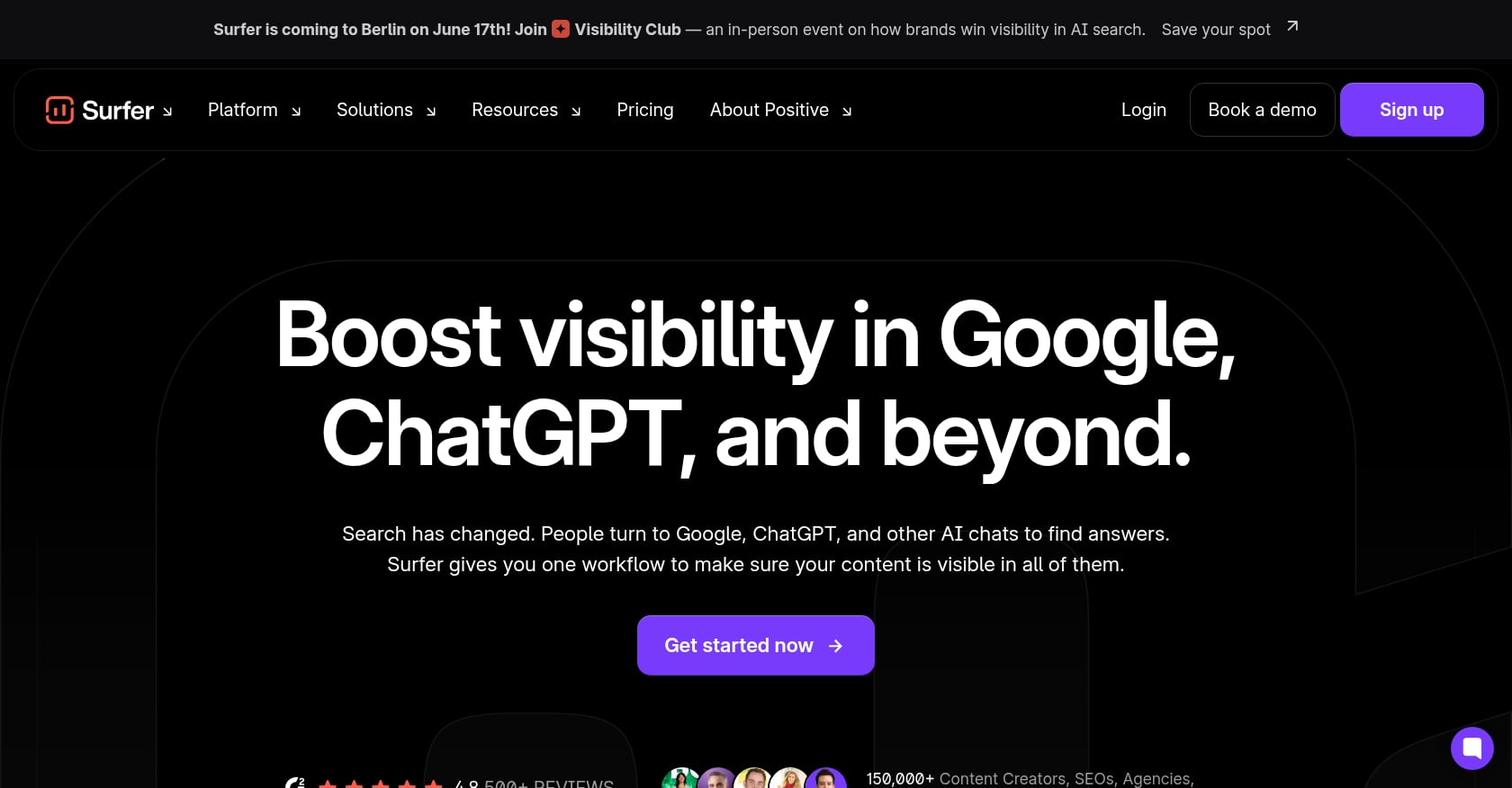
Best for: SEO teams and editors optimizing content drafts for search performance.
Pricing:
- Standard: $99/month (annual)
- Pro: $182/month (annual)
- Peace of Mind: $299/month (annual)
Standard includes 360 documents, AI visibility tracking, and 25 AI prompts refreshed weekly. Pro adds one-click internal linking, content ideas, coverage gap analysis, and cannibalization reporting.
Key features:
- SERP-based content optimization editor with real-time scoring
- AI visibility tracking
- Internal linking on Pro and above
- Content ideas and coverage gap tools
- Integrations with WordPress, Google Docs, and Zapier
Limitations:
- Surfer optimizes content. It does not replace strategy, writing, editing, or publishing.
- Following content scores mechanically can produce over-optimized, unnatural writing.
- Pricing is a barrier for solo users and very small teams.
- Users still need writers, editors, and a publishing workflow alongside Surfer.
What users say:
G2 rates Surfer at 4.8 out of 5 from 541 reviews, with praise for its content editor and actionable insights. Reddit sentiment is more skeptical. SEO practitioners warn about the “content score trap,” where teams chase a number instead of writing for the reader. One commenter argued that Surfer is best used as a guide, not as a rigid checklist. The tool adds real value when combined with editorial judgment, but it can backfire when used on autopilot.
8. Canva Magic Studio

Best for: Non-designers who need social graphics, blog images, and branded presentations.
Pricing:
- Free plan available
- Pro: approximately $15/month or $120/year (pricing may vary by region and account type)
- Teams pricing varies by plan and seat count
Key features:
- Thousands of design templates
- Brand kits for visual consistency
- AI-powered Magic Studio features (background removal, text-to-image, design suggestions)
- Social media graphics, presentations, and simple ad creatives
Limitations:
- Not a strategy, writing, or SEO tool. It fills the visual layer only.
- Templates can look generic if overused without brand customization.
- Pricing and team access have confused users, especially after recent plan changes.
What users say:
G2 rates Canva at 4.7 out of 5 from nearly 7,000 reviews, with users praising its intuitive interface. Reddit threads show frustration around pricing changes and confusing team collaboration requirements. For AI content creation workflows, Canva is a strong complement for graphics but cannot replace writing, strategy, or search optimization.
9. Descript
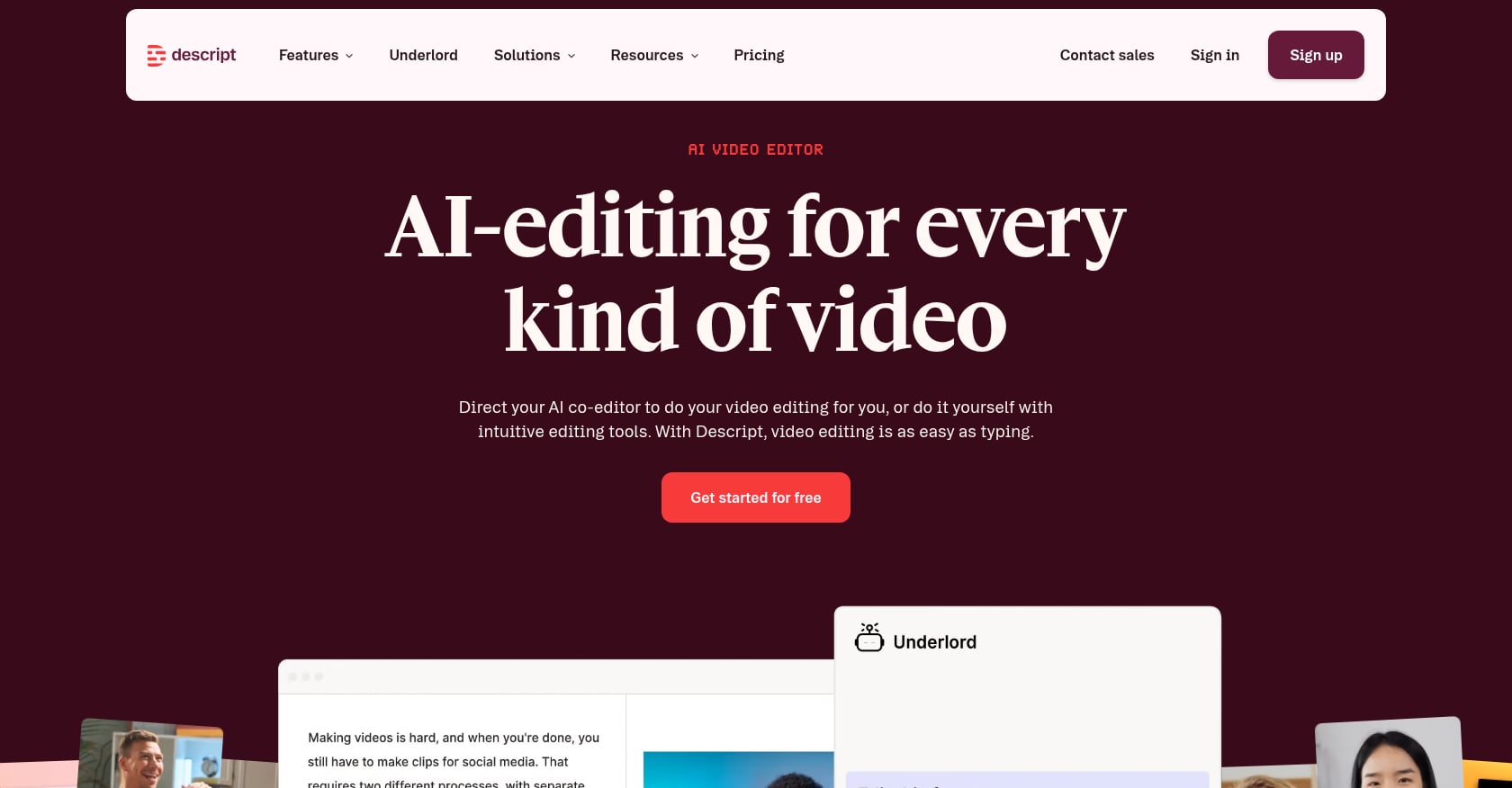
Best for: Podcast and video editing, plus repurposing long-form recordings into short clips.
Pricing:
- Free plan available
- Hobbyist: $16/month (annual) or $24/month (monthly)
- Creator: $24/month (annual) or $35/month (monthly)
- Business: $50/month (annual) or $65/month (monthly)
- Enterprise: custom
Key features:
- Text-based audio and video editing
- Transcription and filler-word removal
- Studio Sound for audio cleanup
- AI speech and voice cloning
- Short-form clip creation from longer recordings
- Translation and dubbing in 30+ languages on Business tier
- 4K exports on Creator tier and above
Limitations:
- Not useful for long-form written SEO content.
- Media hours and AI credits create usage caps that can surprise heavy users.
- Performance issues and a steeper-than-expected learning curve appear frequently in reviews.
What users say:
G2 and Capterra rate Descript at 4.6 and 4.7 respectively. Users praise the ease of text-based editing, while recurring complaints center on slow performance and occasional editing glitches. One Reddit user described the experience as “painful.” Descript works best for teams that regularly produce video or audio content and want to turn recordings into smaller, shareable assets.
10. Runway
Best for: Creating AI-generated video clips, product visuals, and experimental video ads.
Pricing:
- Free: 125 one-time credits
- Standard: $12/user/month (annual), 625 monthly credits
- Pro: $28/user/month (annual), 2,250 monthly credits
- Unlimited: $76/user/month (annual), 2,250 credits plus Explore Mode for relaxed-rate generations
- Enterprise: custom
Key features:
- Generative video from text, image, or video input
- Generative image creation
- Text-to-speech
- Access to Gen-4.5, Gen-4 Turbo, and other models depending on plan
- Watermark removal and upscaling on paid plans
Limitations:
- Credit systems are confusing. Reddit users have questioned whether the “Unlimited” plan is truly unlimited, since it still lists credits and uses relaxed-rate generation rather than priority queuing.
- Short generation durations limit practical use for longer video content.
- Output quality often requires multiple iterations before results are usable.
- Not a content marketing or SEO workflow tool.
11. Grammarly
Best for: Final editing pass for grammar, tone, clarity, and plagiarism detection.
Pricing:
- Free: $0/month (spelling, grammar, tone visibility, 100 AI prompts/month)
- Pro: $12/month (full-sentence rewrites, tone adjustment, plagiarism detection, AI text detection, 2,000 AI prompts/month)
- Enterprise: custom (unlimited prompts, security controls, dedicated support)
Key features:
- Works across writing surfaces (email, docs, browser extensions)
- Grammar and clarity suggestions
- Tone adjustment
- Plagiarism and AI-generated text detection on Pro
- Full-sentence rewrites on Pro
Limitations:
- Does not create content strategy, keyword plans, or SEO optimization.
- Does not decide what to write or when to publish.
- Best positioned as a QA layer at the end of the content workflow, not the primary content engine.
- For teams looking for AI content creation at scale, Grammarly is a finishing tool, not a starting one.
Tool or Service? When to Stop Buying Software
Here is the decision most people skip: do you need a tool, or do you need someone to run the tool?
Choose a tool if your team already has someone who owns content strategy, editing, SEO, publishing, and performance measurement. Tools like ChatGPT, Claude, Jasper, and Surfer will make that person faster.
Choose a service if content keeps getting stuck at the draft stage, if nobody on your team has SEO expertise, or if you need consistent publishing plus performance iteration without hiring. A service owns the outcome, not just the output.
Choose a stack if you have a small team willing to operate multiple tools together. Practitioners on Reddit describe this as the most common agency approach: ChatGPT or Claude for drafts, Canva for visuals, Descript for video, and Surfer for optimization. It works, but it requires someone coordinating the process.
One commenter in a marketing thread put it bluntly: tools like Jasper and Copy.ai were built to speed up individual asset creation, not run campaigns. The same discussion noted that Surfer and Frase can optimize content, but teams still need something worth optimizing. The real workflow shift is using AI upstream to decide what to create, not just downstream to write faster.
The cheapest tool is not always the cheapest workflow. A $20/month chatbot subscription still requires hours of keyword research, editing, optimization, publishing, and updating. When comparing costs, include the human time required to turn AI output into content that can rank or convert.
Wondering if a flat-fee service fits your budget better than a stack of tools? Evaluate the investment for a $499/month SEO content plan.
Is AI-Generated Content Bad for SEO?
No. Not by default.
Google does not penalize content simply because AI helped produce it. Google’s helpful content guidance focuses on whether content is helpful, reliable, and people-first. The risk is not “AI wrote it.” The risk is publishing thin, generic, inaccurate, or search-engine-first content at scale.
Some competitor pages claim Google actively detects and penalizes AI content. That framing is misleading. Google’s own AI-generated content guidance states that automation can be appropriate when used to produce helpful content, and that the focus is quality, not production method. What Google warns against is content created primarily to manipulate rankings, regardless of whether a human or machine wrote it.
SEO practitioners on Reddit consistently confirm this distinction. Edited, fact-checked, experience-driven AI content can rank well. Mass-produced content with no originality, no expertise, and no useful information is the kind that fails. For a deeper look at how Google evaluates AI-assisted pages, see our guide on AI-generated content and SEO.
The practical takeaway: AI content creation is safe for SEO when the output is accurate, useful, specific, edited, and aligned with what the searcher actually needs. It becomes risky when teams treat “publish” as the final step and never check whether the content performs.
The Best AI Content Creation Workflow for Small Teams
Most teams fail at AI content creation not because the tools are bad, but because they skip too many steps. Here is a workflow that turns AI drafts into content that compounds over time.
- Pick one business goal. Traffic, leads, sales, or awareness. One goal at a time.
- Build a keyword and topic map. Research what your audience searches for. Align topics to your products or services.
- Create a content brief. Define the target keyword, search intent, audience, key points, and desired outcome before drafting.
- Generate a first draft. Use ChatGPT, Claude, or another AI tool to produce a starting point.
- Add experience, examples, and opinions. This is what separates useful content from generic AI output. Include real data, case studies, or practitioner insights.
- Optimize for search intent. Match the content to what the searcher actually wants, not just the keyword.
- Add visuals and internal links. Images, charts, and links to related pages improve both user experience and SEO signals.
- Publish. Get it live. Do not let drafts sit in a folder for weeks.
- Measure after three to six weeks. Track rankings, clicks, and engagement. Not every page takes off immediately.
- Rewrite underperformers. This is the most neglected step and the most valuable. Pages that stall need new angles, better structure, or deeper information.
Before publishing, run every piece through a human review process. Does it answer the searcher’s question? Does it include real examples? Are claims sourced and current? Does it sound like your brand? An editorial QA checklist catches the problems that AI misses.
For teams that want to scale content production without sacrificing quality, the key is building this workflow as a repeatable system. One-off articles rarely move the needle. Consistent publishing, combined with systematic rewrites, is what turns AI content creation from a cost into a growth engine.
Final Recommendations
The best AI content creation tool depends on what part of the workflow you actually need help with.
- Best for SEO growth without building a team: Rankai
- Best general-purpose assistant: ChatGPT
- Best long-form writer and editor: Claude
- Best marketing campaign tool: Jasper
- Best GTM and sales workflows: Copy.ai
- Best AI search visibility: Writesonic
- Best SEO optimization editor: Surfer
- Best visual design: Canva Magic Studio
- Best video and podcast editing: Descript
- Best generative video: Runway
- Best writing polish: Grammarly
If your bottleneck is drafting, pick a writing tool. If your bottleneck is strategy, publishing, and iteration, pick a service. Most small businesses stall not because they lack a writing assistant, but because nobody owns the full loop from keyword research through rewrite.
For small businesses that want organic growth without building a content department, explore Rankai’s tools and see how the full SEO content workflow comes together.
Frequently Asked Questions
What is AI content creation?
AI content creation is the use of generative AI tools to plan, draft, edit, design, optimize, or publish content such as blog posts, landing pages, social media posts, graphics, videos, emails, and podcasts. The best results come from combining AI speed with human editing and strategic judgment.
What is the best AI content creation tool for small businesses?
It depends on the use case. Rankai is best for done-for-you SEO content. ChatGPT is best for general ideation and drafts. Claude is best for long-form writing. Canva is best for visuals. Descript is best for podcast and video editing.
Can AI-generated content rank on Google?
Yes. Google evaluates content based on helpfulness, reliability, and whether it serves people rather than manipulates rankings. AI-assisted content ranks when it is accurate, original, specific, and aligned with search intent.
Do AI content creation tools replace human writers?
No. They reduce blank-page work and accelerate drafting, but human judgment is still essential for strategy, fact-checking, brand voice, original insights, and final quality. Practitioners on Reddit consistently say AI output needs editing before publication.
How much do AI content creation tools cost?
General assistants like ChatGPT start around $20/month. Specialized platforms like Jasper, Surfer, and Writesonic range from $59 to $399+/month. Done-for-you services like Rankai start at $499/month but replace multiple tool subscriptions and human execution time.
What is the biggest risk of AI-generated content?
Publishing generic, unedited, factually inaccurate content at scale. The risk is not that AI wrote it. The risk is that nobody reviewed it, added expertise, or matched it to what readers actually need.
Should I use ChatGPT or a specialized AI writing tool?
ChatGPT works well for general brainstorming and first drafts. Specialized tools like Jasper (brand campaigns), Surfer (SEO optimization), or Writesonic (AI search tracking) add workflow-specific features that ChatGPT lacks. Choose based on your primary use case, not on which model is newest.