
TL;DR: A technical SEO audit checks whether search engines can crawl, render, index, and rank your pages. The best audit is not the one that finds the most issues; it is the one that helps you prioritize and fix the problems blocking traffic and revenue. This guide compares 10 options across free tools, desktop crawlers, all-in-one suites, enterprise platforms, and done-for-you services, with real pricing and honest tradeoffs for each.
Quick Comparison: Best Technical SEO Audit Options by Use Case
| Option | Best For | Starting Price | Audit Depth | Helps Fix Issues? | Main Tradeoff |
|---|---|---|---|---|---|
| Rankai | SMBs wanting fixes + content done for them | $499/mo | Medium-high | Yes, done for you | Not a standalone one-time audit |
| Google Search Console + PageSpeed Insights | Free baseline diagnostics | Free | Medium | No | Does not crawl like a full spider |
| Screaming Frog SEO Spider | Hands-on SEOs needing deep crawl data | Free (500 URLs); ~$259–$279/yr paid | High | No | Requires SEO knowledge |
| Sitebulb | Agencies needing visual reports | Paid (verify current pricing) | High | No | Can be pricey for freelancers |
| Semrush Site Audit | Teams using Semrush for broader SEO | $139.95/mo (Pro) | Medium-high | No | Expensive if only used for audits |
| Ahrefs Site Audit | Teams wanting audit + backlinks + keywords | $29/mo (Starter) | Medium-high | No | Credit limits on lower tiers |
| SE Ranking Website Audit | Budget-conscious SMBs and small agencies | ~$103.20/mo (Core, annual) | Medium | No | Lighter backlink data |
| JetOctopus | Large sites needing cloud crawling + logs | Varies; up to 500K pages base | Very high | No | Learning curve |
| Lumar | Enterprise monitoring and migrations | Quote-based | Very high | Workflow support | High cost and complexity |
| SEOptimer | Quick SMB audits and lead-gen reports | $29–$59/mo | Low-medium | No | Not deep enough for complex sites |
A crawler can flag hundreds of issues. A good technical SEO audit tells you which five to fix first.
See how Rankai handles technical fixes for you
What Is a Technical SEO Audit?
A technical SEO audit is a structured review of the systems that control whether search engines can find, access, understand, and choose to rank your pages. It is the infrastructure layer beneath everything else in SEO.
Google’s own technical requirements are simple: a page is eligible for indexing when Googlebot is not blocked, the page returns an HTTP 200 status, and the page has indexable content. But Google also states that meeting those requirements does not guarantee indexing. The gap between “eligible” and “actually indexed and ranking” is exactly what a technical SEO audit investigates.
A full audit covers crawlability, indexability, site architecture, internal linking, redirects, robots.txt, XML sitemaps, canonical tags, duplicate content, structured data, Core Web Vitals, mobile usability, JavaScript rendering, and (for large sites) server log analysis.
This is different from an on-page SEO audit, which focuses on content quality and keyword targeting. It is also different from a backlink audit, which reviews off-page authority. A technical SEO audit focuses on the foundation that makes everything else possible. For a deeper walkthrough of each individual check, see this technical SEO audit checklist.
How to Choose the Right Technical SEO Audit Path
Not every business needs the same audit. A five-page portfolio site and a 200,000-page ecommerce catalog have completely different problems.
Choose free tools if your site is under 500 pages, you can read Google Search Console data, and you are diagnosing basic indexing or speed issues. Free tools will not crawl your entire site, but they show what Google already reports.
Choose a desktop crawler if you need URL-level crawl data across hundreds or thousands of pages. Crawlers map broken links, redirect chains, canonical conflicts, duplicate pages, and orphan URLs. They require someone who knows what the findings mean.
Choose an all-in-one SEO suite if you also need keyword research, backlink analysis, rank tracking, and competitor data. Semrush, Ahrefs, and SE Ranking all include site audit tools alongside their broader feature sets.
Choose enterprise monitoring if you have thousands or millions of URLs, need log-file analysis, or are running a site migration. JetOctopus and Lumar operate at this scale.
Choose done-for-you execution if you want the issues found and fixed without building internal SEO capacity. This path works best for SMBs and startups that need technical fixes plus ongoing content production, not a one-time report gathering dust in a folder.
Learn how done-for-you SEO execution works
How We Evaluated These Options
Each option was assessed on audit depth, pricing transparency, ease of use, technical coverage, user sentiment from G2 and Reddit, reporting quality, whether the tool or service helps implement fixes, and best-fit use case. Pricing was sourced from G2, TechRadar 2026 reviews, and vendor documentation. User sentiment draws on practitioner discussions and review platforms, not just vendor claims.
The 10 Best Technical SEO Audit Tools and Services
1. Rankai
Best for: SMBs and startups that want technical SEO fixes, keyword strategy, and content publishing handled monthly.
Pricing: $499/month Standard Plan. Includes 20 pages per month, technical SEO fixes, continuous rewrites until pages rank, and human-expert-vetted keyword and topic selection. Cancel anytime.
Key features:
- Done-for-you SEO execution, not audit software
- Technical SEO fixes included as part of the ongoing service
- 20+ pages per month with internal links, metadata, and CTAs
- Rewrites underperforming pages after approximately three weeks
- Weekly reporting on rankings, traffic impact, and rewrite status
- Works with WordPress, Shopify, Squarespace, Webflow, and Wix
Tradeoffs:
- Not a standalone one-time technical audit product
- Not built for enterprise-scale log-file analysis
- Off-page authority building (link building, digital PR) is not highlighted
Practitioner context: The Rankai founder shared on Reddit that the team initially launched a fully automated SEO agent but pivoted to a hybrid model after learning that automation handled about 60% of the work while missing the strategic 40%. That evolution reflects a pattern practitioners consistently emphasize: tools are good at surfacing issues, but interpretation and prioritization still require human judgment.
Choose Rankai when you want technical fixes, keyword selection, publishing, monitoring, and rewrites handled as an ongoing growth system, not a one-time PDF.
2. Google Search Console + PageSpeed Insights
Best for: Free baseline diagnostics before paying for anything else.
Pricing: Free.
Key features:
- URL Inspection shows what Google knows about a specific page and whether crawling or indexing is blocked
- Core Web Vitals report groups real-user performance data for LCP, INP, and CLS
- PageSpeed Insights provides both lab and field data for mobile and desktop performance
- Rich Results Test validates structured data markup
Tradeoffs:
- Does not crawl a whole site like a dedicated spider
- Reports can lag, especially for Core Web Vitals grouping
- Lab scores vary between runs; field data is more reliable for SEO decisions
What practitioners say: Reddit users consistently call Google Search Console the essential free SEO tool because it shows actual queries, indexing decisions, and visibility data. One practitioner on r/bigseo described it as “the best free tool nobody uses enough.” A thread on r/DigitalMarketing recommended pairing Search Console with Screaming Frog as the two tools that cover technical SEO properly.
Every technical SEO audit should start with Google’s own data. Third-party tools estimate. GSC shows what Google actually reports for your verified site.
3. Screaming Frog SEO Spider
Best for: Hands-on SEOs who need deep, URL-level crawl data and custom extraction.
Pricing: Free version crawls up to 500 URLs. Paid plan runs approximately $259 to $279 per user per year depending on current pricing and currency.
Key features:
- Crawls URLs and reports titles, meta descriptions, headings, canonicals, status codes, redirects, broken links, images, and structured data
- Paid version adds JavaScript rendering, scheduled crawls, custom extraction, and integrations with Google Analytics, Search Console, and PageSpeed Insights
- Recent versions include AI API integrations for custom prompts against crawl data
- Audits redirect chains,
robots.txt,meta robots,X-Robots-Tag, and blocked indexing signals
Tradeoffs:
- Desktop app; performance depends on local machine resources
- Raw data can overwhelm beginners who do not know which issues matter
- No built-in keyword research, backlink index, or rank tracking
What practitioners say: Screaming Frog is regularly called one of the best technical SEO audit tools on Reddit, but users warn that it is only useful if you understand why an issue matters. One r/seogrowth thread described Screaming Frog as having “raw power” while Sitebulb is easier for guided visualization. The free tier is frequently recommended for smaller sites.
Choose Screaming Frog if you have SEO or developer support. If you are a founder who just wants a simple answer, a guided tool or done-for-you service is a better fit.
4. Sitebulb
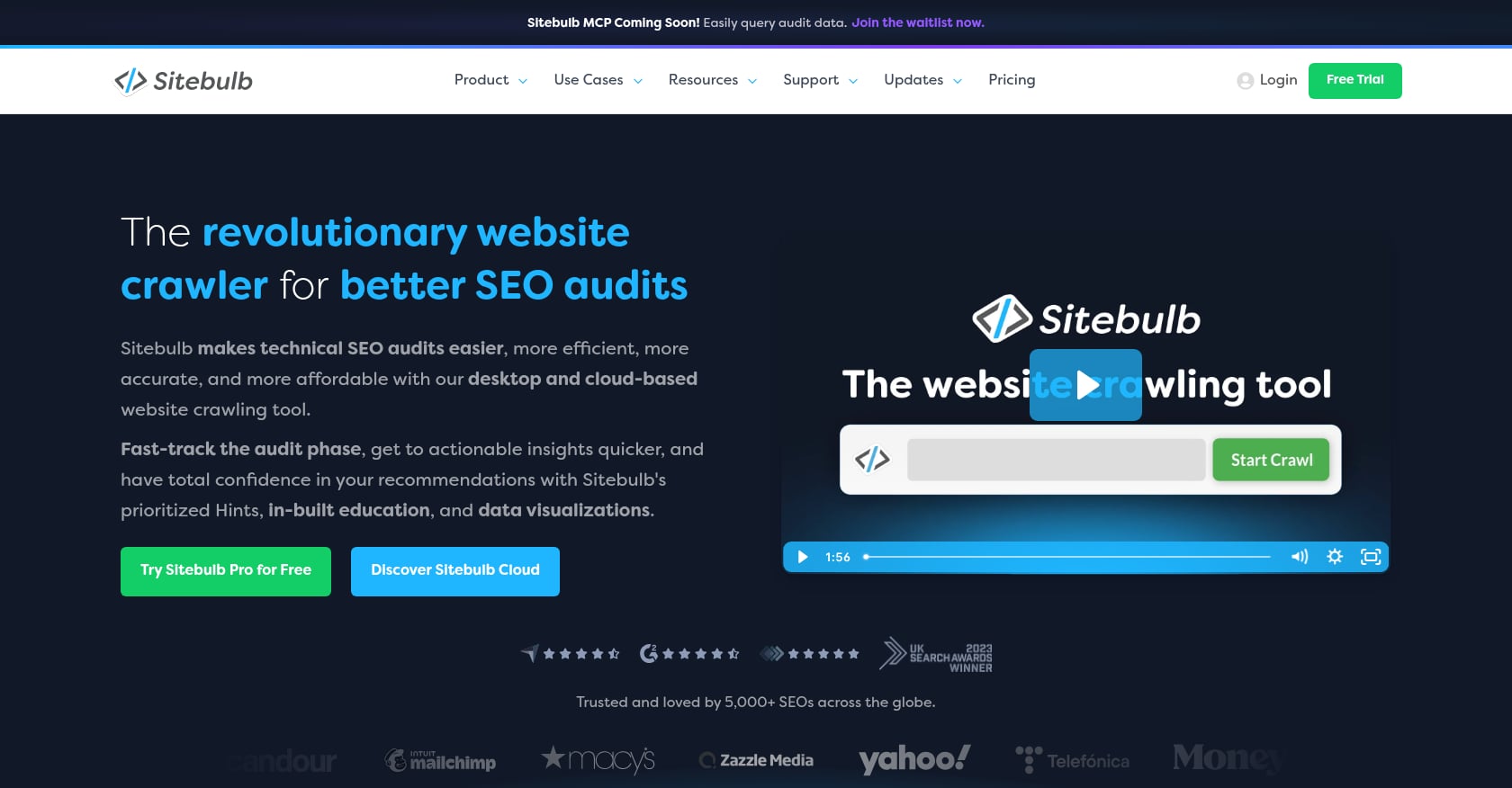
Best for: Agencies and teams that need client-friendly, visual audit reports with prioritized explanations.
Pricing: Paid tool. Exact current pricing should be verified before purchase. G2 reviewers note pricing can be a barrier for independent consultants and smaller businesses.
Key features:
- Technical SEO crawling with visual audit reports
- Crawl maps and sitemap visualization
- Prioritized hints with explanations for each issue
- Client-facing exports designed for non-technical stakeholders
Tradeoffs:
- Less scriptable and raw than Screaming Frog for advanced users
- Can feel expensive for freelancers or solo operators
- Still requires someone to interpret findings and implement changes
What practitioners say: G2 reviewers praise Sitebulb for finding technical flaws and producing reports that non-technical clients can understand. One reviewer highlighted comprehensive analysis and customizable reports while noting the learning curve. Reddit practitioners describe it as a strong choice for users still learning because it visualizes issues and guides toward fixes.
Sitebulb is the audit tool to choose when the report needs to teach, persuade, or travel across teams.
5. Semrush Site Audit
Best for: Teams already using (or planning to use) Semrush for keyword research, competitor analysis, rank tracking, and broader marketing workflows.
Pricing: Pro plan starts at $139.95/month, Guru at $249.95/month, and Business at $499.95/month, with annual billing discounts available.
Key features:
- Site Audit with scheduled monitoring
- On-page SEO checker
- Keyword research and competitive analysis
- Backlink analytics and rank tracking
- AI visibility features in newer Semrush One product line
Tradeoffs:
- Expensive if you only need a technical SEO audit
- Can overwhelm beginners with too many modules
- Advanced features and add-ons raise the real monthly cost
What practitioners say: Forbes Advisor describes Semrush as a leader in SEO software but lists expensive plans as a con. Reddit users have noted confusion around Semrush’s newer pricing and product packaging, especially the differences between the legacy SEO plan and the Semrush One Starter tier.
Semrush makes sense when audit data is one piece of a broader SEO workflow. It is overkill if you only need to crawl a small site once.
6. Ahrefs Site Audit
Best for: SEO teams that want technical checks connected to backlink intelligence and keyword opportunity data.
Pricing: Starter at $29/month, Lite at $129/month, Standard at $249/month, Advanced at $449/month, and Enterprise at $1,499/month. Lite includes 100,000 crawl credits for site audits.
Key features:
- Site Audit with crawl scheduling
- Site Explorer for competitive analysis
- Keywords Explorer with difficulty and volume data
- Backlink analysis and referring domain tracking
- Crawl credits and project limits vary by tier
Tradeoffs:
- Better known for backlinks and keyword research than pure technical crawling
- Credit limits and tier restrictions frustrate heavy users
- More expensive than a dedicated crawler if auditing is the only need
What practitioners say: G2 reviewers appreciate Ahrefs for ease of use and keyword research but frequently cite expense as a drawback. One reviewer said pricing makes more sense when used regularly for client work. Reddit users also report that Ahrefs is getting expensive for freelancers and small teams.
Ahrefs is not the cheapest way to run a technical SEO audit, but it is valuable when technical findings need to connect to keyword gaps, competitor analysis, and authority signals.
7. SE Ranking Website Audit
Best for: Budget-conscious SMBs and small agencies that want audit, rank tracking, backlink monitoring, and reports without paying Semrush or Ahrefs prices.
Pricing: Core plan at approximately $103.20/month with annual billing. Growth and Enterprise tiers available.
Key features:
- Website Audit with 120+ metrics
- Daily keyword updates and rank tracking
- Backlink checker and monitor
- On-page checker and competitive research
- Integrations with Google Analytics, Search Console, Looker Studio, and Matomo
Tradeoffs:
- Not as deep as dedicated enterprise crawlers for large or complex sites
- Backlink analysis is less granular than Ahrefs or Majestic
- Some pricing and tier changes can confuse buyers comparing plans
What practitioners say: A Reddit user who tested SE Ranking for 30 days called it one of the best all-in-one SEO tools for the price, while acknowledging it can feel light for advanced technical audits or massive keyword databases.
SE Ranking is the pragmatic middle ground: more complete than a cheap checker, less expensive than the big-name suites, but not the first pick for enterprise-scale work.
8. JetOctopus
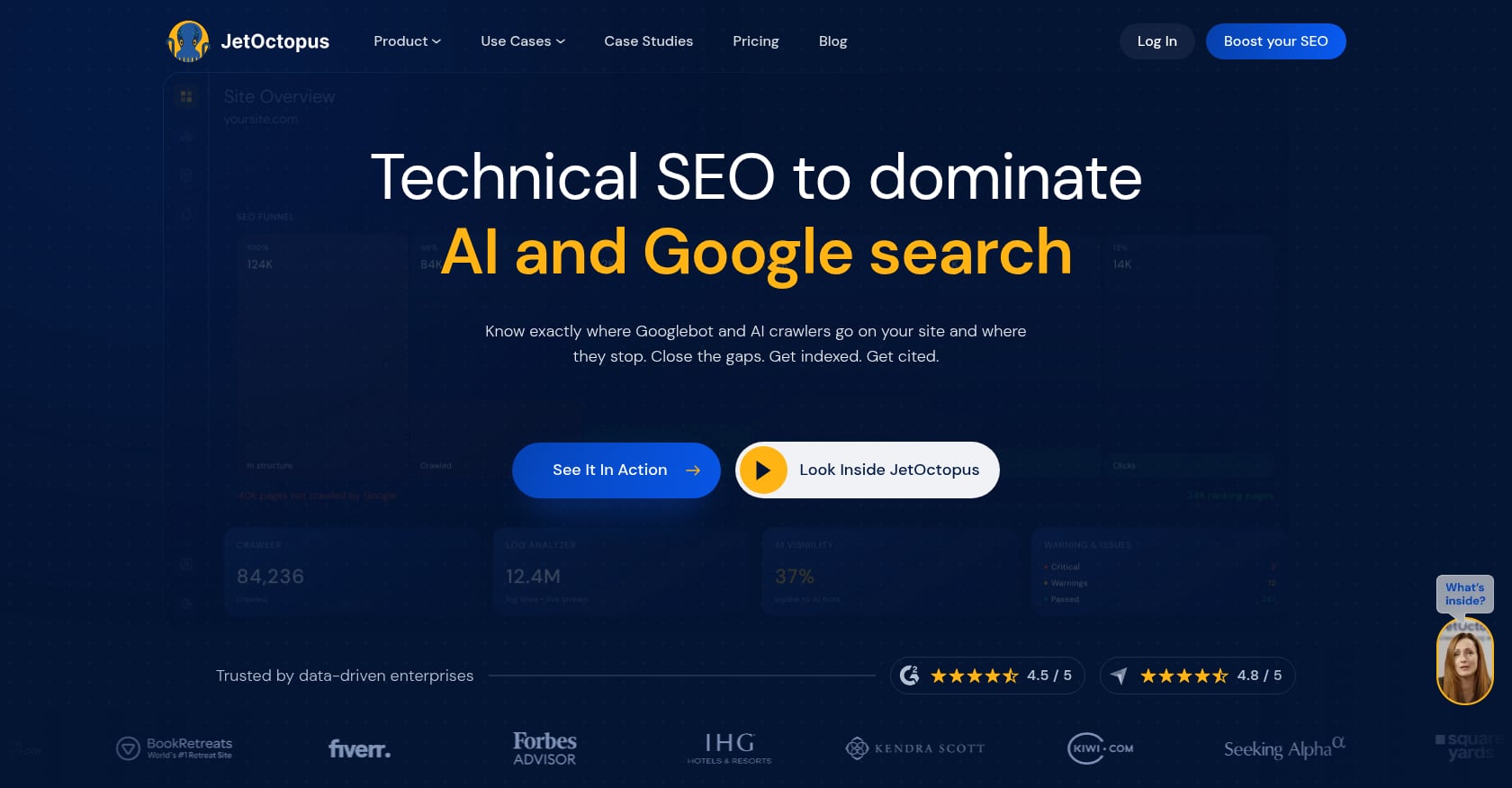
Best for: Large ecommerce sites, publishers, and marketplaces that need cloud crawling combined with server log analysis.
Pricing: Varies by package. The base package crawls up to 500,000 pages (or 250,000 JavaScript crawl pages) plus 2 million log lines, with no limits on projects, users, or simultaneous crawls.
Key features:
- Cloud-based crawling at scale
- JavaScript crawling
- Log-file analysis showing actual bot behavior
- Google Search Console and Google Analytics integration
- Crawl budget and indexation analysis with alerts
Tradeoffs:
- Not plug-and-play for beginners
- Requires technical SEO maturity to extract full value
- Log-file analysis needs developer or server access
- Overkill for simple SMB websites
What practitioners say: One G2 reviewer managing a large-scale ecommerce site with millions of pages called JetOctopus an “excellent all-in-one solution” combining cloud crawling, analysis, insights, and alerts. Another reviewer noted it helps gain buy-in from product teams and executives because it makes large-scale audits manageable.
If your site has thousands of URLs, faceted navigation, or crawl-budget problems, basic audit tools will miss the bigger question: how search bots actually spend time on your site.
9. Lumar
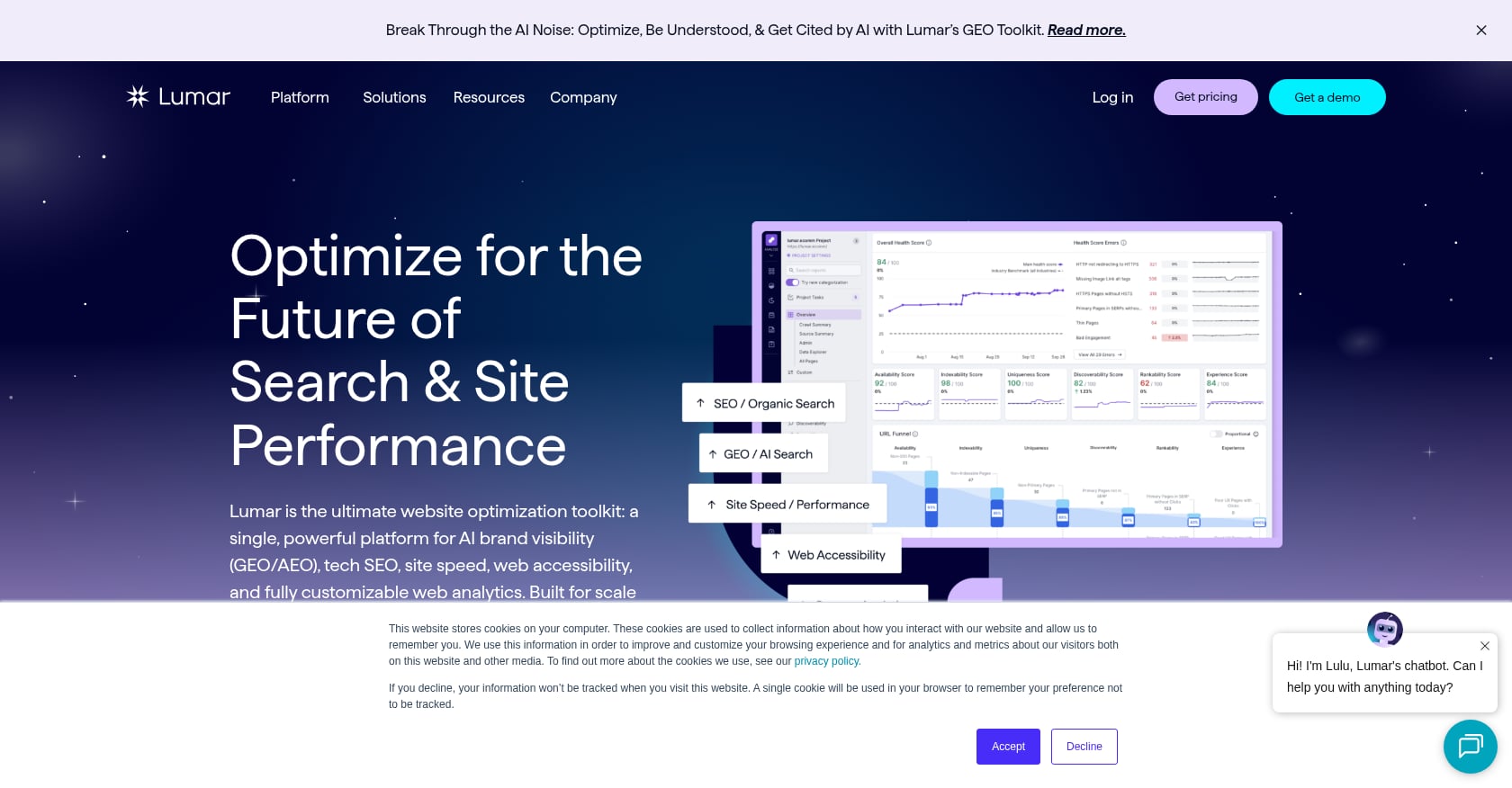
Best for: Enterprise organizations needing ongoing technical SEO monitoring, site architecture governance, and migration support across large or multi-domain properties.
Pricing: Quote-based, typically enterprise-level. G2 reviewers consistently note high cost.
Key features:
- Cloud-based technical SEO crawling at enterprise scale
- Scheduled monitoring with alerting
- Site architecture analysis and custom reporting
- Migration monitoring and validation
- Dev/SEO collaboration workflows
Tradeoffs:
- Expensive, well beyond SMB budgets
- Too complex for small businesses or simple sites
- Not a keyword or backlink suite
- Still requires internal or external resources to implement fixes
What practitioners say: G2 reviewers praise Lumar for comprehensive technical analysis on large, complex websites. One reviewer said scheduled cloud crawls avoid tying up local machine resources, and custom filtering lets teams analyze around their specific goals. Multiple reviewers flagged the volume of data as potentially overwhelming.
Lumar is not for someone who needs a quick audit. It is for organizations that need ongoing technical SEO governance across large web properties.
10. SEOptimer
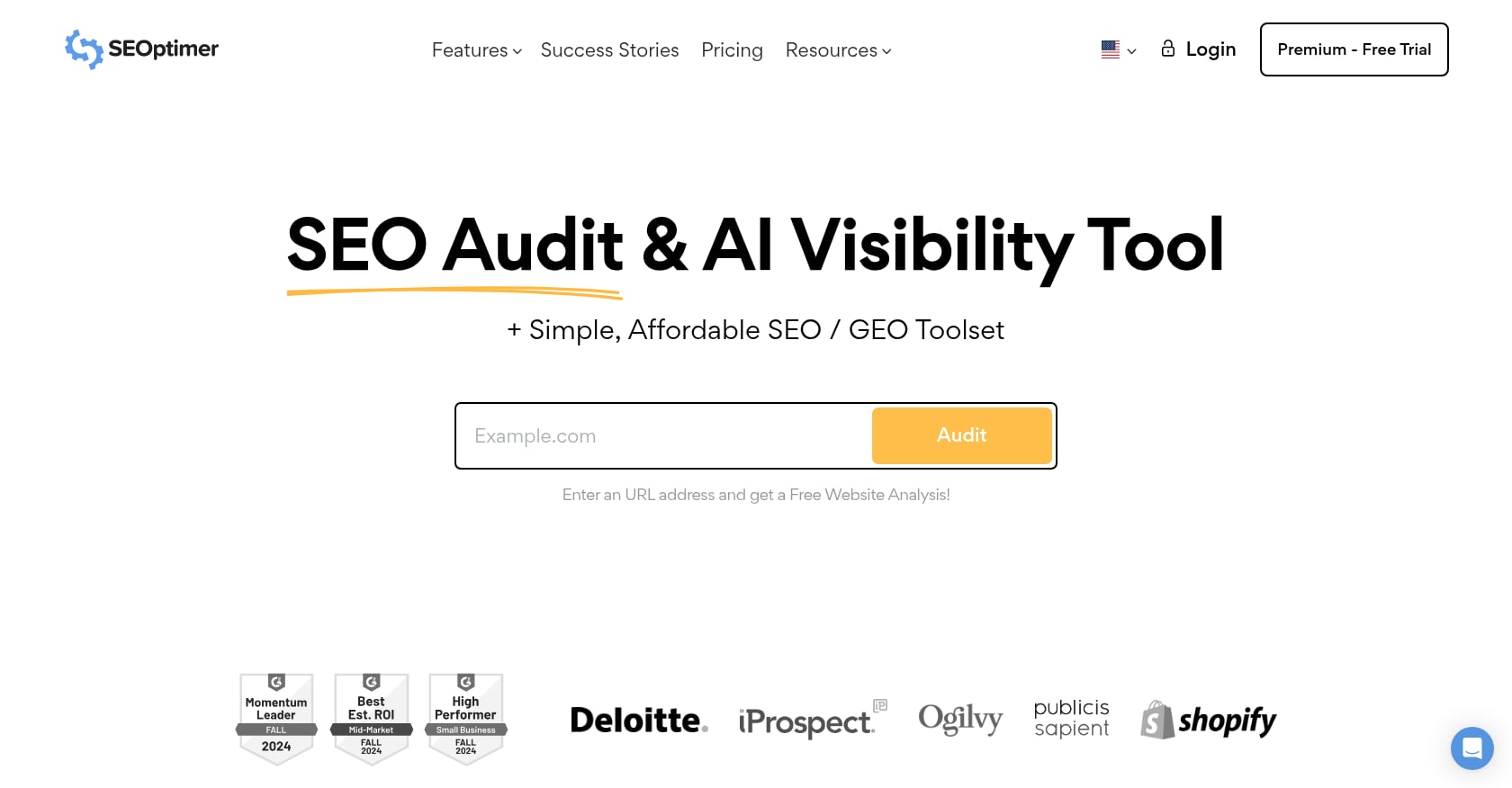
Best for: Small businesses wanting a quick health check or agencies using white-label audit widgets for lead generation.
Pricing: DIY SEO at $29/month, White Label at $39/month, White Label + Embedding at $59/month. A free version allows one audit per day without account creation.
Key features:
- Fast website audit reports
- White-label PDF exports
- Embeddable audit widgets for agency websites
- Keyword tracking on paid plans
Tradeoffs:
- Not a deep crawler for complex websites
- Free version lacks keyword tracking, backlink monitoring, and full crawling
- Better for reporting and quick checks than advanced technical diagnosis
What practitioners say: G2 reviewers describe SEOptimer as useful for initial evaluations and strong value for freelancers and small agencies. Users praise ease of use and affordability but note limitations in feature depth and data coverage.
SEOptimer is good for a quick health check or client-facing report. Do not mistake it for a full technical SEO audit on a complex site.
What a Technical SEO Audit Should Check in 2026
Tools surface issues. Knowing which issues actually affect rankings is the hard part. This prioritization framework separates blockers from noise.
The Impact Matrix
| Priority | Issue Type | Why It Matters | Examples |
|---|---|---|---|
| P0 | Blocks crawling or indexing | Pages cannot enter or stay in Google | Sitewide noindex, blocked CSS/JS, broken canonical tags, 5xx errors, accidental Disallow |
| P1 | Wastes crawl budget or splits signals | Google processes duplicates instead of important pages | Faceted URLs, parameter bloat, redirect chains, duplicate canonicals |
| P2 | Reduces ranking, CTR, or UX | Pages are accessible but underperform | Poor internal linking, slow templates, bad titles, missing structured data |
| P3 | Hygiene and noise | Useful cleanup, unlikely to move traffic alone | Meta description length, minor image alt gaps, HTML warnings |
Crawlability and Discovery
Can search engines reach your important URLs? Check internal link paths to priority pages, XML sitemap accuracy, orphan pages with no inbound links, and anything blocked by robots.txt. Google says submitting a sitemap is a hint, not a guarantee it will be used for crawling. Internal links do more to ensure discoverability, and getting the right number of internal links on each page matters more than most people realize.
Indexability
Look for accidental noindex tags, canonical mismatches, soft 404 pages, duplicate content, thin pages, and “crawled but not indexed” patterns in Search Console. Google’s minimum requirements are necessary but not sufficient for indexing.
Canonicals and Duplicate URLs
Self-referencing canonicals should be present on every indexable page. Watch for canonicals pointing to wrong URLs, parameter duplicates, HTTP/HTTPS duplication, trailing slash inconsistencies, and pagination or faceted navigation creating thousands of near-duplicate pages.
JavaScript Rendering
Modern sites often hide critical content or links behind client-side JavaScript. Google can render JavaScript, but its own documentation warns about limitations and recommends server-side rendering or hydration over dynamic rendering as a long-term fix. Compare raw HTML with rendered HTML to catch content Googlebot might miss.
Core Web Vitals
The three metrics: LCP (Largest Contentful Paint), INP (Interaction to Next Paint, which replaced FID in March 2024), and CLS (Cumulative Layout Shift). Core Web Vitals should be measured at the 75th percentile of page loads, segmented across mobile and desktop.
Do not chase a perfect PageSpeed score. The better goal is passing LCP, INP, and CLS thresholds for real users across your most important templates. For a complete breakdown of each metric, see this Core Web Vitals guide.
Structured Data
Valid JSON-LD markup helps Google understand page content and can enable richer search appearances. Test with Google’s Rich Results Test. Use relevant schema types (Product, Article, LocalBusiness, FAQ, Breadcrumb) where appropriate. Avoid schema spam.
Migration and Redesign Checks
When moving domains, changing URL structures, or redesigning, technical SEO risk multiplies. Run pre-migration and post-migration crawls, validate redirect maps, monitor for 404 spikes, and check that canonicals and sitemaps reflect the new structure. For step-by-step guidance, see this URL migration walkthrough.
AI Search Readiness
With Google AI Overviews and other AI systems pulling from web content, technical clarity matters beyond classic blue links. Important pages should have clean HTML, crawlable text (not trapped in JavaScript), structured data, clear entity information, and strong internal linking. These signals help both traditional search and AI answer engines parse and cite your content.
How Much Does a Technical SEO Audit Cost?
Pricing is one of the most common questions around technical audits, and answers vary wildly depending on the path.
| Audit Path | Typical Cost | Best For | Watch Out For |
|---|---|---|---|
| Free tools (GSC, PSI) | $0 | New or small sites | Limited crawl depth, no implementation help |
| Low-cost audit checker | $19–$59/mo | Quick scans and reports | Shallow findings |
| Desktop crawler | ~$259–$279/year | Hands-on technical SEOs | You must interpret and fix issues yourself |
| All-in-one SEO suite | ~$100–$500/mo | Ongoing SEO workflows | Plan limits, add-ons, user seats |
| Manual consultant or agency | $500–$25,000+ | Complex diagnosis and roadmaps | Implementation usually billed separately |
| Done-for-you execution (Rankai) | $499/mo | SMBs wanting fixes + content | Not a one-time enterprise audit |
For reference, one agency pricing guide lists basic audits at $500 to $1,500, mid-range audits at $1,500 to $5,000, and enterprise audits at $5,000 to $25,000+. Another source puts the average affordable technical SEO audit cost around $700 to $1,000 per audit.
The hidden cost of most audits is implementation. A 100-page PDF does not improve rankings. Someone has to fix templates, links, redirects, canonicals, schema, sitemaps, and content. When comparing costs, factor in who actually does the work after the report is delivered.
See our full breakdown of technical SEO audit costs
The Biggest Mistake: Buying Findings Instead of Fixes
Practitioners on Reddit push back on this directly. One discussion on r/SEO noted that most audits use a mix of crawlers, Search Console, logs, and manual review, and the real value comes from explaining what moves rankings versus what is noise. The tool matters far less than what happens with its output.
Five mistakes that waste audit budgets:
Treating every crawler warning as urgent. Not every missing meta description or title length flag needs immediate attention. Prioritize issues that affect crawling, indexing, canonicalization, page templates, and revenue pages.
Optimizing for a perfect lab score. Use field data and Core Web Vitals trends from Search Console. A single Lighthouse score is a snapshot, not a strategy.
Auditing without implementation resources. If nobody on the team can fix template-level issues, the audit is shelf decoration. Either build that capacity or hire execution alongside diagnosis.
Ignoring JavaScript-rendered content. Client-side rendering can hide critical content from Googlebot. Always compare rendered HTML against raw HTML, and treat server-side rendering as the reliable default.
Running audits only after traffic drops. Set recurring monitoring for larger sites. Technical regressions often arrive quietly with deployments, CMS updates, plugin installs, and theme changes. By the time organic traffic visibly drops, the damage has been compounding for weeks.
The best technical SEO audit is not the one that finds the most issues. It is the one that helps you fix the issues most likely to affect crawling, indexing, and revenue.
See what to expect from a monthly SEO retainer
FAQ
What is a technical SEO audit?
A technical SEO audit is a structured review of how well your website supports search engine crawling, rendering, indexing, and ranking. It covers areas like robots.txt, XML sitemaps, canonicals, status codes, redirects, internal linking, Core Web Vitals, JavaScript rendering, structured data, and mobile usability.
How often should I run a technical SEO audit?
Small sites benefit from a full audit once or twice a year plus spot checks after major changes. Larger sites should run scheduled crawls monthly or weekly, with deeper manual reviews quarterly. Any migration, redesign, or CMS change warrants an immediate audit.
What is the best free technical SEO audit tool?
Google Search Console combined with PageSpeed Insights is the strongest free starting point. Search Console shows actual indexing decisions, crawl issues, and Core Web Vitals data. Screaming Frog’s free version adds site-wide crawling for up to 500 URLs.
How much does a technical SEO audit cost?
Costs range from free (using Google’s tools) to $25,000+ for enterprise agency audits. Desktop crawlers cost around $259 to $279 per year. All-in-one SEO suites run $100 to $500 per month. Done-for-you execution services like Rankai start at $499 per month and include technical fixes alongside content production.
Can I do a technical SEO audit myself?
Yes, if you have the knowledge to interpret crawler data and Search Console reports. Start with GSC, run a crawl with Screaming Frog’s free tier, and work through a step-by-step audit checklist. If you cannot implement fixes or lack the time to learn, a done-for-you service or consultant is a better investment.
What is the difference between a technical SEO audit and an SEO audit?
A technical SEO audit focuses on infrastructure: crawlability, indexability, rendering, site architecture, and page experience. A broader SEO audit also evaluates on-page content quality, keyword targeting, backlink profile, and competitive positioning.
Do Core Web Vitals still matter for SEO in 2026?
Yes. Core Web Vitals (LCP, INP, CLS) remain part of Google’s page experience signals. INP replaced FID as the responsiveness metric in March 2024. Focus on field data from Search Console, measured at the 75th percentile.
Should I hire an agency or use a tool for my technical SEO audit?
It depends on your capacity to act on findings. Tools are cheaper and give raw data. Agencies provide interpretation, prioritization, and sometimes implementation. If you want both diagnosis and fixes handled monthly without managing the process yourself, a done-for-you service bridges that gap.