

Navigating the world of search engine optimization in 2026 feels a lot like sailing in a storm. The global SEO market is projected to surpass $105 billion, and with that growth comes fierce competition and constant change. Having the right set of top SEO tools is no longer a luxury, it’s the essential navigation gear every business needs to find its way to the top of search results. The best options provide a comprehensive suite of features, and this guide will detail the top 15 SEO tools, including industry leaders like Semrush, Ahrefs, and Moz, to help you make an informed decision. This guide breaks down what these tools do, how the landscape is changing, and how to choose the perfect toolkit for your business, whether you’re a startup, a local shop, or a rapidly scaling e-commerce brand.
What is an SEO tool? Core Tasks and Categories
At its core, an SEO tool is a piece of software designed to simplify and improve the process of getting a website to rank higher in search engines like Google. These tools save immense amounts of time and provide data that would be nearly impossible to gather manually. They help with everything from finding the right keywords to analyzing competitors and fixing technical glitches.
Most of the top SEO tools fall into a few main categories:
- All in One Platforms: These are the swiss army knives of SEO, offering a suite of tools for keyword research, site audits, rank tracking, and competitor analysis all in one place.
- Keyword Research Tools: These specialized tools help you find what your audience is searching for, starting with primary keywords, analyze keyword difficulty, and uncover new content opportunities.
- Technical SEO Tools: This category includes site crawlers and log file analyzers that identify technical problems like broken links, slow page speed, or indexing issues that can hold your site back.
- Content Optimization Tools: These platforms analyze your content against top ranking pages, providing suggestions to improve its relevance, structure, and readability.
- Link Building and Analysis Tools: Backlinks remain a powerful ranking factor. These tools help you analyze your backlink profile, dissect competitor link strategies, and find new opportunities.
How AI Search and LLMs are Reshaping SEO in 2026
The biggest shift in SEO today is the rise of AI, particularly Google’s AI Overviews and Large Language Models (LLMs). This technology is fundamentally changing how users get information. With AI Overviews appearing in a significant portion of all search results, many searches now end without a click to a website. Some studies show the presence of an AI Overview can lower the click through rate for the top organic result by over 50%.
This new reality means the job of SEO is also changing. It’s no longer just about ranking number one. It’s about becoming a citable, authoritative source that AI models trust and reference by building topical authority. This has led to the emergence of new strategies like Generative Engine Optimization (GEO).
For businesses, this shift puts even more pressure on creating high quality, in depth content. Informational websites and those with simple “how to” guides are among the most vulnerable to traffic loss from AI summaries. The top SEO tools are rapidly adapting, integrating AI to help create better content, analyze AI visibility, and track performance in this new landscape.
How We Evaluated and Scored the Top SEO Tools
Choosing the best software requires a clear methodology. To identify the top SEO tools for this guide, we focused on a few key criteria that matter most to businesses in the real world:
- Core Feature Set: How comprehensive and powerful are the tool’s primary functions? Does it excel at keyword research, technical audits, or backlink analysis?
- Accuracy and Data Quality: The value of an SEO tool is directly tied to the reliability of its data. We looked at the freshness of its index and the accuracy of its metrics.
- User Experience (UX): Is the platform intuitive for beginners? Can power users find the advanced features they need? A clean interface that visualizes complex data effectively scored high marks.
- Integration and Automation: The ability to connect with other tools like Google Analytics and automate repetitive tasks is a huge efficiency booster.
- Value for Money: We considered the pricing relative to the features offered. The goal is to find tools that provide a strong return on investment for small businesses and startups.
Top 15 SEO Tools
Equipping your workflow with the right software is essential for turning high-level strategy into measurable organic growth. This collection of the top 15 SEO tools highlights the industry’s most reliable platforms for technical auditing, keyword research, and competitive intelligence. Whether you are looking for comprehensive enterprise suites or specialized plugins, these resources provide the data necessary to refine your search presence.
1. Google Search Console
Google Search Console is your direct line to how Google sees your site, showing what it crawls, what it indexes, and which queries actually drive clicks. For lean teams, it’s the fastest way to spot technical blockers and uncover “near-win” keywords without spending a dime on third-party tools.
- Category: Technical SEO, indexing, and performance analytics
- Best for: Founders, solo marketers, and lean teams needing Google’s direct data
- Pricing: Free
- Setup/Learning curve: 15 to 45 minutes; moderate curve eased by alerts
- Platforms/Integrations: Any site; native connectors for WordPress, Looker Studio, BigQuery
Google’s first-party insights replace guesswork with facts. You’ll quickly see which pages are held back by indexing issues and which terms are close to breaking onto page one so you can prioritize fixes and optimizations that move real traffic.
- Verify your site via DNS (Domain property) or a WordPress plugin.
- Submit your sitemap to speed up discovery of key pages.
- Use Indexing and URL Inspection to diagnose and validate fixes.
- In Performance, filter for positions 8 to 20 to find “near-win” keywords to optimize now.
Price notes: Completely free; large-scale analysis requires a billed Google Cloud project for the BigQuery export.
- Limitations: Performance data is retained for 16 months; some low-volume queries are anonymized.
- Best when: You need the authoritative source for technical health and keyword data without any tool spend.
2. Semrush
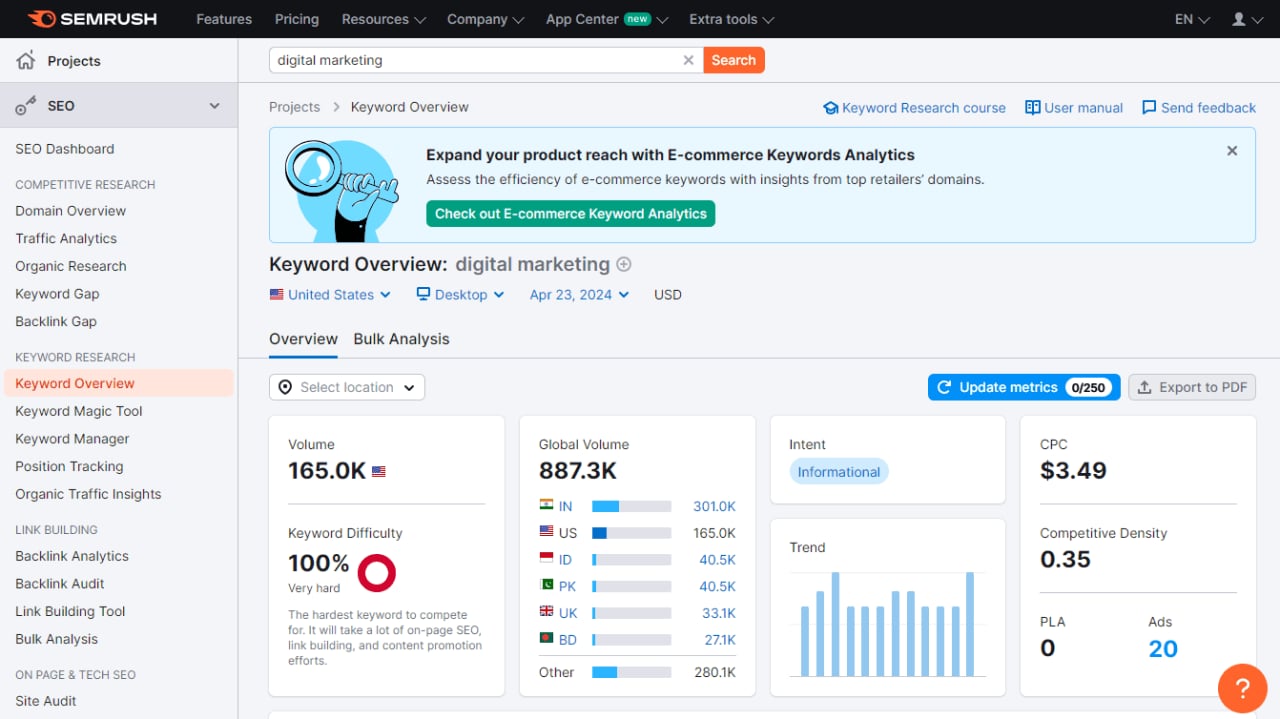
Semrush brings research, auditing, content optimization, backlinks, and reporting into one place, so small teams can move from idea to measurable results fast. It’s built to answer three questions: what to rank for, why you’re not ranking yet, and what to fix first for maximum ROI.
- Category: All-in-one SEO & AI visibility suite
- Best for: SMB and agency teams wanting one tool for research, content, technical SEO, and reporting
- Pricing: From $139.95/mo; limited free account available
- Setup/Learning curve: Under 60 minutes for initial setup
- Platforms/Integrations: GA4, GSC, Looker Studio, WordPress, Shopify
When budgets and bandwidth are tight, Semrush’s breadth saves you from juggling multiple tools. It also helps you prepare for generative AI exposure by tracking brand presence in AI search results alongside traditional SERPs.
- Discover opportunities with Keyword Magic Tool; generate briefs via SEO Content Template.
- Run a Site Audit, connect GSC/GA4, and push fixes to task managers.
- Analyze competitor backlinks, prioritize outreach, and monitor campaigns.
- Track daily rankings and ship executive-ready reports via Looker Studio.
Price notes: Plans start from $139.95/mo, with a 7-day trial and a limited free tier.
- Limitations: Extra seats add $45 to $100+; historical data and advanced features require higher tiers.
- Best when: You want a single, powerful platform for end-to-end SEO workflows.
3. Ahrefs
Ahrefs pairs top-tier backlink data with robust keyword research and site auditing, making it a go-to for competitive intel and quick technical wins. For SMBs, it’s a reliable compass for what your rivals are doing and where you can outmaneuver them.
- Category: All-in-one SEO Suite
- Best for: SMBs and startups needing authoritative backlink and keyword data
- Pricing: Free tools available; paid plans from $29/mo
- Setup/Learning curve: 15 to 30 minutes; moderate
- Platforms/Integrations: GSC, Looker Studio, Chrome/Firefox Toolbar
Its industry-leading link index reveals who’s linking to whom (and why), while Traffic Potential and Keyword Difficulty help you bet on content with real upside. Tie in Site Audit and you’ll move from analysis to fixes in days, not weeks.
- Use Keywords Explorer; filter by Traffic Potential and KD to find rankable topics.
- Investigate competitors in Site Explorer: top pages, keywords, backlinks.
- Schedule Site Audit to surface broken links, slow pages, and indexability issues.
- Track rankings and connect GSC to report impact and ROI.
Price notes: Free Webmaster Tools available; paid plans start from $29/mo.
- Pros: Best-in-class backlink data, generous free tools.
- Limitations: Single user seat on paid plans; daily rank tracking costs extra.
- Best when: You need reliable competitive intelligence and technical audits.
4. Screaming Frog SEO Spider
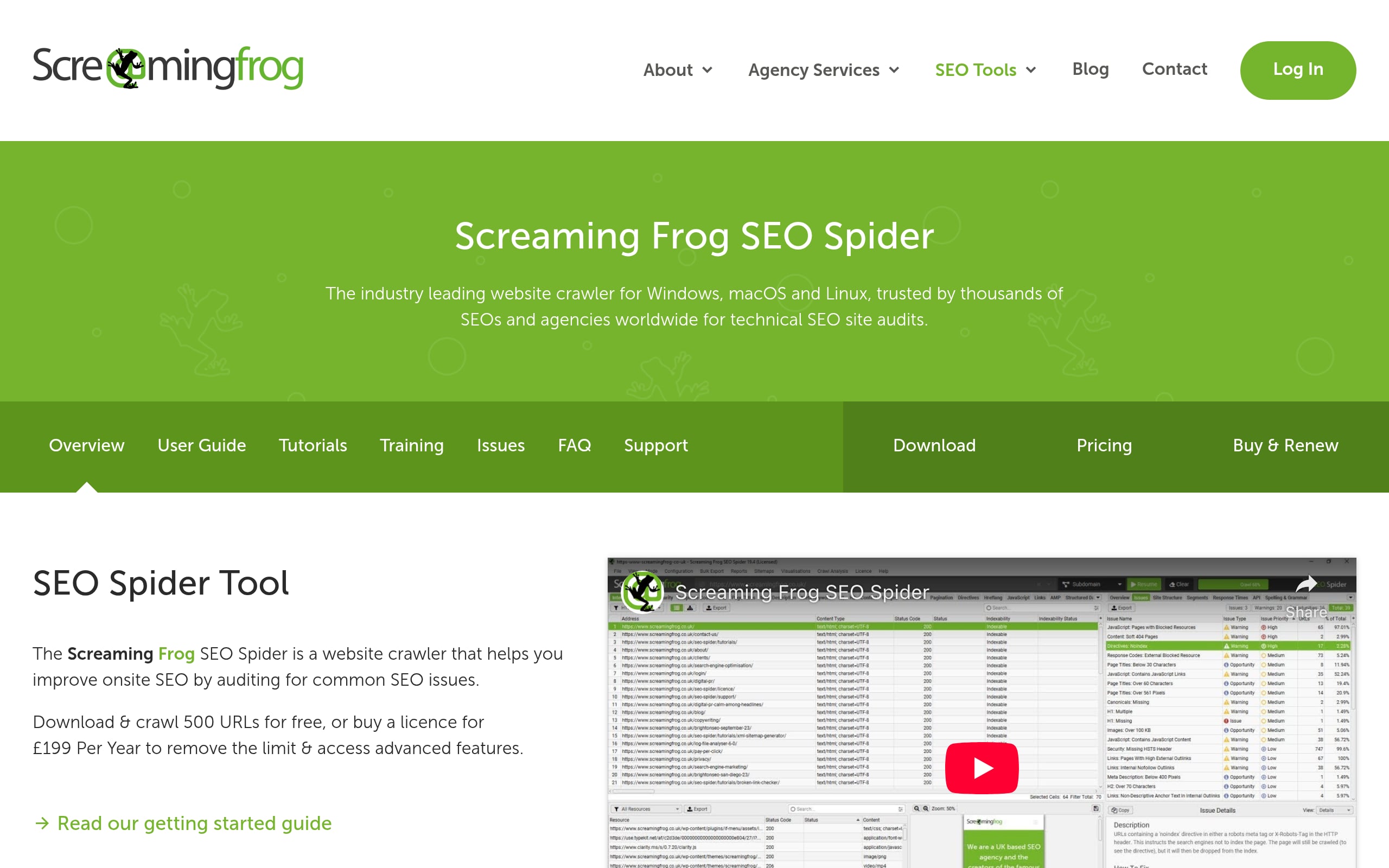
Screaming Frog is the definitive desktop crawler for digging into page-level SEO issues like broken links, redirects, duplicate content, and more. It’s precise, fast, and ideal when you need granular control without an enterprise price tag.
- Category: Desktop technical SEO crawler/auditor
- Best for: In-house marketers and agencies needing deep, page-level diagnostics
- Pricing: Free tier up to 500 URLs; Paid from £199/year
- Setup/Learning curve: Minutes to install; moderate for advanced features
- Platforms/Integrations: GA4, GSC, PageSpeed Insights, Ahrefs, Moz, Looker Studio
Startups love it because the first crawl delivers a punch list of fixes you can act on immediately. Add APIs for page speed and analytics, and you’ve got an end-to-end technical audit machine.
- Enter your domain to surface 404s, 5xx errors, and redirect chains.
- Check indexability and canonicals; enrich with GSC to mirror Google’s view.
- Pull Core Web Vitals via PageSpeed Insights for every URL at scale.
- Schedule recurring crawls and pipe results to Looker Studio for trends.
Price notes: Free version capped at 500 URLs; paid license unlocks unlimited crawls and API integrations.
- Limitations: Free tier restricts saving and scheduling; large JS sites need ample RAM.
- Best when: You want deep technical data and control without recurring SaaS costs.
5. Moz Pro
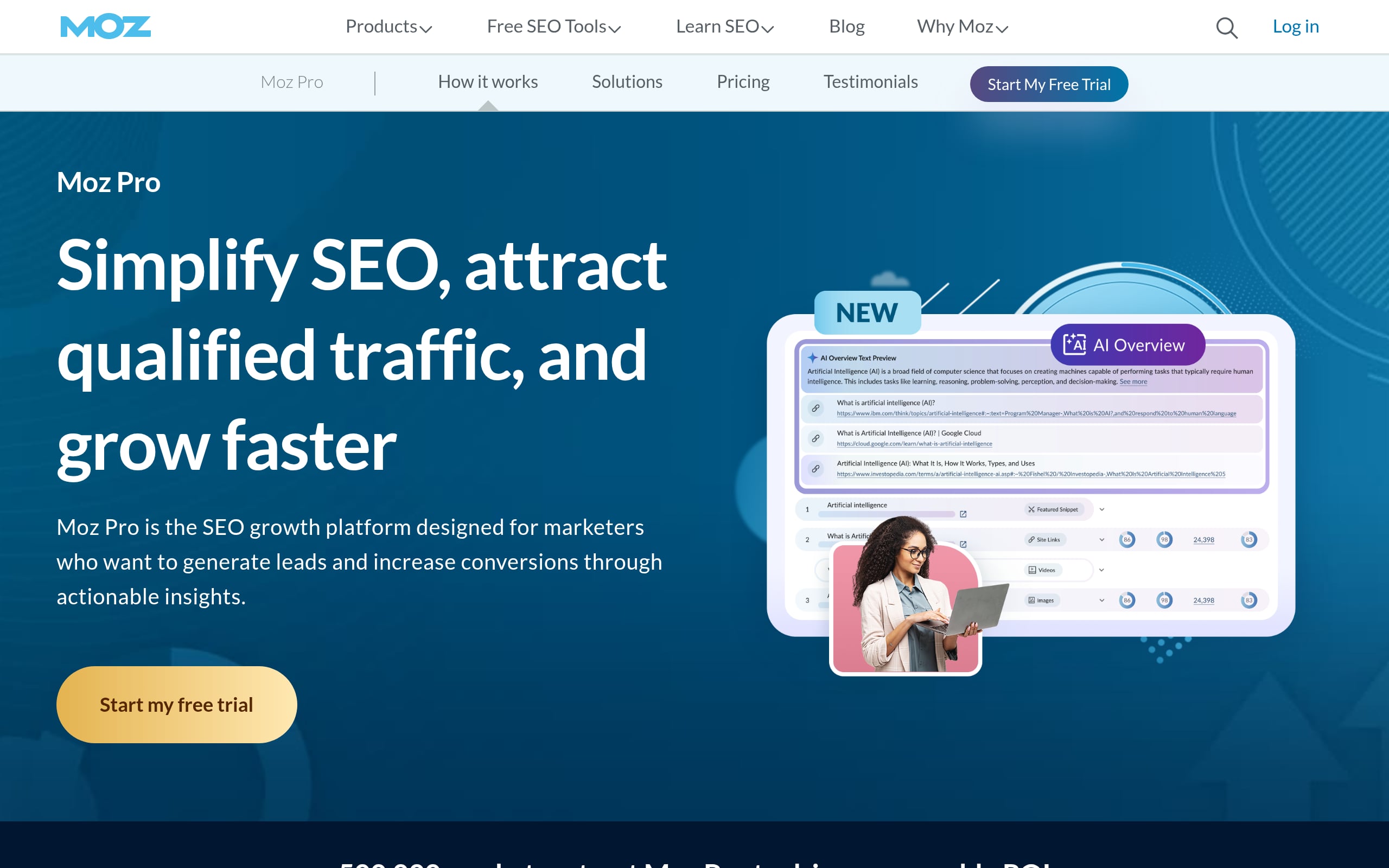
Moz Pro packages keyword research, rank tracking, crawling, and link analysis into a friendly interface grounded in trusted metrics like Domain Authority. It’s a steady, comprehensible all-in-one for teams that want power without overwhelm.
- Category: All-in-one SEO Suite
- Best for: SMBs, in-house marketers, and small agencies
- Pricing: From $39/mo (billed annually)
- Setup/Learning curve: Guided setup; moderate
- Platforms/Integrations: Web app, Chrome extension, GA4, Google Sheets Add-on
The value is focus: Moz helps you find winnable keywords, tidy up technical issues, and track progress week over week without wrangling a labyrinth of settings.
- Create a Campaign; add your site, competitors, and target keywords.
- Use Keyword Explorer to size demand; run Site Crawl for prioritized fixes.
- Audit your backlink profile with Link Explorer and map out outreach.
- Monitor weekly rankings and automate stakeholder reports.
Price notes: Plans start at $39/month with annual billing; free trial available.
- Pros: Reputable data, approachable UI, strong educational resources.
- Limitations: Rank tracking updates are weekly rather than daily.
- Best when: You need a capable all-in-one without enterprise complexity.
6. Bing Webmaster Tools
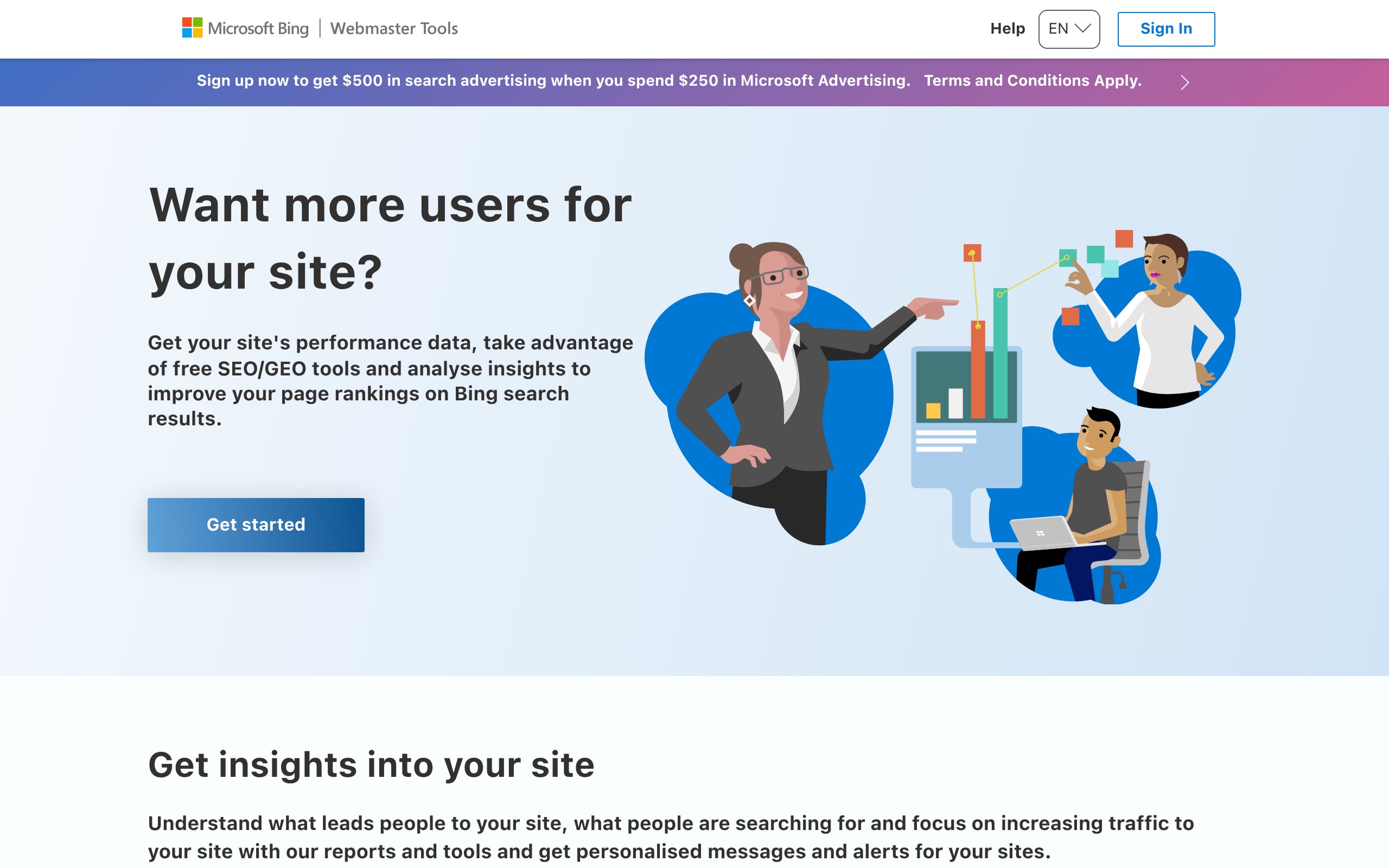
Bing Webmaster Tools is Microsoft’s free console for crawling, indexing, and performance data, now including experiences that feed Microsoft Copilot. It’s a quick win for faster indexing and a longer data window than most.
- Category: Search engine webmaster console
- Best for: SMBs and startups needing fast indexing and first-party Bing data
- Pricing: Free
- Setup/Learning curve: 5 to 15 minutes
- Platforms/Integrations: WordPress, Wix, Duda, Cloudflare, Microsoft Clarity
Together with Google Search Console, it gives you a fuller picture of your search footprint. IndexNow support means your fresh content gets discovered fast.
- Verify via one-click import from Google Search Console.
- Submit your sitemap and enable IndexNow for instant notifications.
- Use URL Inspection and Site Scan to diagnose crawl/index issues.
- Track clicks, impressions, and rankings in Search Performance.
Price notes: Completely free with no traffic caps or seat limits.
- Limitations: Data is limited to the Microsoft/Bing ecosystem.
- Best when: You want rapid indexing and diagnostics without any subscription.
7. Semrush One
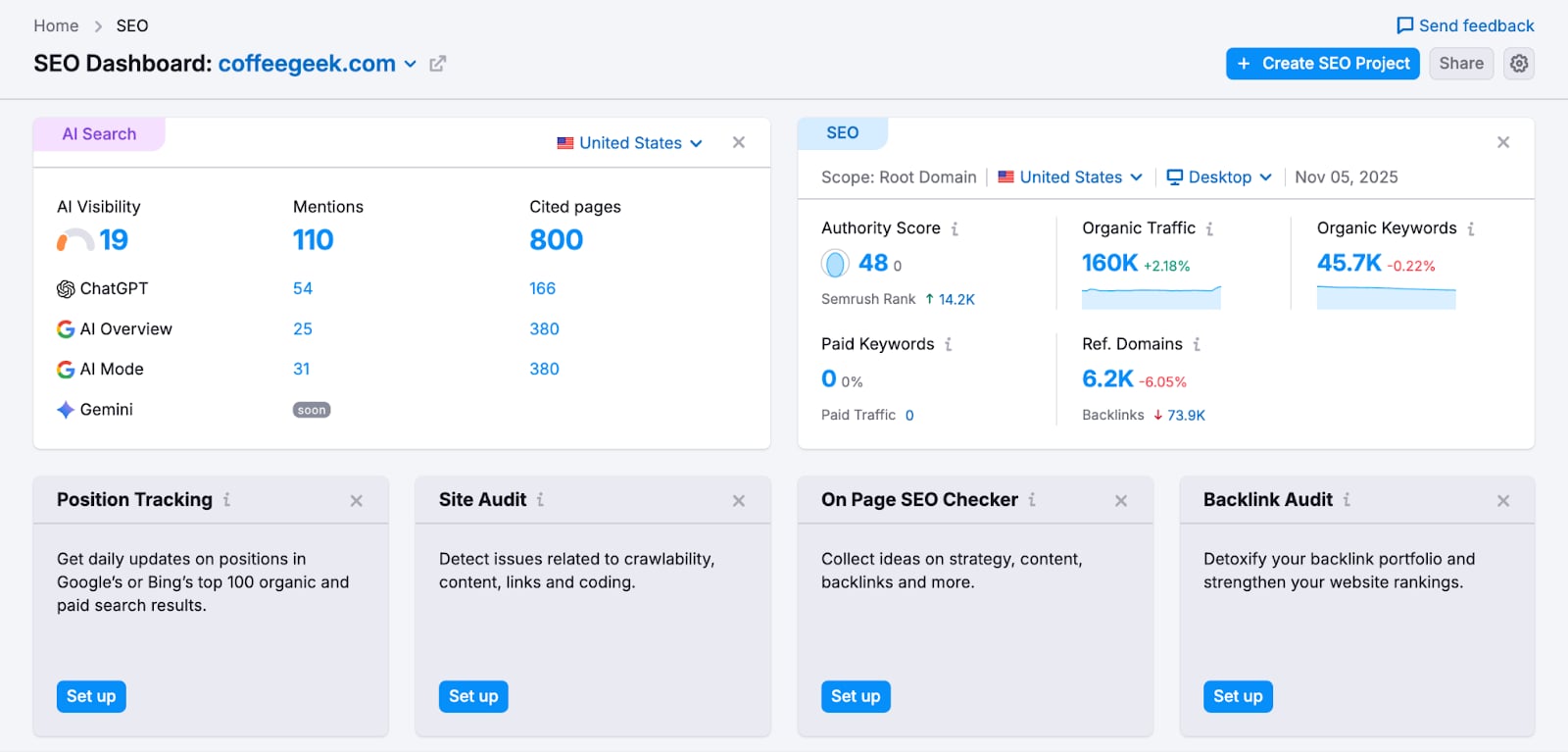
Semrush One unifies classic SEO, content, and technical workflows with AI search visibility. You’ll see how your brand appears in both Google SERPs and AI-generated answers, then act on the gaps from a single dashboard.
- Category: All-in-one SEO + AI search visibility suite
- Best for: Lean in-house marketing teams, founders, and agencies
- Pricing: From $165/mo (billed annually); free plan available
- Setup/Learning curve: Moderate; guided projects enable quick setup
- Platforms/Integrations: WordPress, Google Docs, GA4, GSC, Looker Studio
Fewer tools, faster decisions. For SMBs, it becomes the operational hub: prioritize topics, fix technical issues, build authority, and prove wins across both traditional and AI-powered search.
- Build topic clusters and size competitors.
- Generate SEO briefs; optimize drafts in Google Docs or WordPress.
- Run site audits and prep for AI crawlers.
- Identify backlink gaps and manage outreach.
- Track rankings and brand mentions in SERPs and AI answers.
Price notes: Starts at ~$165/mo (billed annually) with a 7-day trial available.
- Limitations: Starter plan caps at 5 websites and 500 daily tracked keywords.
- Best when: You need one platform to manage SEO across both Google and AI search.
8. PageSpeed Insights
PageSpeed Insights turns Core Web Vitals into a clear, prioritized to-do list. Because these performance signals influence rankings, every improvement can translate into better visibility and higher conversions.
- Category: Technical SEO & performance
- Best for: SMBs, marketers, and developers needing fast, data-driven page speed fixes
- Pricing: Free
- Setup/Learning curve: None; paste a URL to start
- Platforms/Integrations: Any website, WordPress (via Site Kit), Shopify
You’ll see both lab (test) and field (real-user) data, so you know what’s slowing users down and what to fix first.
- Enter a URL to generate mobile and desktop reports.
- Check pass/fail for Core Web Vitals (LCP, INP, CLS) from real users.
- Use Opportunities and Diagnostics to prioritize quick wins.
- Implement fixes and re-run to validate improvements.
Price notes: Tool and API are free with no limits.
- Limitation: Field data appears only when a page has sufficient traffic.
- Consideration: Lab and field data can differ, so optimize for field data first.
- Best when: Paired with Google Search Console for site-wide performance trends.
9. Google Keyword Planner
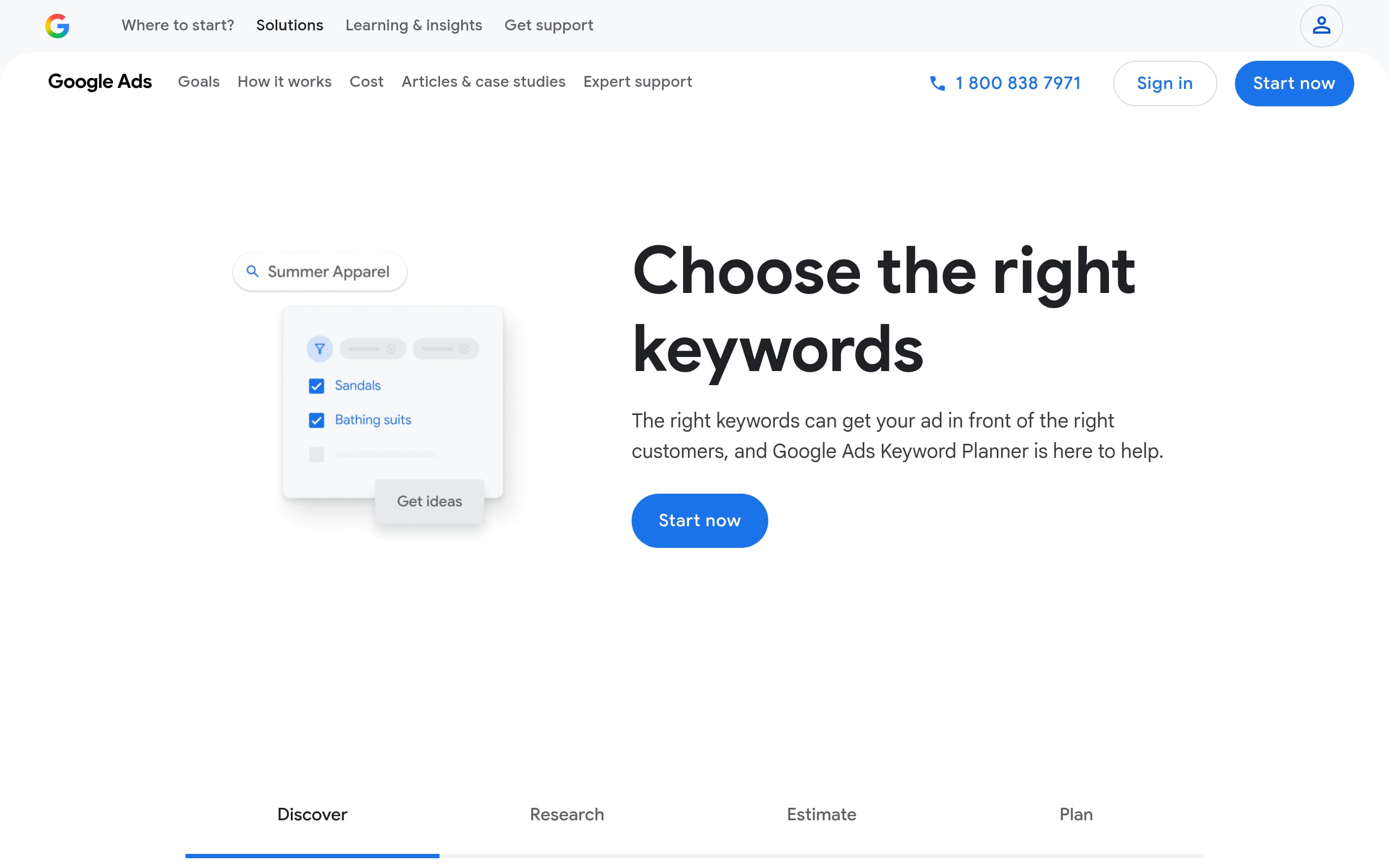
Google Keyword Planner delivers search volumes and trends straight from the source. It’s a staple for validating topic demand, especially for local markets, without paying for a separate SEO suite.
- Category: Keyword research
- Best for: SMBs and solo marketers needing official Google search data
- Pricing: Free with a Google Ads account
- Setup/Learning curve: Low to moderate
- Platforms/Integrations: Web app (Google Ads)
Lean teams use it to prioritize content that can actually pull traffic and revenue. Pair with competitor inputs to shortcut ideation.
- Enter up to 10 seed keywords or a competitor site to get ideas.
- Filter by location, language, and network for market-specific demand.
- Review volumes, seasonality, and bid ranges to gauge intent.
- Add winners to a forecast to estimate clicks and impressions.
Price notes: Free; precise volumes unlock with active ad spend.
- Limitations: Without spend, volumes show as broad ranges (e.g., 1K–10K).
- Best when: You need authoritative, location-specific demand data and commercial intent signals.
10. Majestic
Majestic is laser-focused on backlinks, with Trust Flow and Citation Flow that help you separate high-quality signals from spam quickly. If link equity matters to your strategy (it does), this is a reliable compass.
- Category: Backlink intelligence
- Best for: SEO teams, link builders, and digital PR agencies
- Pricing: From $50/mo
- Setup/Learning curve: Low to moderate
- Platforms/Integrations: Web app, API, Chrome/Firefox extensions
It shines when you need to assess risk, prioritize outreach, and spot competitor link gaps without sifting through noise.
- Audit a domain’s Trust Flow vs. Citation Flow to spot risky patterns.
- Use Clique Hunter to find sites linking to competitors but not you.
- Monitor new and lost backlinks with alerts.
- Toggle Fresh vs. Historic Index to analyze recent vs. long-term trends.
Price notes: Starts at ~$50/mo; Pro adds historical and comparison tools (~$100/mo).
- Pros: Defensible link metrics; fast insights via browser extensions.
- Limitations: Single-user core plans; specialized focus (not an all-in-one).
- Best when: Running in-depth link audits or building high-quality backlink portfolios.
11. Yoast SEO (WordPress plugin)
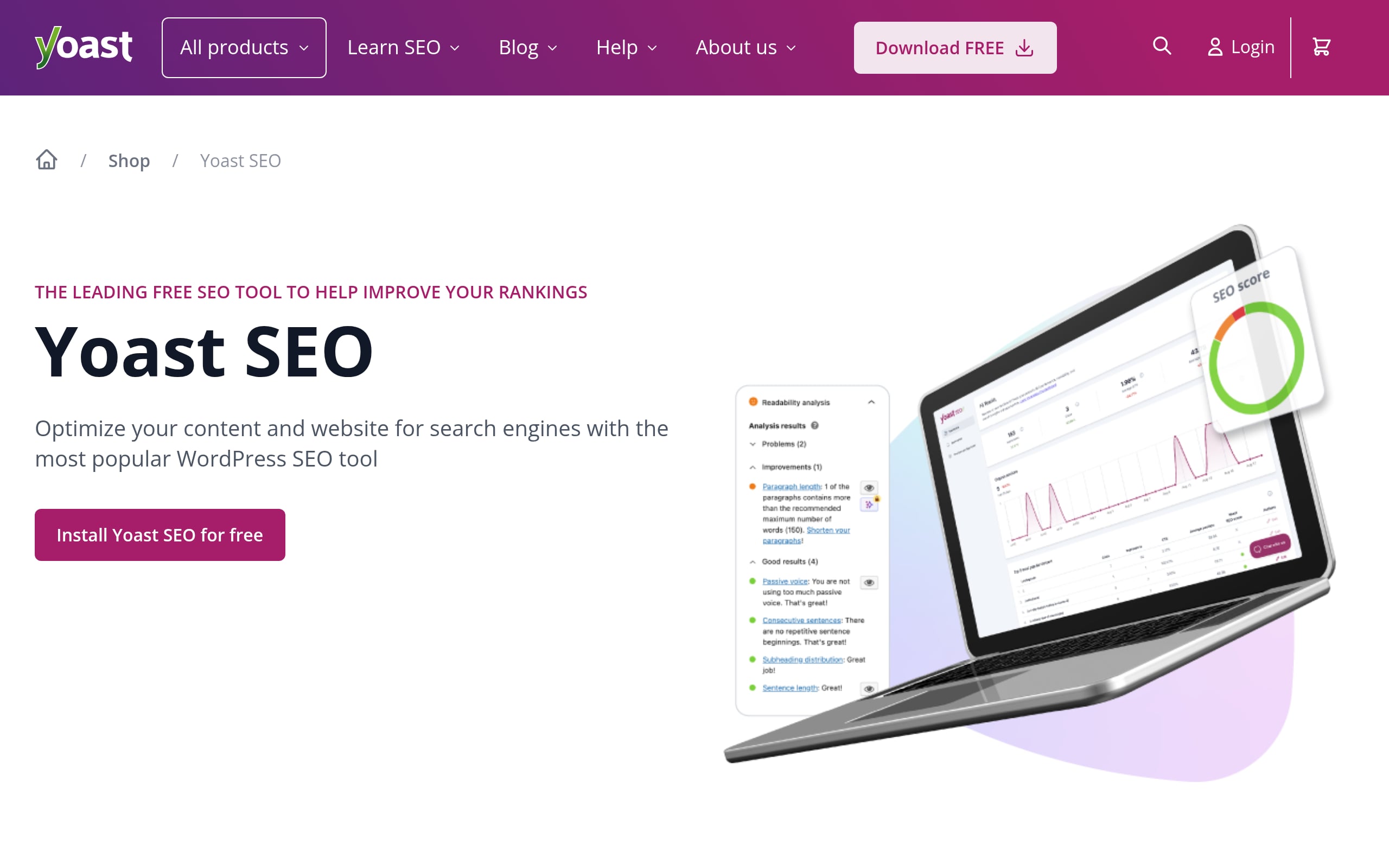
Yoast SEO streamlines technical must-haves like sitemaps, schema, and meta tags, while giving in-editor guidance for SEO and readability. It’s like guardrails built into WordPress so teams publish confidently, faster.
- Category: WordPress SEO plugin (technical + on-page guidance)
- Best for: SMB content teams on WordPress, WooCommerce stores
- Pricing: Free core plugin; Premium from $118.80/year
- Setup/Learning curve: Guided setup in minutes; daily use in editor
- Platforms/Integrations: WordPress, Elementor, WooCommerce, Semrush
Premium layers in AI meta descriptions, internal linking suggestions, and a redirect manager, which are big time-savers that reduce errors and preserve rankings during site changes.
- Run the First-time configuration for site representation, social profiles, XML sitemaps.
- Pick a focus keyphrase; use Semrush suggestions; follow real-time checks.
- Improve structure with internal linking; manage redirects (Premium).
- Track rankings in WordPress via the Wincher integration.
Price notes: Powerful free version; Premium and e-commerce add-ons billed annually.
- Limitations: Free rank tracking is limited; Shopify version is a separate app/subscription.
- Best when: You want actionable, in-editor SEO guidance without leaving WordPress.
12. Rank Math (WordPress plugin)
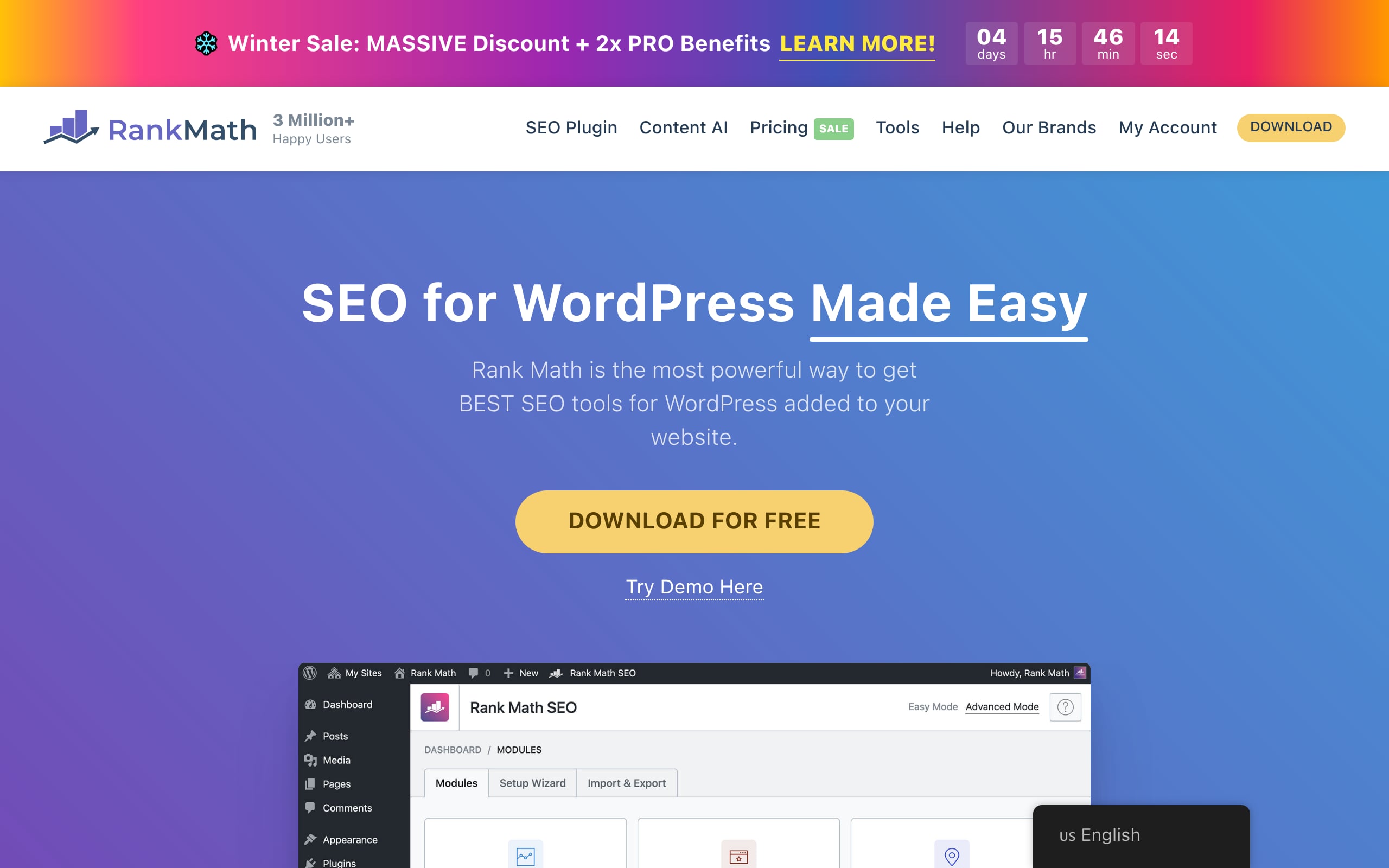
Rank Math packs on-page optimization, schema, sitemaps, redirects, and analytics into a single WordPress plugin. It reduces plug-in bloat and puts everyday SEO tasks where your team already works.
- Category: All-in-one WordPress SEO plugin
- Best for: SMBs, solo site owners, and agencies on WordPress
- Pricing: Free core plugin; PRO from $6.59/month
- Setup/Learning curve: 10 to 20 minutes via guided wizard
- Platforms/Integrations: WordPress, WooCommerce, Elementor, Google Search Console, GA4
Its GSC/GA integration brings performance data into your dashboard, tightening the loop between publishing, optimizing, and measuring.
- Run the setup wizard; connect Google accounts; enable Sitemaps and Schema.
- Optimize posts using the in-editor checklist; add structured data with Schema Generator.
- Auto-generate sitemaps, monitor 404s, and set redirects to protect traffic.
- Review rankings and performance via the built-in Analytics.
Price notes: Robust free tier; paid plans unlock higher limits and client features.
- Pros: Fast setup, generous free features, consolidates many tools.
- Limitations: Keyword tracking caps on paid tiers; Content AI is separate.
- Best when: You want a powerful, all-in-one SEO layer inside WordPress.
13. SE Ranking
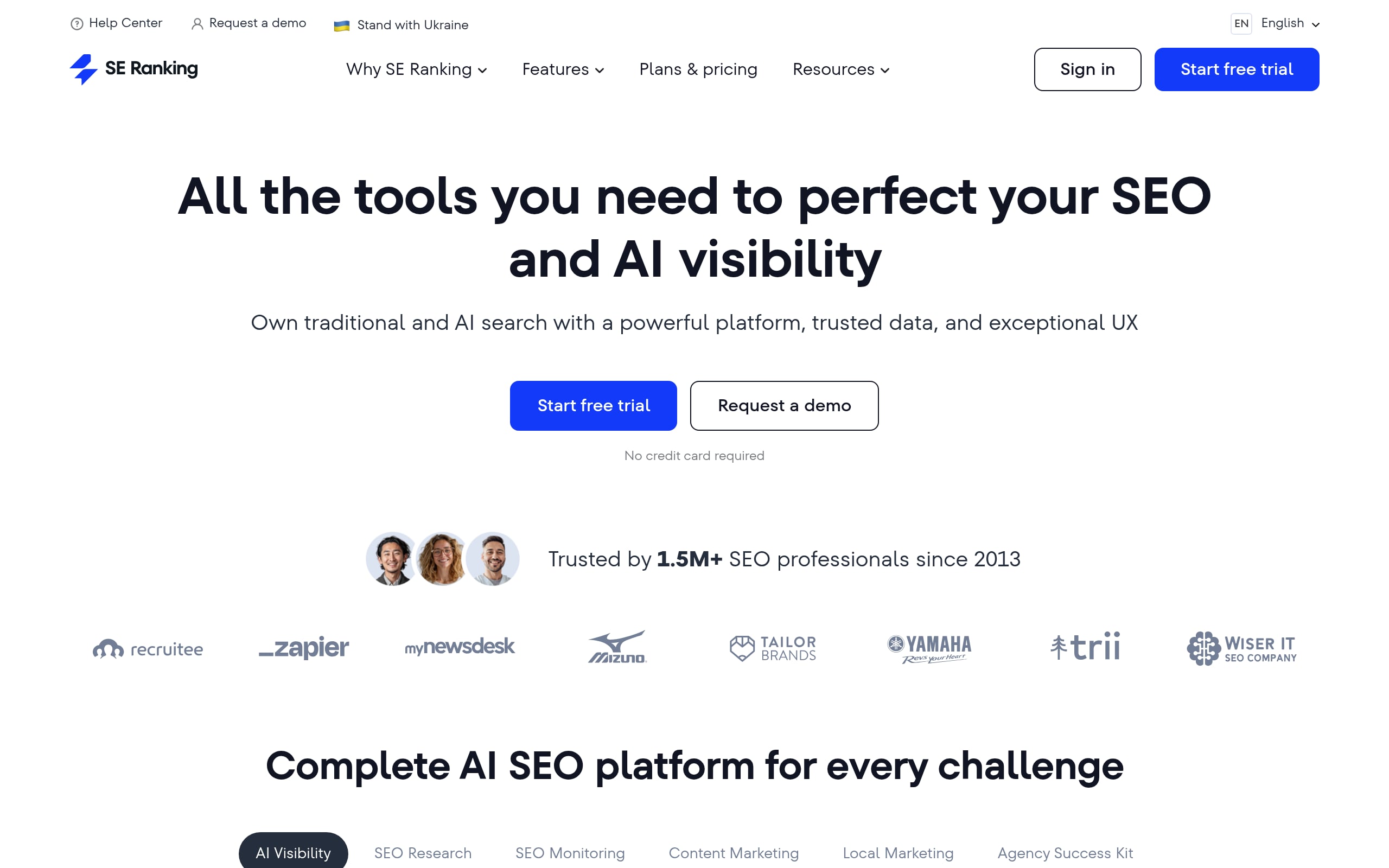
SE Ranking brings rank tracking, research, auditing, and backlinks together at a price point that suits SMBs and growing agencies. It focuses on the essentials so you can prove impact quickly.
- Category: All-in-one SEO suite
- Best for: SMB marketing teams and growing agencies
- Pricing: From $103.20/month billed annually
- Setup/Learning curve: Low to moderate
- Platforms/Integrations: GA4, Google Search Console, Looker Studio, Zapier
It’s especially strong for reporting and day-to-day visibility management, ideal when clients or execs need crisp proof of progress.
- Create a project; connect GA4/GSC; add keywords for daily tracking.
- Use Keyword Tool and Content Editor to plan and brief content.
- Run Website Audit to uncover and prioritize technical fixes.
- Ship white-label or Looker Studio reports to stakeholders.
Price notes: Plans start from $103.20/month with a 14-day free trial.
- Pros: Feature-rich for the price; strong reporting.
- Limitations: Core plan has limited seats and historical depth.
- Best when: You want a comprehensive toolkit without enterprise heft.
14. Serpstat
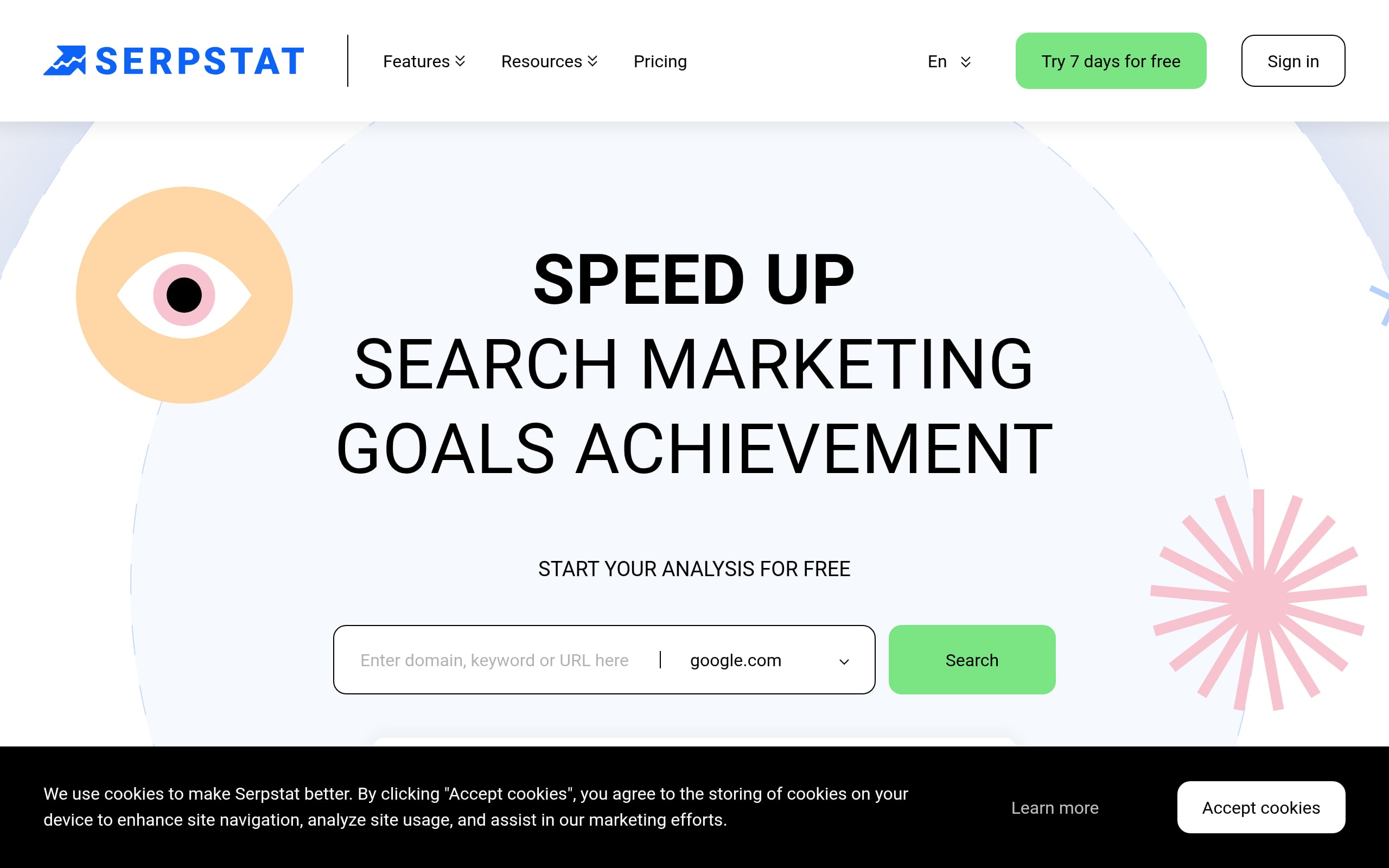
Serpstat folds research, audits, rank tracking, and competitor intel into one platform and then adds automatic keyword clustering so you can turn lists into real content structures fast.
- Category: All-in-one SEO suite
- Best for: SMBs and agencies wanting broad SEO coverage in one platform
- Pricing: From $50/month; limited free plan and 7-day trial
- Setup/Learning curve: Quick initial setup; moderate learning curve
- Platforms/Integrations: Google Sheets, Looker Studio, ChatGPT, API
For lean teams, the clustering feature is a time-saver: group thousands of terms by SERP similarity to map site architecture or content calendars in minutes.
- Enter a seed term to find related keywords, questions, volume, and intent.
- Upload large lists and auto-cluster into topics and subtopics.
- Schedule site audits and action prioritized technical fixes.
- Track daily rankings across 230 regions, devices, and competitors.
Price notes: Credit-based plans for searches, rank checks, and actions.
- Pros: Excellent value; strong connectors; consolidates multiple tools.
- Limitations: Credit caps require planning for bigger sites.
- Best when: You want an affordable, integrated suite for core SEO workflows.
15. Surfer
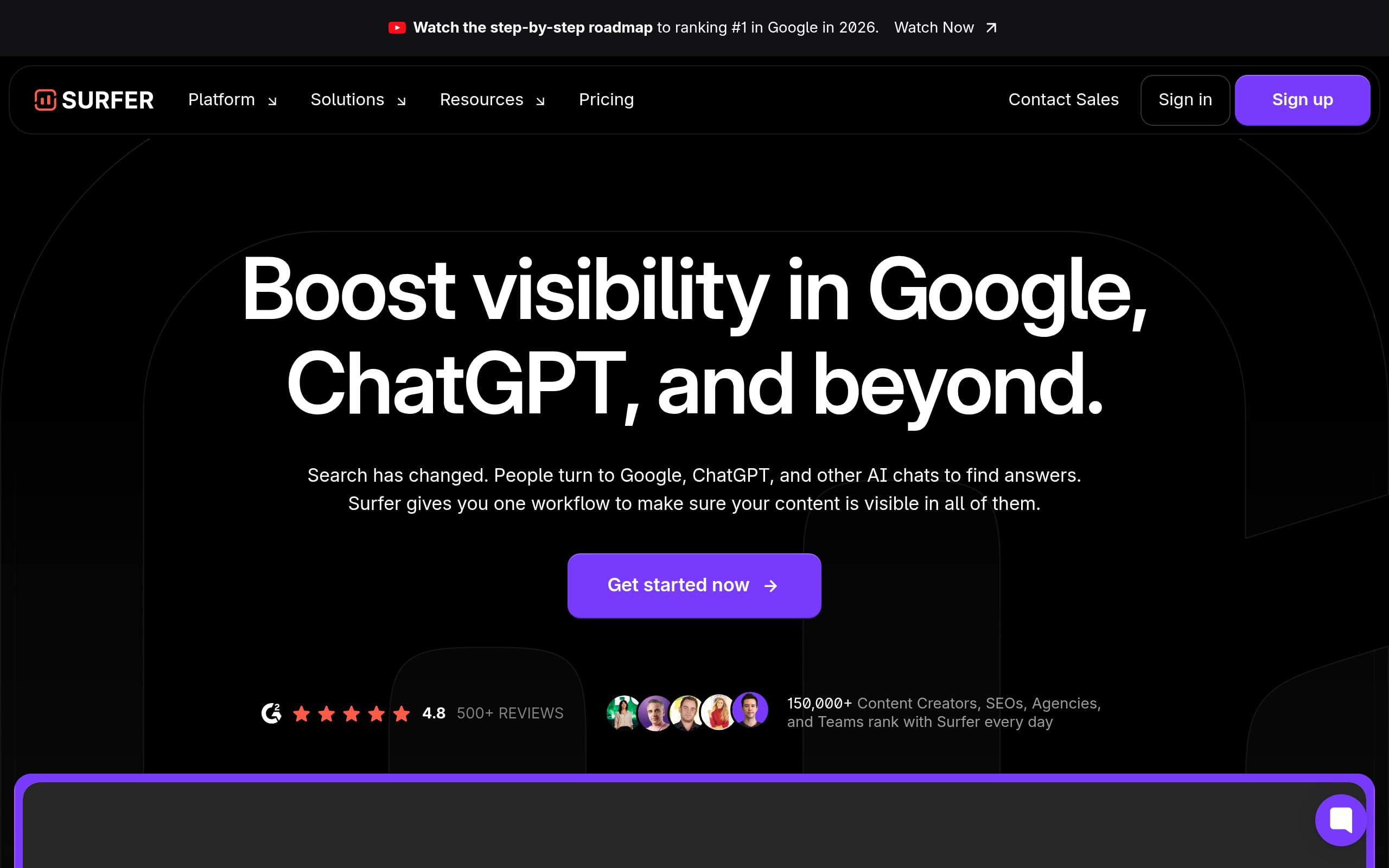
Surfer reverse-engineers top-ranking pages to generate data-backed content guidelines and helps you draft and optimize to meet them. The result is faster production, consistent quality, and content that competes.
- Category: On-page SEO & AI Content Platform
- Best for: Lean content teams and SMBs needing fast, data-driven optimization
- Pricing: From $49/mo billed annually
- Setup/Learning curve: Low to moderate
- Platforms/Integrations: WordPress, Google Docs, Contentful, Zapier
Its AI Tracker also shows how you surface in AI Overviews and chatbots, so you can adapt pages to earn citations as search evolves.
- Find refresh and topic opportunities via Keyword Research or GSC sync.
- Build a brief in Content Editor; draft with the AI assistant.
- Optimize with recommended terms; use internal link builder; generate metas.
- Publish straight to WordPress or Google Docs; monitor rankings and AI visibility.
Price notes: Plans start at $49/mo (billed annually); higher tiers add document credits and AI tracking.
- Limitations: Document credits vary by tier and don’t roll over.
- Best when: You run high-velocity content ops and want prescriptive, fast optimization.
How to Choose the Right SEO Tools for Your Goals and Budget
With so many options, selecting the right SEO software can feel overwhelming. The key is to start with your business goals, not with the tools themselves.
First, assess your primary needs. Are you a local business that needs to rank in the Google Map Pack? Or are you a SaaS company focused on creating in depth blog content to attract users? Then map topics to the customer journey using content mapping. Your core objective will determine which features are most important.
Next, consider your budget. SEO services from an agency can cost anywhere from $2,500 to over $10,000 per month. Standalone tools offer a more affordable entry point, often ranging from $100 to $500 per month. If you have more time than money, a collection of single purpose or free tools might work. If you need an all in one solution to save time, an integrated platform is likely a better fit.
Finally, think about your team’s expertise. If you’re new to SEO, choose a tool with a user friendly interface and strong customer support. If you don’t have the time or in house skills to manage an array of complex tools, a “done for you” service model might be the most effective approach. Platforms like Rankai combine the power of AI with human experts to manage the entire SEO process, from keyword selection to content creation and technical fixes, for a flat monthly fee.
Quick Start Stacks for Beginners
For those just starting out, a full suite of professional tools can be overkill. Here are a few recommended “stacks” that provide essential functionality without breaking the bank.
The “Bootstrap” Stack (Free or Freemium):
- Google Search Console: Absolutely essential. It provides direct insights from Google on your site’s performance, keywords, and technical issues.
- Google Analytics: The standard for tracking website traffic, user behavior, and conversions.
- A free keyword research tool: Several top SEO tools offer free versions for limited use.
- A free site crawler: A tool to audit your site for technical errors like broken links.
This stack covers the basics of tracking performance and identifying major issues, making it a great starting point for any small business.
The “Growing Business” Stack (Affordable Paid Tools):
- An All in One SEO Platform (Basic Tier): This will consolidate your keyword research, rank tracking, and basic site audits into one place.
- A Content Optimization Tool: As you scale content production, a tool to help you write more effective, SEO friendly articles becomes critical.
- The Google Suite: Search Console and Analytics remain central to any strategy.
This setup provides more powerful data and workflow efficiencies, perfect for a business ready to invest seriously in organic growth. However, managing even a small stack of tools requires time and expertise. For many businesses, outsourcing the execution to a specialized service like Rankai can deliver faster results without the learning curve.
Build Systems and Workflows Around Your Tools
Buying a subscription to one of the top SEO tools is not a strategy. True success comes from integrating these tools into a consistent, repeatable system. A shocking 96% of web pages get no organic traffic from Google at all, often because there’s no clear strategy in place.
Your workflow should look something like this:
- Plan: Use keyword and competitor analysis tools to identify high impact topics and organize them into keyword clusters.
- Create: Use content optimization tools to guide the writing process; start with an on-page SEO checklist to keep articles comprehensive and well structured.
- Publish: Push content live on your website.
- Audit: Regularly use technical SEO tools to crawl your site and run a technical SEO audit to identify any new errors that could hinder performance.
- Monitor: Track your keyword rankings, organic traffic, and conversions using your analytics and rank tracking tools.
- Iterate: This is the step most businesses miss. Based on your monitoring, identify underperforming content and rewrite it.
This final step is crucial. A “set and forget” approach to content rarely works. Consistent iteration and improvement are what drive long term rankings. This is the core philosophy behind services that offer to “rewrite until it ranks,” turning SEO from a guessing game into a systematic process of improvement.
Conclusion: Is SEO Still Worth It in 2026?
Absolutely. While AI Overviews, zero click searches, and evolving Google SERP features present new challenges, organic search remains a massive source of website traffic and customer acquisition. Nearly half of marketers report that SEO delivers the best return on investment compared to other channels. The game has changed, but the opportunity is bigger than ever.
The key is adapting. Success in 2026 requires a focus on creating genuinely valuable content, maintaining a technically sound website, and building a strong brand. Using the top SEO tools is essential for executing this strategy efficiently. Whether you choose to manage a suite of tools in house or partner with an expert service that handles the entire workflow, investing in a systematic approach to SEO is one of the smartest decisions a business can make.
Ready to see how a done for you SEO system can transform your growth? Explore Rankai’s AI powered service and book a demo today.
FAQ
What are the most essential types of SEO tools?
The most critical categories are keyword research tools for finding what users search for, technical SEO tools (like site crawlers) for fixing website errors, rank trackers for monitoring progress, and backlink analysis tools to understand your site’s authority. Many of the top SEO tools bundle these into all in one platforms.
How much should a small business spend on SEO tools?
A small business can start with free tools like Google Search Console and Google Analytics. As you grow, budgeting $100 to $500 per month for a good all in one platform or a few specialized tools is a reasonable investment. This is often more cost effective than hiring a traditional agency, which can cost an average of $2,500 per month or more.
Are free SEO tools good enough?
Free tools are excellent for beginners. Google’s own tools are non negotiable for any site owner. However, paid tools provide more comprehensive data, advanced features like competitor analysis, and workflow efficiencies that save significant time, which is crucial for a growing business.
How is AI changing the top SEO tools?
AI is being integrated into SEO tools to automate repetitive tasks, provide smarter content recommendations, and predict keyword trends. Many tools now help you optimize for AI Overviews and analyze your visibility within generative AI answers, a critical new component of SEO.
Can I do SEO without any tools?
While you can perform some basic on page optimizations without specialized tools, it’s highly inefficient and leaves you blind to crucial data. You wouldn’t know which keywords to target, how you rank against competitors, or what technical errors are holding your site back. Using at least free tools is essential for any serious SEO effort.
What’s the difference between an SEO tool and an SEO service?
An SEO tool is a piece of software you use yourself to perform tasks like keyword research or site audits. An SEO service, like the one offered by Rankai, is a “done for you” solution where a team of experts uses their own tools and systems to execute your entire SEO strategy for you.
How long does it take to see results from using SEO tools?
SEO is a long term strategy. While tools can help you find and fix issues quickly, it typically takes 3 to 6 months to see meaningful results in traffic and rankings from a consistent SEO effort. The key is to build a solid workflow and execute it consistently.
Which SEO tool is best for checking competitor traffic?
Several of the top SEO tools, particularly all in one platforms, offer robust competitor analysis features. They can estimate a competitor’s organic traffic, show you the exact keywords they rank for, and reveal their backlink profile, providing invaluable insights for your own strategy.
